What should you look for when buying?
First, decide which interruptions you want to avoid while you’re working and which floors the robot needs to clean. Then compare the base station, app and maintenance requirements.
| What to consider |
What should you check? |
Who is this important for? |
| Avoiding loose items |
Compare obstacle detection, small-object recognition and adjustable no-go zones; put away items that could cause problems before cleaning. |
If you’re out and want to prevent toys, shoes or cables from interrupting a cleaning run, this is probably your top priority. Around 36% of consumers prioritise avoiding the robot getting stuck. |
| Emptying and maintenance |
Check whether the package includes a self-emptying base station and what dust bags, filters and other maintenance tasks are required. |
If you want to empty the dust container less often during the working week, also check what maintenance the base station doesn’t take care of. Around 29% of consumers give reducing manual maintenance their top priority. |
| Hard floors and carpets |
Check the carpet settings, whether the mop can lift or avoid carpets, and how the robot performs on your type of flooring. |
If you have both hard floors and carpets, you’ll want to know how the robot switches between them. Around 21% of consumers prioritise handling different floor types. |
| App and household data |
Read about data processing, updates, account security and app controls. |
If you want to schedule a connected robot but first need to understand what data is processed, this check is important. Around 14% of consumers prioritise understanding app and data protection. |
Robot vacuum cleaners on Joybuy for scheduled cleaning
These product picks are aimed at scheduled cleaning at home, with a focus on obstacle detection, emptying less often and handling different floor types. Check the features, app requirements and maintenance items that apply to each version.
 No image available
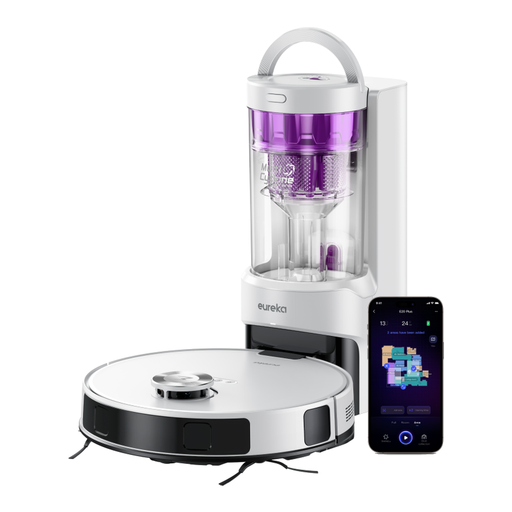
EUREKA E20 Plus robot vacuum cleaner
Worth considering if scheduled cleaning and avoiding obstacles are important to you.
The product title lists 3D obstacle avoidance, 8,000 Pa and a dust container that holds up to 45 days’ worth. According to the product information, app features require 2.4GHz Wi-Fi.
Joybuy
 No image available
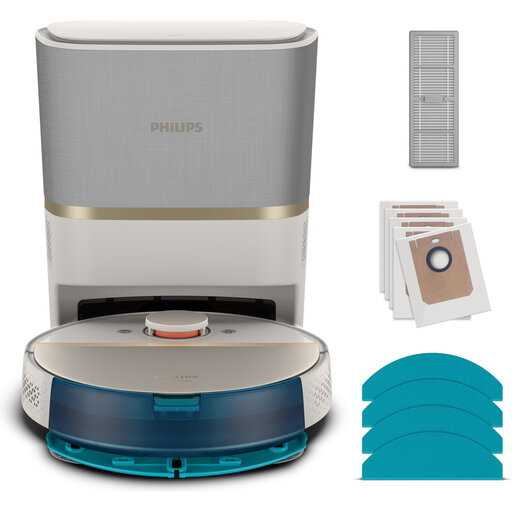
Philips XU7100/02 HomeRun 7000 Series
App scheduling combined with an automatic emptying station could suit scheduled cleaning when you want to empty the dust container less often by hand.
The product title lists LiDAR navigation, 5,000 Pa, a stated runtime of 180 minutes and an automatic emptying station. The product information says the app is needed for full functionality and that creating an account involves sharing data.
Joybuy
 No image available
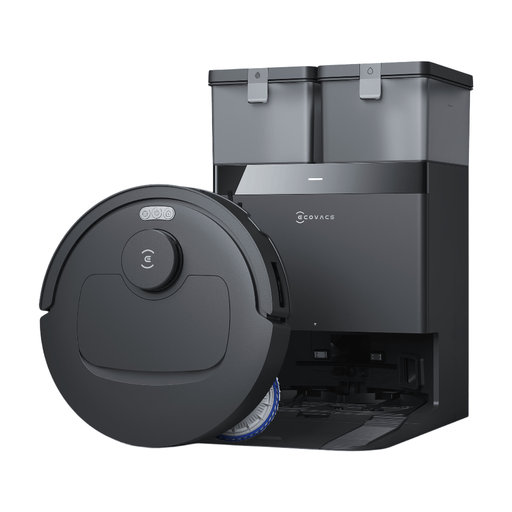
ECOVACS Deebot T30C OMNI Gen2
This version is worth considering if you’re looking for a robot vacuum cleaner with a mopping function and an OMNI station.
The product title lists 20,000 Pa, a mopping function and mop washing at 75°C. Check which features and accessories are included with the version on offer.
Joybuy
 No image available
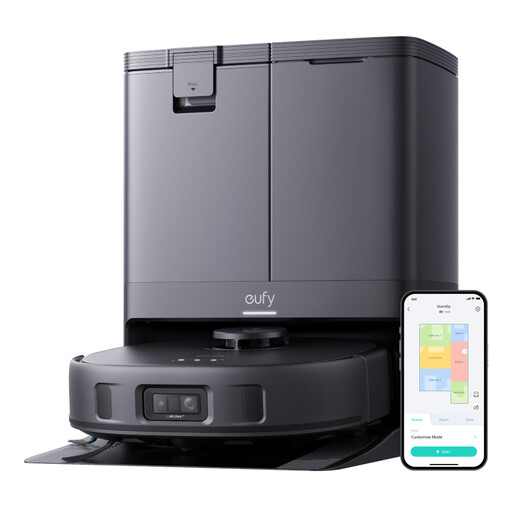
eufy X10 Pro robot vacuum cleaner and floor washer
An option for scheduled cleaning if you also want to look at obstacle detection and adjustable zones.
The product title lists 8,000 Pa, automatic washing and drying of cleaning pads, and a self-emptying system. eufy lists obstacle detection and no-go zones for the X10 Pro Omni; check the version and which features it includes.
Joybuy
 No image available
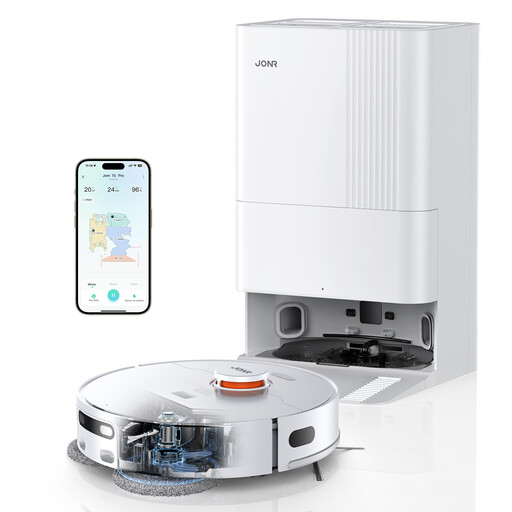
JONR T5 Pro robot vacuum cleaner with mopping function
The product title lists obstacle avoidance and LiDAR navigation, features worth comparing if you want to schedule cleaning runs.
Listed features include 8,150 Pa, hot-air drying, an anti-tangle side brush and an all-in-one station. According to the user instructions, the station must be placed on a level surface, with clear space at the sides and front.
Joybuy
Frequently asked questions
Can I run the robot without tidying the floor first?
Put away loose items or anything that could cause problems beforehand, especially if nobody is home. Obstacle detection varies by model and can’t guarantee that toys, shoes or cables won’t interrupt a cleaning run.
What maintenance is still needed with a self-emptying base station?
Even with a self-emptying base station, you’ll still need to clean brushes, wheels, filters and sensors, among other things, and eventually replace the dust bag. Check the maintenance instructions for the exact model.
Who should I contact if my robot vacuum cleaner, bought online, breaks down too soon?
Contact the seller about your statutory rights if a product is faulty despite being used normally. A manufacturer’s guarantee doesn’t replace those rights. For online purchases, you’ll generally have a 14-day cancellation period after delivery; check the applicable terms and conditions.
What should I check about CE marking and the privacy of a connected robot?
Check that the version on offer has the applicable CE marking. For a connected robot, also read the privacy notice and security information; the Dutch Data Protection Authority recommends checking these in advance. Use a strong password and install updates.


