Which buying considerations deserve attention?
First decide which task matters most, then check whether the robot can handle your floors and routes. Next, weigh up any extra features against the maintenance and app requirements they involve.
| Consideration |
What to look for |
Who is this important for? |
| Keeping on top of everyday dirt |
Check which floors, doorways and areas under furniture the robot can reach, and whether the schedules suit the way you use it. |
If I mainly want to keep on top of crumbs and sand on accessible floors, without expecting the robot to clean the whole house, daily vacuuming comes first. Around 29% of consumers say this is their main priority when buying. |
| Light mopping |
Find out how the pads are fitted and cleaned, what the dock does and how the model handles rugs. |
If I also want to give hard floors a light wet clean, I want to know how much work the pads and water system involve. Around 22% of consumers give mopping alongside vacuuming top priority. |
| Obstacles and routes |
Check which obstacles the robot can detect and whether you can set zones or virtual boundaries. |
If cables, furniture or toys could block its route, I want to know what the robot can detect and which areas I can mark off. Around 21% of consumers put obstacle detection and route control first. |
| Emptying the dust less often |
Check whether this exact version has an auto-empty dock, how much space it takes up and whether it needs dust bags. |
If my main aim is to empty the dust container less often, an auto-empty dock matters more to me than mopping or route features. Around 14% of consumers say reducing manual emptying is their main priority. |
| Privacy and app use |
Check account and Wi-Fi requirements, camera features, privacy settings and what works without the app. |
If I want to limit app or camera use at home, I want to know in advance which features use data or a network connection. Around 14% of consumers put privacy or reliance on an app first. |
Robot vacuum cleaners at Joybuy
This selection features robot vacuum cleaners for everyday floor care, with different combinations of vacuuming, mopping, navigation and dust emptying. Check which features suit your floors and cleaning routine for each version.
 No image available
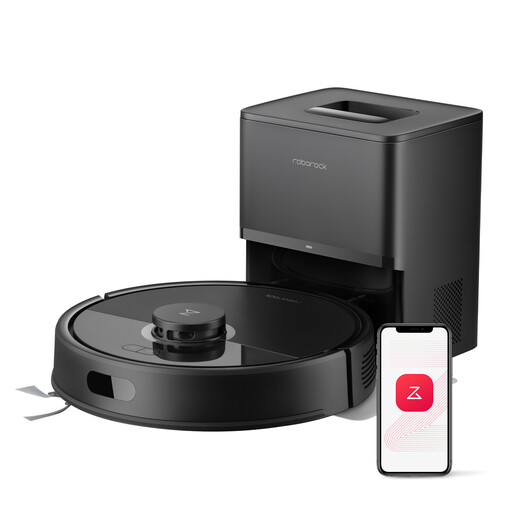
Roborock Q7 L5+
Combining vacuuming, mopping and automatic dust emptying may suit you if you want one robot to take care of all three tasks.
The product name lists 8.000 Pa suction power, LiDAR navigation and a dual anti-tangle system.
View at Joybuy
 No image available
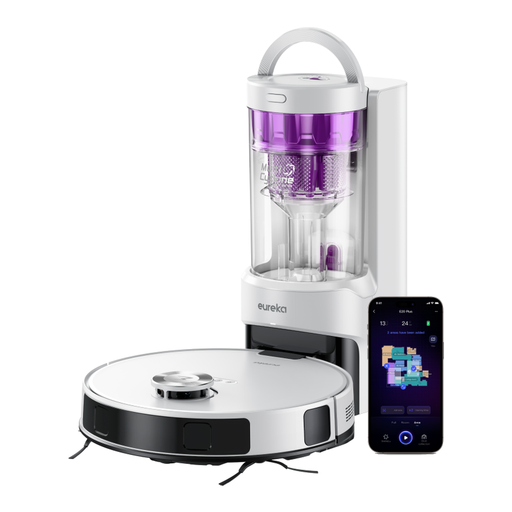
Eureka E20 Plus
The listed obstacle detection may be useful if you’re considering how the robot handles loose items on the floor.
The product name lists 8.000 Pa suction power, DuoDetect AI 3D obstacle avoidance and an anti-hair-tangle brush.
View at Joybuy
 No image available
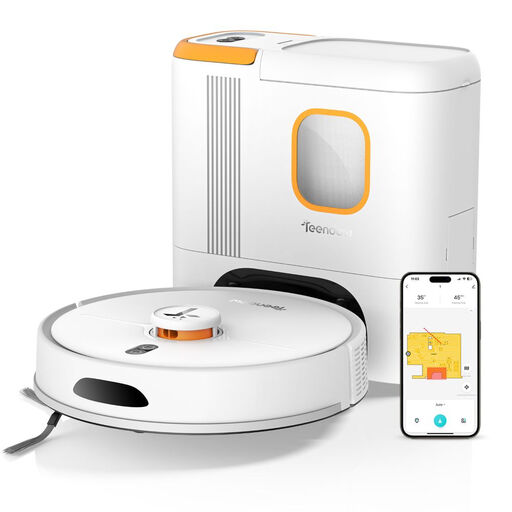
Teendow D20S Max 2in1
This model may suit you if, for everyday cleaning, you’re also considering a dust bag and navigation between different rooms.
The product name lists 6.000 Pa suction power, a 3 L dust bag and PreciSense LiDAR navigation.
View at Joybuy
 No image available
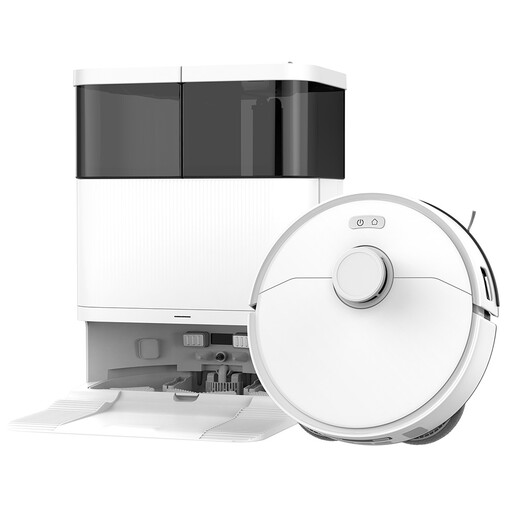
Teendow D63S Ultra, White
The combination of mopping and zone settings may suit you if you want to tailor the cleaning route to each room.
The product name lists radar-scanning navigation, app control and 20.000 Pa suction power.
View at Joybuy
 No image available
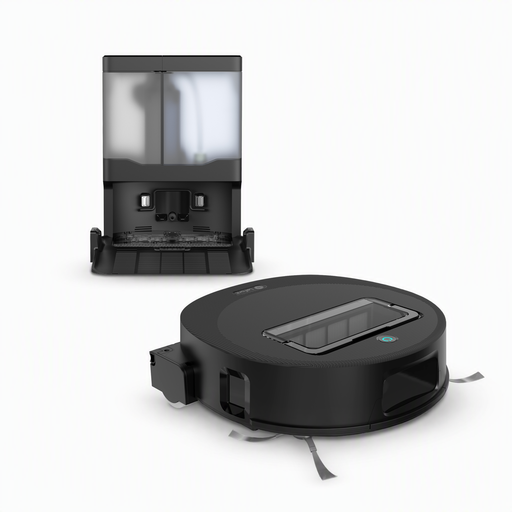
Lefant L12 Pro
Combining vacuuming and mopping may suit you if you want to consider a roller mop as well as navigation.
The product name lists 20.000 Pa suction power, LiDAR navigation and an extendable roller mop.
View at Joybuy
Frequently asked questions
Can a robot vacuum cleaner replace my regular vacuum cleaner?
Not throughout the whole home. Use it for everyday cleaning of accessible floors; stairs, crevices, high thresholds and hard-to-reach areas will still need separate cleaning.
How should I prepare for a scheduled clean?
Move loose items out of the way and, after use, check the brushes, wheels, filters and sensors according to the manual. For the Roomba Mini, iRobot recommends placing the dock on a hard, level surface, at least 1,5 metres from a staircase; this recommendation applies to this model only.
What app and Wi-Fi requirements are known for some of the models reviewed?
For the eufy X10 Pro Omni, eufy specifies 2.4GHz Wi-Fi and app permissions, including access to the local network and Bluetooth. For the Roomba Mini, iRobot specifies set-up using the Roomba Home app and 2.4 or 5GHz Wi-Fi. Check the requirements for the exact model; this information doesn’t tell you which features remain available without the app.
What should I know about cameras and floor plans?
An app may contain information about your home. For the X10 Pro Omni, eufy describes local photo processing for object recognition, as well as conditions around uploading photos that depend on firmware and participation in the User Experience Program. Check the settings and latest firmware for your version; the Dutch Data Protection Authority also advises checking privacy settings and updates for connected devices.
What rights do I have when buying online in the Netherlands?
According to ACM ConsuWijzer, online purchases generally come with a statutory 14-day cooling-off period after delivery, subject to exceptions. If a product is faulty, you also have statutory rights against the seller. These are separate from any manufacturer’s warranty offered.


