
For anyone who wants to clean just the hallway quickly
You mainly want it to pick up visible sand and crumbs just before guests arrive. Look for room- or zone-based controls, and check what you need to do to set up the map.


If you want to tidy your hallway just before guests arrive, choose a robot you can direct to clean a specific area and that can handle your doormat and threshold. A high quoted suction power alone isn’t enough to tell you that. A compact model or an automatic-emptying dock can be practical, but both still need space and maintenance. Corners, gaps and a cluttered hallway are still yours to deal with.
You mainly want it to pick up visible sand and crumbs just before guests arrive. Look for room- or zone-based controls, and check what you need to do to set up the map.
A doormat, threshold, narrow passage or shoes on the floor can determine whether the robot reaches your hallway. Check the actual route through your own entrance, rather than relying only on the quoted threshold height.
An automatic-emptying dock may be a good fit if you clean the hallway regularly. Remember to allow space for the dock, and factor in the ongoing maintenance of brushes, filters and any mopping components.
First, check that the robot can clean the hallway specifically and reach your entrance. Then consider whether an emptying dock or mopping function suits the type of dirt you expect and the maintenance you’re prepared to do.
| What to consider | What to look for when buying | Who is this important for? |
|---|---|---|
| Cleaning just the hallway | Check whether you can direct the exact model to clean a specific room or zone, and whether you need to set up the map first. | If I want to clean just the hallway before guests arrive, I want to be able to select that space straight away. Around 33% of consumers say targeted cleaning is their main buying concern. |
| Doormats, thresholds and obstacles | Measure the passage and threshold, and check which mats and obstacles the model can cross or avoid. | If there’s a doormat or threshold, I want to know whether the robot can reach my entrance, not just what the manufacturer says about one type of threshold. Around 27% of consumers prioritise accessibility. |
| Emptying less often | Compare manual emptying with an emptying dock, and check how much space the dock needs and what maintenance the dust bag, brushes and filters require. | If I want to use the robot often, I want to empty the dustbin myself less frequently without overlooking the rest of the maintenance. Around 20% of consumers say low maintenance is their main buying concern. |
| Wet footprints | Check whether the mopping function is suitable for your floor, how the model handles doormats, and how the pads or water system need to be maintained. | If there are wet marks on a hard floor, I want to know whether mopping simply freshens it up and how the robot handles the mat. Around 20% of consumers say wet dirt is their main buying concern. |
Navigation, how well it cleans along skirting boards, and whether it can cross a mat or threshold also determine how well the robot picks up visible dirt in your hallway.
Check the route and floor type in your own entrance. Move loose shoes and cables out of the way, and compare specifications only under conditions that apply to your threshold.
A basic mopping function can freshen up a hard floor, but that doesn’t mean it will remove stubborn stains. A doormat could also get wet if the model doesn’t avoid it properly.
Choose a mopping function based on the type of dirt, and check how the exact model handles mats and mop pads.
A dock means you need to empty the robot’s dustbin less often, but the brushes, filters and sensors still need attention.
Before buying, check where the dock can go and which consumables the model you’ve chosen needs.
The Dutch Philips XU2000/25 combines vacuuming and mopping with LDS map navigation. It may be worth considering if you want to keep your hallway clean without opting straight for a more extensive washing dock.
According to iRobot, the Roomba Mini with AutoEmpty dock is designed for smaller spaces and means you need to empty it manually less often.
Dreame positions the D30 Ultra as a more advanced system with rotating mop pads and self-cleaning, for anyone who wants to mop as well as vacuum.
The DEEBOT X12 OmniCyclone is a more advanced system for anyone considering wet cleaning and the ability to cross certain thresholds.
This Joybuy selection includes robot vacuums for targeted room cleaning, as well as models with automatic emptying or mopping functions. Check which controls and maintenance features suit your entrance for each model.
 Image unavailable
An option for anyone who wants to vacuum the hallway regularly and empty the dustbin manually less often.
The product variant lists 8.000 Pa suction power, 3D obstacle avoidance and a quoted run time of 180 minutes.
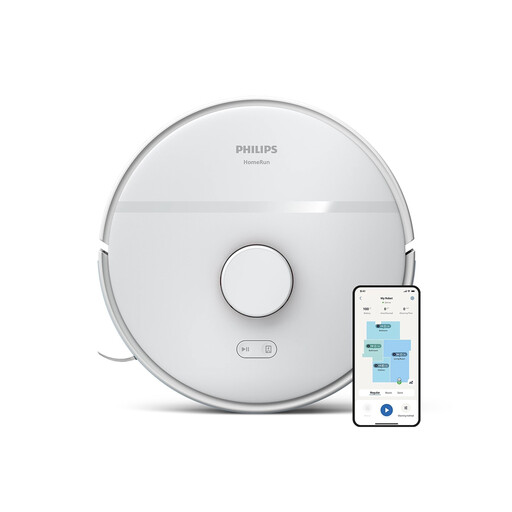 Image unavailable
A good fit if you want to set a targeted room-cleaning schedule and also need a mopping function.
The product variant lists 6.000 Pa suction power, smart navigation and a mopping function.
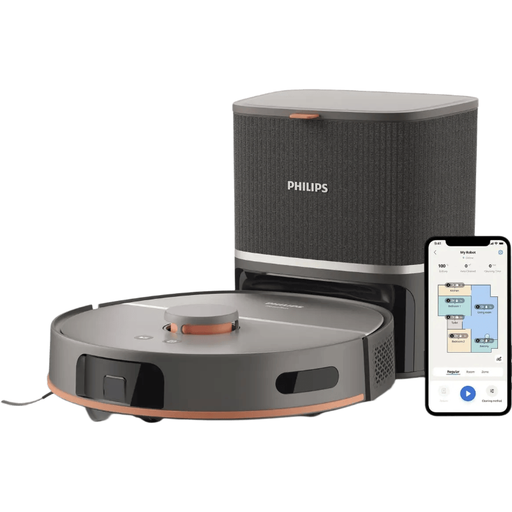 Image unavailable
An option for anyone who wants targeted room cleaning, less frequent manual emptying and mop pads.
The product variant lists 10.000 Pa suction power, an automatic-emptying dock and dual rotating mop pads.
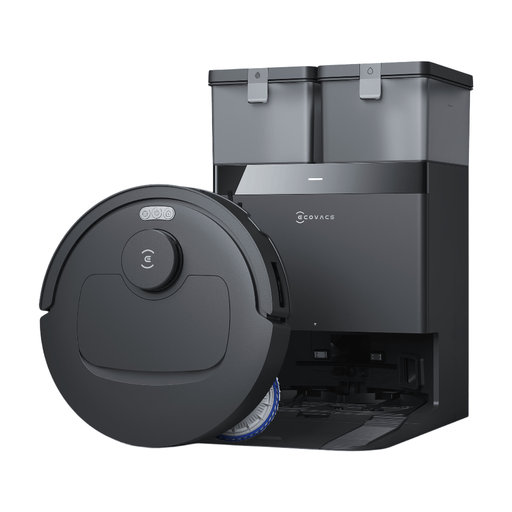 Image unavailable
A good fit if you want a dock to wash and dry the mop pads as well as vacuum.
The product variant lists 20.000 Pa, OZMO Turbo 2.0 and mop washing at 75 °C.
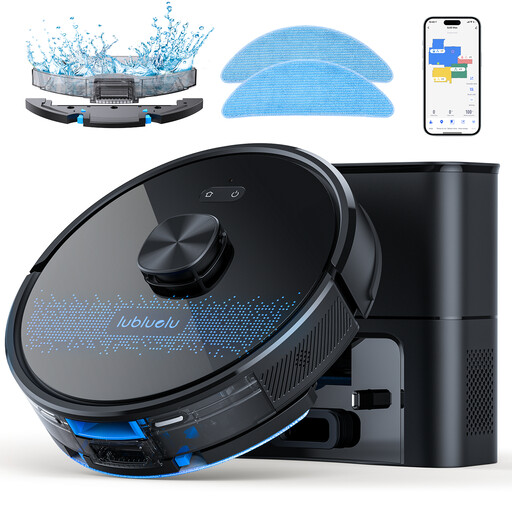 Image unavailable
A good fit if you want to set the app to clean specific rooms and are looking for a self-emptying station.
The product variant lists 4.000 Pa suction power, a mopping function, laser navigation and app control.
Yes, if your chosen model supports targeted controls and the hallway is already on the map. Make sure the route is clear; otherwise, setting up a map or moving shoes out of the way will take extra time.
Empty the dustbin when needed and check the brushes, wheels, filters and sensors. An automatic-emptying dock means you need to empty the robot’s dustbin less often, but you’ll also need to replace the dust bag in the dock.
For a standard online consumer purchase, you generally have up to 14 days after delivery to change your mind, subject to legal exceptions. ACM ConsuWijzer also explains that you’re entitled to a product that does what you could reasonably expect; if a product is faulty, the seller is responsible for providing an appropriate solution. A commercial manufacturer’s guarantee doesn’t replace your statutory rights.
Don’t assume you can compare robot vacuums using the same label. The European Commission excludes robot vacuums from the EU rules for vacuum cleaners referred to here.
According to the Dutch government, when you buy a new appliance, you can return an old, similar one through the take-back scheme, including when buying online. A recycling centre is another option. Don’t put a loose, discarded battery or rechargeable battery in your general waste; take it to an appropriate collection point.