What should you look for when choosing?
First, check where work files are allowed to be stored under your work arrangements and how you can restore them. Then look into storage and access controls. Replace the router only if the connection itself is the problem.
| What to consider |
What to look for when buying |
Who is this more important for? |
| Keeping work files private |
Check whether your storage and network setup provides access controls or network segmentation that meets your work requirements. |
I want to prevent other people in my household from opening my work files, and I follow my organisation’s security requirements. An estimated 40% of consumers put privacy first. |
| Restorable backups |
Check that the backup method works with your storage, and test that you can restore files. A network folder alone does not set up a backup schedule. |
I want to be able to restore a copy, not just view files in a network folder. An estimated 33% of consumers put restorable backups first. |
| Connection and coverage |
Test the internet connection and Wi-Fi at your workspace, and see whether the router’s position makes a difference. Only consider extra Wi-Fi access points if coverage is the problem. |
If my workspace connection is unreliable, I want to find out first whether the cause is the signal or the internet connection. An estimated 17% of consumers prioritise connection and coverage at their workspace. |
| Buying and managing equipment |
Decide whether you need a different router or simply a different storage or backup method. If you choose your own router, check which connection settings your provider requires. |
I don’t want to buy and set up a device if a better position or a different backup method will do. An estimated 10% of consumers prioritise easy management and avoiding unnecessary purchases. |
Joybuy products
These Joybuy options are ASUS routers and ZenWiFi mesh systems for Wi-Fi and mesh coverage. For work documents, also decide how storage, backups and access rights will be managed.
 Image unavailable
ASUS ZenWiFi BT8 (2-Pack), Tri-Band Wi-Fi 7, White 3 Internal
Worth considering if you want to extend Wi-Fi coverage and need a guest network; set up separate storage and access for work files.
Product details: tri-band, 2-pack and Wi-Fi 7 (802.11be).
View at Joybuy
 Image unavailable
ASUS ZenWiFi BD4 Dual-Band Wi-Fi 7 (2.4 GHz / 5 GHz), White 2 Internal
Worth considering if you want to extend mesh coverage; check that the planned setup is compatible with your existing network equipment.
Product details: dual-band and Wi-Fi 7 (802.11be).
View at Joybuy
 Image unavailable
ASUS RT-AX52 Pro AX3000 Dual-Band Wireless Router
Worth considering if simultaneous network use or adding mesh coverage is what’s prompting you to compare routers.
Product details: AX3000, dual-band (2.4 GHz / 5 GHz) and gigabit Ethernet.
View at Joybuy
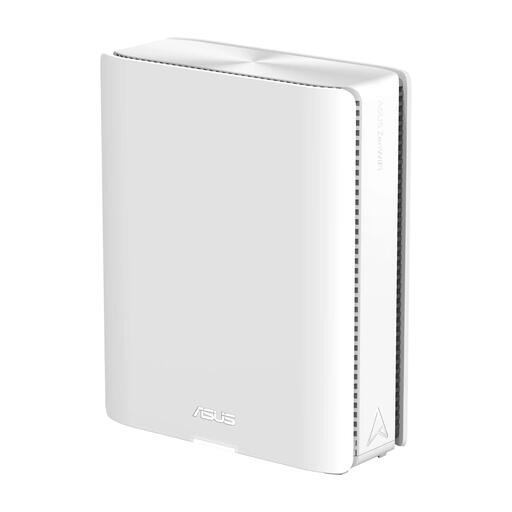 Image unavailable
ASUS ZenWiFi BQ16 Quad-Band Wi-Fi 7 (2.4GHz/5GHz-1/5GHz-2/6GHz), White 5 Internal
Worth considering if you want to extend Wi-Fi coverage and set up separate Wi-Fi networks for your devices.
Product details: quad-band and Wi-Fi 7 (802.11be).
View at Joybuy
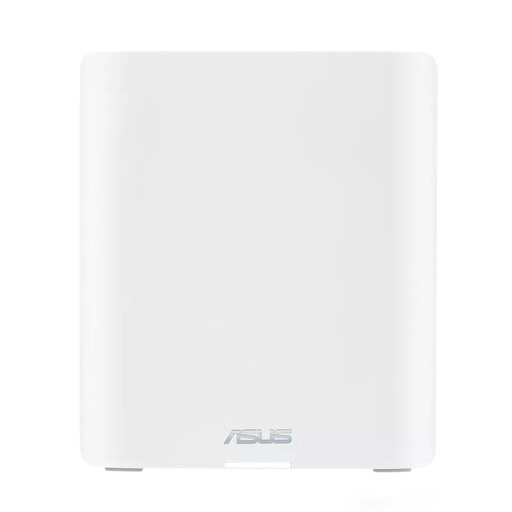 Image unavailable
ASUS ZenWiFi BT10 Tri-Band Wi-Fi 7 (2.4GHz/5GHz/6GHz), White with 3 Internal Antennas
Worth considering if you want to extend mesh coverage or set up a separate Wi-Fi network for IoT devices.
Product details: tri-band and Wi-Fi 7 (802.11be).
View at Joybuy
Frequently asked questions
Does a router with a USB port automatically back up files?
No. A USB port doesn’t back up files by itself. Set up file copying separately and test that you can restore your files.
How can I stop other people in my household from opening my work files?
Where possible, use your organisation’s secure working environment. If local storage meets your work requirements, set up file permissions and, if necessary, network segmentation. Don’t assume that a drive connected to a router is automatically private.
Do I need my own router to fix poor Wi-Fi at my workspace?
Not necessarily. First, test the internet connection and Wi-Fi at your workspace, and try moving the router. If you’ve established that coverage is the problem, extra Wi-Fi access points could be an option.
Can I choose my own router in the Netherlands?
Yes. ACM ConsuWijzer says you can choose your own router. Ask your internet provider which connection settings you’ll need for your own device.
Can I store sensitive work documents on my own drive connected to a router?
Check with your organisation before storing these kinds of documents locally. The Dutch Data Protection Authority recommends a secure working environment and says sensitive documents should be kept on your organisation’s server. The right choice depends on the requirements that apply to your work.


