
The careful listener
You switch between a pronunciation example and a downloaded recording to compare sounds, stress or intonation. Vrije Universiteit Amsterdam describes pronunciation work that includes sounds, word stress and intonation.


When comparing Dutch pronunciation examples with downloaded recordings, choose headphones to suit the way you work: careful playback, recording your own voice while listening, or practising with background noise. If you record over Bluetooth, check your computer’s and recording app’s audio mode, and which microphone is active. ANC, fit and a proper audio input are other factors to consider, but they do not prove that a model will reproduce pronunciation differences more clearly.
You switch between a pronunciation example and a downloaded recording to compare sounds, stress or intonation. Vrije Universiteit Amsterdam describes pronunciation work that includes sounds, word stress and intonation.
You record yourself speaking and then want to listen to both the example and your own recording. Your choice of microphone and Bluetooth audio mode can affect how you work; Apple Support and Microsoft Support explain the requirements and limitations of microphone use.
You don’t always practise in a quiet room and want to reduce outside noise without continually turning up the volume. The World Health Organization recommends well-fitting headphones and noise cancellation as ways to reduce the need to turn up the volume in noisy environments.
Start with how you record: listening and speaking at the same time can call for different features from simply listening back. Then consider where you practise and how long you wear your headphones.
| Factor to consider | What to look for | Who is this important for? |
|---|---|---|
| Comparing an example with a recording | Check whether you can easily replay sections and whether a proper audio input works with your playback device. Sony lists an input and passive operation for the WH-CH720N, but not for the WH-CH520. | If I want to compare sounds, stress or intonation side by side, I need to be able to replay sections. Around 31% of consumers prioritise comparing pronunciation details. |
| Recording and listening at the same time | Test your recording app with the microphone active and check which input microphone is selected. Apple Support explains that on a Mac, playback quality and volume can decrease when an app uses the Bluetooth headphone microphone; Microsoft lists specific requirements for LE Audio on Windows. | If I record my own pronunciation and want to keep hearing the example at the same time, I need to know how my computer and app use the microphone. Around 31% of consumers prioritise being able to record without unexpected playback quality issues. |
| Listening with background noise | Assess the fit and consider whether an ambient mode would be useful for you. The World Health Organization recommends well-fitting and noise-cancelling headphones as a way to reduce the need to turn up the volume in noisy environments. | If I practise in a noisy room, I want to follow the recording without continually turning up the volume. Around 23% of consumers prioritise clear listening in noisy surroundings. |
| Comfort and battery life | If possible, try on-ear and over-ear headphones, and compare battery life only with the same ANC setting. Sony lists up to 35 hours with ANC on and 50 hours with it off for the WH-CH720N; JBL lists up to 70 hours for the Tune 770NC with Bluetooth on and ANC off. | If I listen back often or for long periods, I want a comfortable fit and battery life that suits how I use my headphones. Around 15% of consumers choose comfort and battery life as their top priority. |
On a Mac, an app using the Bluetooth headphone microphone can reduce playback quality and volume. On Windows, stereo playback while the microphone is in use depends on factors including LE Audio support and the device and software versions, as Microsoft Support explains.
Test playback while the recording app is actually using the microphone. If necessary, select a separate input microphone and check that your computer and app settings are compatible.
JBL’s maximum quoted battery life for the Tune 770NC applies with Bluetooth on and ANC off. Sony publishes separate figures for the WH-CH720N with ANC on and off; figures based on different usage conditions are not directly comparable.
Compare manufacturers’ figures only when the ANC settings are the same, and check any other stated usage conditions too.
Sony lists no audio input or passive operation for the WH-CH520, whereas the WH-CH720N has a stereo mini jack input and passive operation, according to Sony.
If you want to listen over a cable, check that your chosen model has a proper audio input and that your playback device has a compatible connection.
A manufacturer’s commercial warranty is different from your statutory guarantee. According to the Authority for Consumers and Markets, the seller remains responsible if a product does not conform to the contract.
Keep your proof of purchase and contact the seller if there’s a fault.
The WH-CH720N and WH-CH520 show how fit and connectivity can vary between models from the same brand.
The Tune 770NC is an over-ear model with ANC, an ambient mode and connection to two devices, according to JBL.
According to Sennheiser, the ACCENTUM Wireless combines hybrid ANC with Transparency and Podcast modes.
The Space One is an over-ear option with ANC and adjustable transparency, according to soundcore.
These Joybuy products are wireless headphones or earbuds with a range of designs and features. If you record and listen at the same time, check separately how your computer and recording app handle the microphone.
 No image available
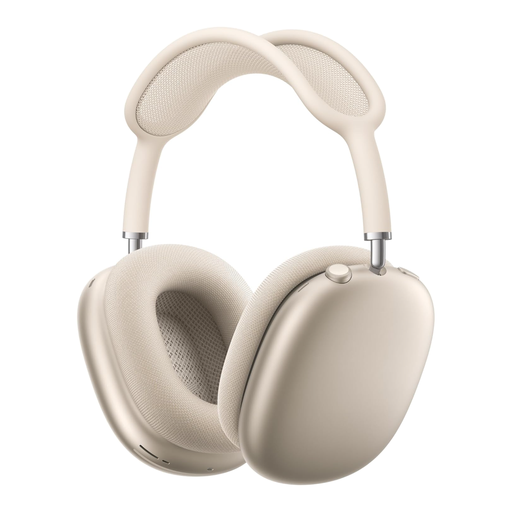
An over-ear model with ANC and Transparency mode could suit you if you want to switch between blocking out and hearing your surroundings.
Features listed: Adaptive Audio, Conversation Awareness and Transparency. The description mentions memory foam ear cushions and an adjustable headband.
 No image available
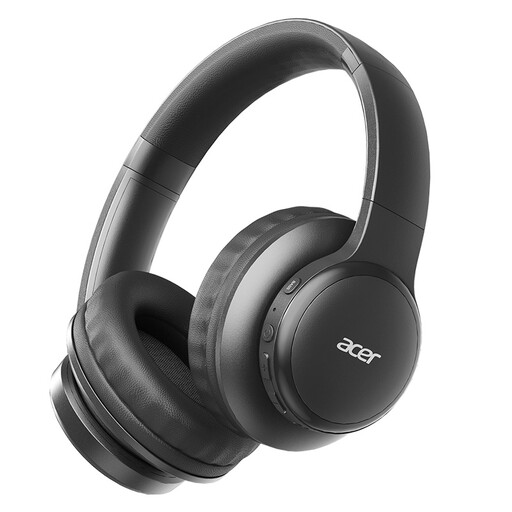
A wireless option to consider if you’re looking for a foldable model. Test separately how it works with your recording app when you speak and listen at the same time.
Specifications listed: Bluetooth 5.3, ACS Spatial Audio and a low-latency mode. The product description mentions a foldable design.
 No image available
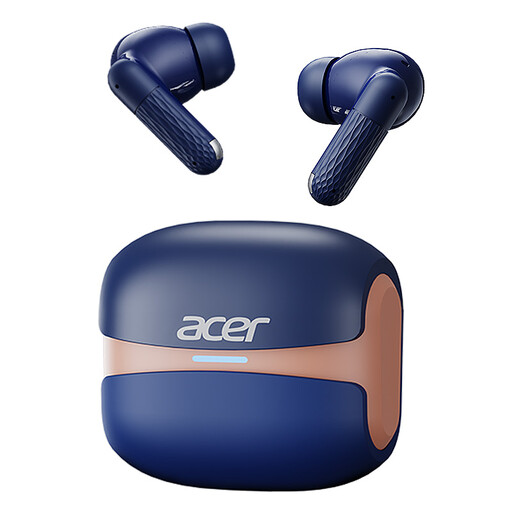
An in-ear option for wireless listening. Before recording your own voice, check which microphone your device and app use.
Specifications listed: Bluetooth 5.4 and a charging case with a Type-C connection. The description mentions touch controls and noise cancellation for calls.
 No image available
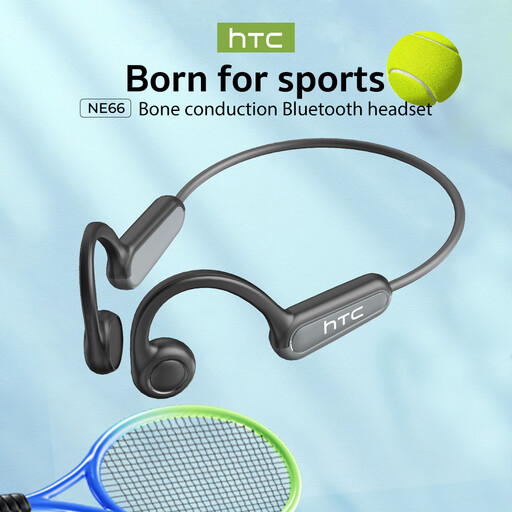
An open-ear model to consider if you want headphones that leave your ears uncovered. If you use the built-in microphone, check the recording quality separately.
Specifications listed: Bluetooth 5.4, bone conduction and a built-in microphone. The description mentions an open-ear design.
 No image available
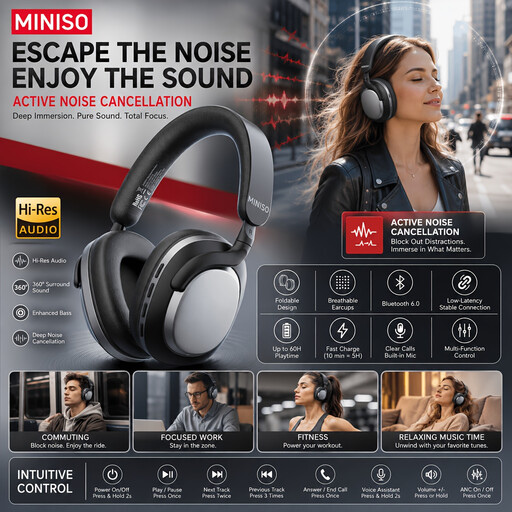
This over-ear model could suit you if you’re considering ANC for practising with background noise. Check the fit and how it works with your recording app too.
Specifications listed: wireless, over-ear, noise cancelling and a stated battery life of 24 hours.
According to Apple Support, on a Mac an app using the Bluetooth headphone microphone can reduce playback quality and volume. If available, try using a different microphone as the input. On Windows, Microsoft Support says stereo playback while the microphone is in use is only possible if specific requirements are met, including those for LE Audio, the version and the drivers.
No. A USB charging port is not the same as an audio input. Sony lists no audio input or passive operation for the WH-CH520; check that your chosen model has an audio connection compatible with your playback device.
Noise cancellation may be worth considering if you listen in a noisy room, but it doesn’t prove that a particular pronunciation recording will be clearer. The World Health Organization recommends well-fitting headphones and noise cancellation as ways to reduce the need to turn up the volume in noisy environments.
For a standard online consumer purchase in the Netherlands, you generally have a statutory 14-day cooling-off period from delivery, with some exceptions, according to ACM ConsuWijzer. Your statutory guarantee for a faulty product is separate: the Authority for Consumers and Markets points out that the seller remains responsible.