What should you look for when choosing?
Start with your access point’s power requirements, then count the connections you need. Finally, check whether your devices need network management features or faster port speeds.
| Key consideration |
What to look for |
Who should consider this? |
| PoE power |
Check the switch’s PoE standard, maximum power per port and total power budget against your access point’s requirements. |
If my access point needs power over Ethernet, I want to be sure the standard and budget are right; around 36% of consumers prioritise PoE compatibility. |
| Number of ports |
Count the connection to your router, your access point and any other wired devices. |
I want to connect my router, access point and other devices without paying for features I don’t need; around 29% of consumers give having enough ports top priority. |
| Management and VLAN |
Check that your switch, router and access point support the VLAN features you want, and find out how to configure them together. |
If I want to segment my network, the entire connection needs to support it; around 21% of consumers prioritise management or segmentation. |
| Port speed |
Check the Ethernet speed of your access point and router, or of any other device receiving network traffic. |
I only want to choose 2.5G if my devices can use that speed; around 14% of consumers prioritise a faster wired connection. |
Switches on Joybuy
These Joybuy products are switch options for a wired access point. The selection includes Gigabit models and one model with 2.5G ports. Check that the power supply, speed and number of connections suit your network for each version.
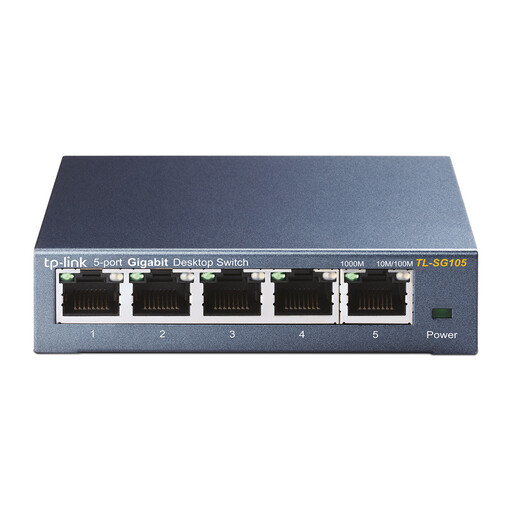 Image unavailable
TP-Link TL-SG105 5-Port Metal Gigabit Switch
An option if you want to expand a wired Gigabit connection. If PoE is required, check that your access point has its own power supply.
The product name specifies five ports and Gigabit speed.
View on Joybuy
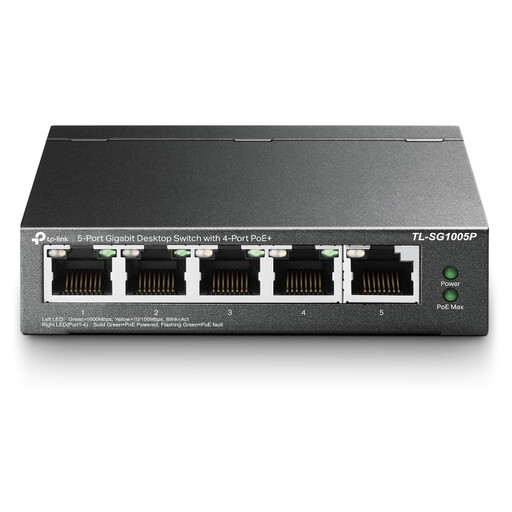 Image unavailable
TP-Link 5-Port Gigabit Desktop PoE Switch with 4-Port
The product name describes a desktop Gigabit PoE switch. Check that its exact PoE standard and power output meet your access point’s requirements.
The product name specifies five ports and Gigabit speed.
View on Joybuy
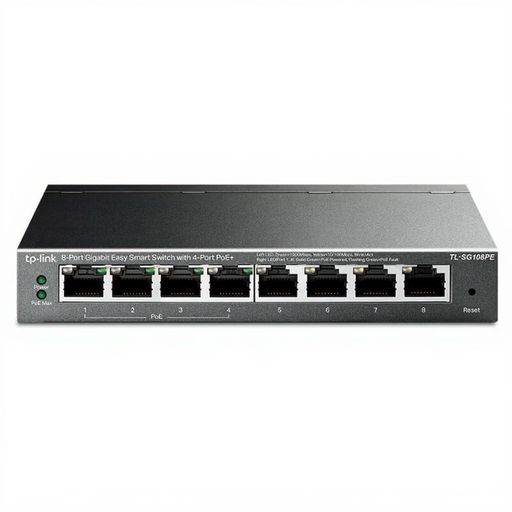 Image unavailable
TP-Link 8-Port Gigabit Easy Smart Switch with 4-Port PoE
This model may suit you if you need PoE for your access point and extra connections. Check that your full network setup supports the management features you want.
The product name specifies eight Gigabit ports, including four PoE ports.
View on Joybuy
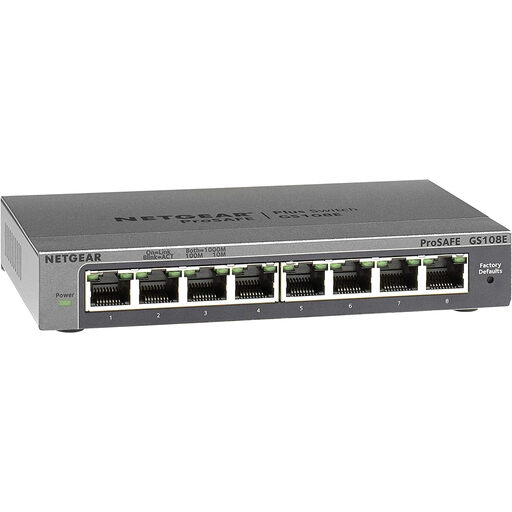 Image unavailable
NETGEAR GS108E-400EUS
Before connecting an access point, check that this exact version provides the power and port speed you need.
View on Joybuy
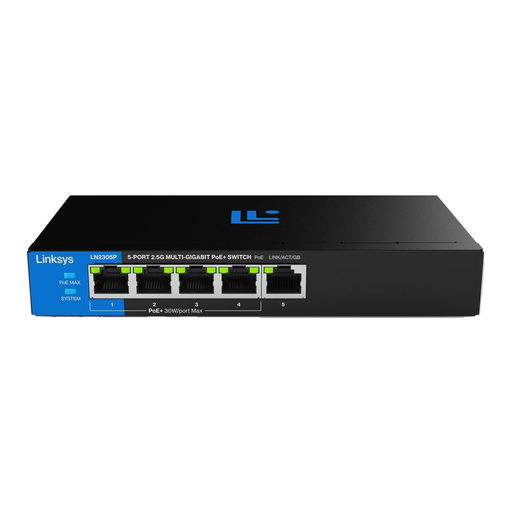 Image unavailable
Linksys 5-Port 2.5 GB Unmanaged PoE Switch
An option to compare if you’re looking for an unmanaged switch with PoE. Check the exact PoE standard and whether your connected devices support 2.5G.
The product name specifies five ports and 2.5 GB.
View on Joybuy
Frequently asked questions
Can I connect my access point to a switch without PoE?
Yes, if the access point gets power in another suitable way. NETGEAR lists five Gigabit ports and no PoE budget for the GS305v3, so check the power options for your access point.
Why isn’t the wattage per PoE port enough to check?
A switch also has a combined power budget. D-Link lists a maximum of 30 W per PoE port and 60 W in total for the DGS-1005P. So check both your access point’s requirements and the combined power consumption of devices using PoE at the same time.
How do I connect the switch, and what should I check when setting up VLANs?
Set aside one port for the connection to your router, then connect the access point to a suitable data port. If you’re powering it over Ethernet, the PoE supply must also meet the access point’s requirements. If you’re using VLANs, check the configuration of the switch, router and access point together.
What if the switch stops working too soon under normal use?
According to ACM ConsuWijzer, under statutory guarantee rules the seller must put right, at no cost, a product that stops working too soon under normal use. What you can expect from a product depends on the product itself and the circumstances. A manufacturer’s guarantee does not replace your statutory rights.
Which European product rules are relevant to a switch?
European requirements for electrical and electronic equipment, including CE marking and electromagnetic compatibility, may be relevant. Your Europe provides information about CE marking, and the European Commission explains the EMC Directive. Check the documentation for the version on offer and its power adapter.


