
Watching a livestream in one distant room
Your main aim is to improve Wi-Fi in one spot where you watch. A wireless repeater is an option if it can still receive a strong enough signal from the router in an intermediate location.


For one distant study, a wireless repeater may be enough if there’s still a spot between the router and the room where reception is usable. If you can run a network cable to the room, an access point is another option. For several rooms, you could consider a mesh system with suitable compatibility. Also test the internet connection on the device you’ll use to watch the stream: Wi-Fi equipment can’t make up for a lack of internet speed.
Your main aim is to improve Wi-Fi in one spot where you watch. A wireless repeater is an option if it can still receive a strong enough signal from the router in an intermediate location.
You can run a cable to or near the room and want to provide Wi-Fi there using an access point or a device with access point mode.
You want to improve Wi-Fi in several places, so you’re comparing solutions with multiple Wi-Fi points. Check that the mesh feature you want works with your router.
First, decide how you’ll connect: wirelessly to one room, by cable to an access point, or using mesh across several areas. The Dutch Authority for Digital Infrastructure states that products sold in Europe must meet the applicable requirements and carry a CE marking. Equipment covered by the additional RED requirements for digital security has had to meet those requirements since 1 August 2025. Check the marking and whether the requirements apply to the version on offer.
Choose this option: if you want to reach one distant room, can’t run a cable and still have usable reception from the router at an intermediate point.
Bear in mind: the repeater still depends on the wireless signal it receives from the router.
Choose this option: if you can run an Ethernet cable to or near your study and want to provide Wi-Fi there.
Bear in mind: you’ll need a cable route and a device with access point or LAN bridge mode.
Choose this option: if you want to reach other rooms or floors as well as your study.
Bear in mind: check that the mesh feature you want works with your router. General router compatibility doesn’t automatically mean mesh compatibility.
| What to consider | What should you look for? | Who is this important for? |
|---|---|---|
| Reception and placement | Check that the repeater can still receive a usable signal from the router in an intermediate location, then test the stream in your study. | If I mainly want to watch a concert in one distant spot, I want to know whether the repeater itself can still get a good connection there. Around 36% of consumers prioritise reception in one viewing spot. |
| Cable to the room | Check whether you have a route for a cable and whether the device supports access point or LAN bridge mode. | If I can run a cable to my study, I want to provide Wi-Fi there without relying on a wireless connection between the router and repeater. Around 29% of consumers prioritise a wired connection to the room. |
| Several rooms and mesh | Consider how many Wi-Fi points you need and check that the mesh feature works with the router you use. | If I want to reach more than one room, I weigh up the number of points against compatibility with my router. Around 21% of consumers prioritise coverage in several rooms. |
| Size of the solution | Compare the number of devices and where they’ll need to go. Check which setup or management options the model offers. | If I mainly want to fix one problem spot, I don’t want to buy more equipment than my situation requires. Around 14% of consumers prioritise a smaller purchase and simple management. |
A wirelessly connected repeater depends on the signal it receives from the router where it’s placed. Putting it somewhere with no usable reception won’t solve the problem.
First, find an intermediate spot where the router’s signal is still strong. If your model has a signal indicator, use it, then test the livestream in your study.
Connecting your viewing device to a wirelessly connected repeater with a cable doesn’t make the repeater’s connection to the router wired.
Check the entire cable route to the router and see whether the device supports access point or LAN bridge mode.
Features such as TP-Link OneMesh, FRITZ! Mesh and ASUS AiMesh have specific compatibility requirements.
Check that your exact router and repeater or mesh points support the feature you want. Don’t assume that general router compatibility also means mesh compatibility.
TP-Link describes the RE605X as a Wi-Fi 6 repeater with access point mode and a Gigabit Ethernet port.
FRITZ! describes the Repeater 1200 AX as featuring Wi-Fi 6 and one Gigabit LAN port.
ASUS describes the RP-AX58 as a Wi-Fi 6 repeater with AiMesh functionality.
For the WiFi 6 Repeater 3000, devolo lists wireless repeating, a Gigabit LAN connection and access point functionality.
NETGEAR describes the EAX15 as a compact Wi-Fi 6 extender for extending an existing network.
These products are mesh systems for anyone looking to extend Wi-Fi to several rooms or areas. Before buying, check that the version and connections you need suit your setup. A mesh system isn’t the same as a standalone wireless repeater.
 No image available
Suitable if you want to extend mesh coverage to several rooms.
The product name specifies a set of 2.
 No image available
Suitable if you want to build mesh coverage across several rooms.
The product name specifies Wi-Fi 6, dual-band (2,4 GHz/5 GHz) and a 3-pack.
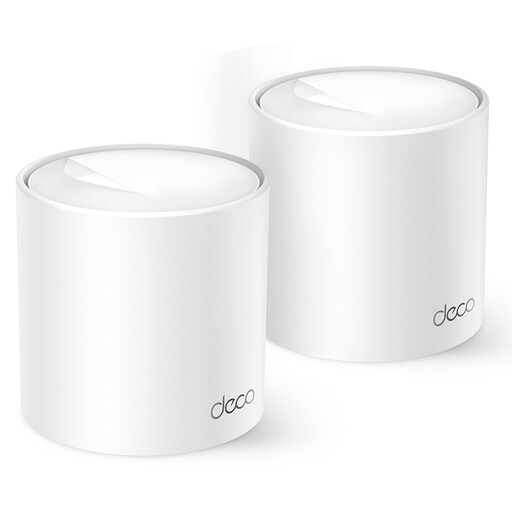 No image available
Suitable if you’re looking for a two-point mesh solution for several rooms.
The product name specifies Wi-Fi 6 and dual-band (2,4 GHz/5 GHz).
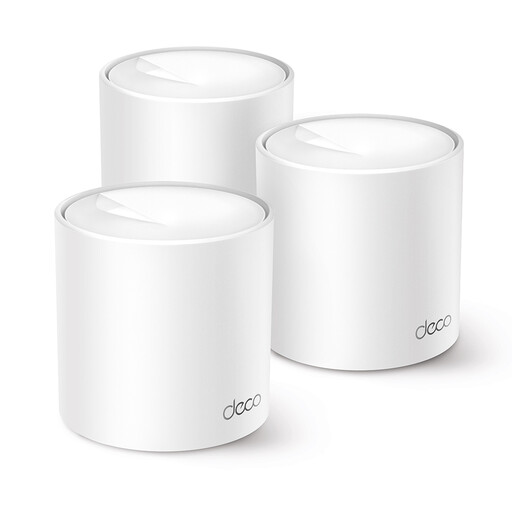 No image available
Suitable if you want to extend mesh coverage to several rooms using multiple points.
The product name specifies Wi-Fi 6 and dual-band (2,4 GHz/5 GHz).
 No image available
Suitable if you’re looking for a mesh system with multiple points to cover several rooms.
The product name specifies Wi-Fi 5, dual-band (2,4 GHz/5 GHz) and a 3-pack.
Before choosing, check that the connections suit your wired setup.
No. A repeater can’t fix a problem with the internet connection itself. Compare a stream or speed test near the router with the same check in your study. YouTube Help, for example, recommends sustained speeds of 5 Mbps for 1080p and 20 Mbps for 4K. These are guidelines for YouTube, not a universal requirement for every live concert.
Place a wirelessly connected repeater somewhere it can still receive a strong signal from the router, not in the dead zone. If available, use the signal indicator, then test the livestream on the viewing device in your study. If you have an Ethernet connection to the router there, check whether your chosen model supports access point or LAN bridge mode.
As well as any commercial warranty, you have a legal guarantee: when used normally, the product must meet the standards you could reasonably expect. ACM ConsuWijzer explains that the seller must offer an appropriate solution free of charge if a product breaks down too soon through no fault of your use. The legal guarantee doesn’t have a fixed two-year term.
The Dutch Authority for Digital Infrastructure states that radio equipment sold in Europe must meet the applicable requirements and carry a CE marking. Check the marking and whether the requirements apply to the version you want to buy. A reference to Wi-Fi 6 or mesh doesn’t, on its own, prove compliance.