
Working from home behind thick walls
Your workspace has a weak Wi-Fi signal, and you want to transfer work documents to an approved backup location. First, check whether you can run an Ethernet cable to your workspace.


If you can run an Ethernet cable to your workspace, a wired access point or Wi-Fi point is a sensible option: the signal won’t have to travel wirelessly through the thick walls. Without a cable, a repeater will only work if it can be placed somewhere that still gets a usable signal from the router. Powerline is an alternative you can try through your electrical sockets, although your home’s wiring will affect the connection. Better Wi-Fi coverage won’t automatically make a backup secure or recoverable: you should also follow your organisation’s policies.
Your workspace has a weak Wi-Fi signal, and you want to transfer work documents to an approved backup location. First, check whether you can run an Ethernet cable to your workspace.
You can’t run an Ethernet cable. The Consumers’ Association recommends placing a repeater where it can still receive a usable signal; if that isn’t possible, you could look into powerline using the sockets you plan to use.
As well as improving coverage, you want to know whether the storage location and your home-working setup meet your organisation’s policies. The Dutch Data Protection Authority recommends storing sensitive documents in your organisation’s secure working environment and on its server wherever possible.
The Consumers’ Association recommends placing a repeater where it can still receive a usable signal from the router. For work files, also choose a backup destination that complies with your organisation’s policies.
| What to consider | What should you check? | Who is this important for? |
|---|---|---|
| Connection behind thick walls | Check whether a repeater still receives a usable signal from the router when placed between the router and your workspace. For a wired solution, check whether the exact device supports access point mode or suitable wired backhaul. | I mainly want my workspace to stay connected, even if the walls interfere with the Wi-Fi signal. Around 31% of consumers put coverage at the top of their list when buying. |
| Backup throughput | Test the connection at your workspace during a backup that your organisation allows, and check that you can restore your files. Don’t treat the advertised Wi-Fi speeds as a measurement of performance in your home. | I want to transfer and restore documents reliably, not just see a high speed on the box. Around 25% of consumers prioritise backup throughput. |
| Setting up without an Ethernet cable | With a repeater, check the signal where you plan to put it; with powerline, test the sockets you want to use. Devolo says that electrical wiring and interference on power lines can affect throughput. | I can’t run a new Ethernet cable and want to know which connection might work using the existing infrastructure in my home. Around 25% of consumers prioritise installation without a cable. |
| Keeping work files secure | Check which backup destination your organisation approves and make sure your Wi-Fi security is suitable. Also check the CE marking on the exact radio device, as recommended by the Dutch Authority for Digital Infrastructure. | I work with sensitive files and want to make sure my storage and home-working setup comply with my organisation’s policies. Around 19% of consumers give data security top priority. |
The repeater needs a usable wireless connection to the router. If there’s no connection where you place it, putting it next to your workspace won’t solve the problem.
First, check whether there’s an intermediate spot where the router signal is still usable. If not, look into a wired connection or powerline using the sockets you plan to use.
A product’s advertised speed doesn’t tell you how much data your connection will actually transfer through the walls. The route to the router also matters, as does your home’s electrical wiring if you’re using powerline.
Compare the connection options and test the connection at your workspace during a backup permitted by your organisation. Also check that you can restore your files.
A network device provides the connection, but it doesn’t determine whether your chosen storage location is approved or whether you can restore your files.
Follow your organisation’s backup policies and check regularly that file restoration works. The Dutch National Cyber Security Centre distinguishes between a file backup and a system backup.
The RE705X is worth considering if you’re choosing between a wireless setup and a wired access point setup.
The FRITZ!Repeater 1200 AX is worth considering if you have a FRITZ! network or want to look into a wired connection.
The RP-AX58 is worth considering if you’re looking at an access point setup or a compatible AiMesh network.
The Magic 2 WiFi 6 next Starter Kit is a powerline alternative if running a cable or finding a suitable spot for a repeater is difficult.
This selection focuses mainly on access points and Wi-Fi points that provide a wired connection to your workspace. One model also lists a repeater mode; check that each option’s connections suit your home.
 Image unavailable
Suitable for a setup where your workspace can connect to the network via Ethernet. Check that the connections and installation suit your network.
 Image unavailable
An access point for a wired setup. The product name mentions PoE; check that your setup supports this type of connection.
Advertised speed: 2976 Mbit/s; this isn’t a measurement of backup speed in your home.
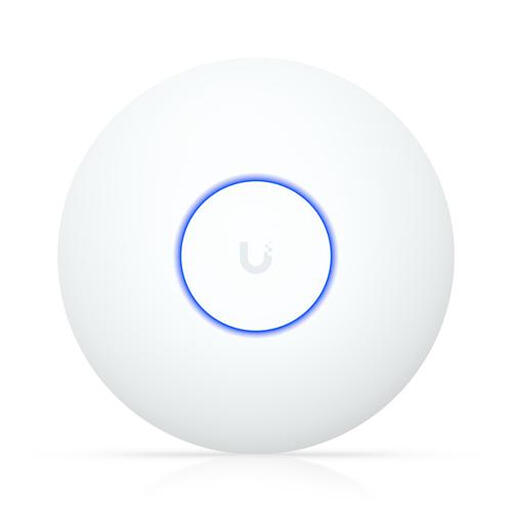 Image unavailable
An access point for a wired setup. The product name mentions PoE; check that your network and power supply support this type of connection.
Advertised speed: 4300 Mbit/s; this isn’t a measurement of backup speed in your home.
 Image unavailable
The product name lists access point and Wi-Fi extender features, two antennas and passive PoE. Only use the repeater function if the device itself can be placed somewhere with a usable signal from the router.
Advertised speed: 300 Mbps; this isn’t a measurement of backup speed in your home.
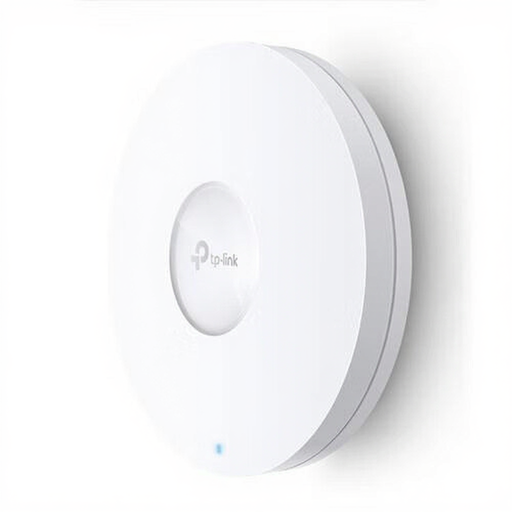 Image unavailable
An access point for a wired setup. The product name mentions PoE; check that your setup supports this type of connection.
Advertised speed: 1201 Mbit/s; this isn’t a measurement of backup speed in your home.
Put the repeater somewhere it can still receive a usable signal from the router. The Consumers’ Association recommends keeping obstacles between Wi-Fi points to a minimum; a signal light or setup app can help you choose a spot.
No, a Wi-Fi extender only provides a network connection. Check which backup method your organisation approves and whether you can restore your files. The Dutch National Cyber Security Centre distinguishes between a file backup and a system backup.
Use appropriate Wi-Fi security and keep your network equipment up to date. For sensitive work documents, the Dutch Data Protection Authority recommends using your organisation’s secure working environment and server wherever possible. Also check that your backup destination complies with your employer’s policies.
A wired solution may require an Ethernet cable and installation; powerline needs compatible adapters and a connection that works through the sockets you choose. Check what’s included in the box, the connection options on the exact model and the seller’s terms and conditions.
According to the Dutch Authority for Digital Infrastructure, Wi-Fi can be used on designated frequencies without a licence, notification or registration. Make sure you follow the applicable conditions of use and check for the required CE marking on the exact radio device.