
A studio with busy shared working hours
If several people are online at the same time, you’ll want to assess your internet connection, connected devices and router together.


Start with the studio layout, simultaneous use and existing cabling, rather than the highest advertised Wi-Fi speed. One router may be enough if the work areas can be reached from a single location; mesh gives you several Wi-Fi points, while wired access points are an option if you have a suitable router or gateway and network cabling. Also check your internet connection, ports and guest access.
If several people are online at the same time, you’ll want to assess your internet connection, connected devices and router together.
If work areas are in different rooms or behind obstacles, consider where to place Wi-Fi points and whether you can connect access points by cable.
Visitors may need Wi-Fi without access to internal work devices. The right access settings depend on the studio’s data and risks.
Choose based on simultaneous use, coverage, network access, cabling and the full installation. An advertised speed alone won’t tell you how the connection performs at every workstation.
Choose this when: your work areas can be reached from one suitable location and you want to manage a straightforward network.
Trade-off: there’s no extra Wi-Fi point for more distant rooms. ASUS says the RT-AX88U Pro has a 2.5GbE WAN port, a 2.5GbE LAN port and four gigabit LAN ports. These connections alone don’t prove the coverage or throughput you’ll get in your studio.
Choose this when: one router doesn’t reach all your work areas well and you want to manage several Wi-Fi points.
Trade-off: extra points need to be positioned carefully. TP-Link lists a free HomeShield Basic plan and charges for the Pro plan with the Deco X50; also check the exact version and pack size.
Choose this when: you can run network cabling to your work areas and want to set up separate access for staff, guests or devices.
Trade-off: you’ll need a suitable router or gateway and may also need PoE power, a switch and extra configuration. Ubiquiti says VLANs must also be configured on the gateway.
| Consideration | What to look for when buying | Who should prioritise this? |
|---|---|---|
| Simultaneous use | List your active devices and check your internet connection and WAN and LAN ports. | During shared working hours, I want to know whether the connection and devices can handle several active users. Around 28% of consumers put simultaneous usage first. |
| Coverage in work areas | Find out where the signal falls short and whether extra Wi-Fi points can be connected by Ethernet. | If work areas are spread out, I want to know where extra Wi-Fi points are needed and whether cabling is possible. Around 22% of consumers prioritise coverage in every work area. |
| Guest access | Check guest isolation and access rules; VLANs also need to be configured correctly on the gateway. | When I have visitors, I want them to be able to get online without automatically accessing work devices. Around 22% of consumers prioritise separating visitors from work devices. The Dutch Data Protection Authority emphasises that appropriate security depends on the risks and data processing involved. |
| Wired expansion | Count the WAN and LAN ports you’ll need; if you’re using a PoE access point, check its power requirements too. | If desktop computers or access points need to be connected, I want to know in advance which ports and power supplies are required. Around 17% of consumers start by looking at wired expansion. |
| Total installation | Include extra Wi-Fi points, cabling, power and any paid software features in your comparison. | I want to understand the purchase and installation costs in advance, including extra equipment or paid management features. Around 11% of consumers make total costs their top priority. |
An advertised Wi-Fi class doesn’t guarantee a particular speed at a workstation. Your connection also depends on your internet service, client devices and network environment.
Compare your internet connection and the laptops or other devices you use before paying extra for a higher Wi-Fi class.
According to Ubiquiti, the Ubiquiti U7 Lite is a PoE access point, not a standalone router. Separate networks also need to be configured correctly at the gateway.
Check which router or gateway functions you already have and what’s needed for power and the complete installation.
According to the product specifications, the FRITZ!Box 7690 and Ubiquiti U7 Lite are Wi-Fi 7 models that operate on 2.4 and 5 GHz, so don’t rely on the Wi-Fi generation alone.
Check the frequency bands supported by the exact model and whether your staff’s devices support those bands.
A guest network or security package isn’t the same as a full security assessment. The Dutch Data Protection Authority says appropriate measures should be based on a risk assessment.
Decide which data and devices need protection, and check the access rules and updates for the complete installation.
The Deco X50 is a Wi-Fi 6 mesh system for anyone looking for several Wi-Fi points with relatively straightforward management.
The RT-AX88U Pro is a standalone Wi-Fi 6 router for a studio that wants to manage several wired connections and guest network settings.
The FRITZ!Box 7690 combines a DSL modem and router. According to the manufacturer, it can also be used over LAN with an existing internet connection.
The UniFi U7 Lite is a standalone Wi-Fi 7 access point that can be mounted on a ceiling or wall and used with a suitable router or gateway.
This Joybuy selection includes standalone Wi-Fi routers and a Deco X50 mesh kit for shared workspaces. Compare them based on coverage, connectivity and the cabling available to you.
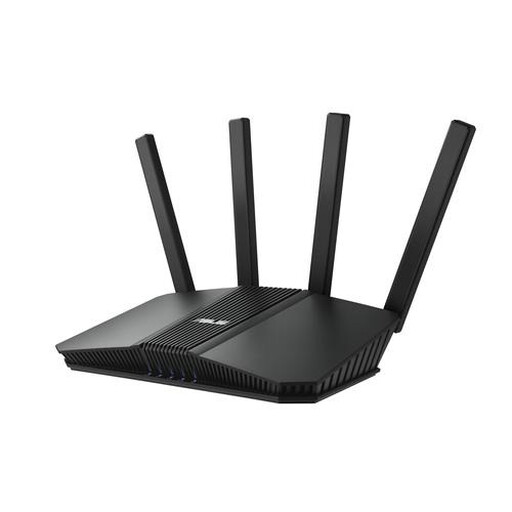 No image available
A standalone router to consider if you’re looking for one Wi-Fi point for shared use. Also think about where to position the router and your existing internet connection.
Dual-band (2,4 GHz / 5 GHz); 2,5-Gigabit Ethernet.
 No image available
A standalone router to consider if you’re connecting several devices and may want to expand to mesh later. Check that your chosen expansion option is compatible.
Dual-band (2,4 GHz / 5 GHz); Gigabit Ethernet.
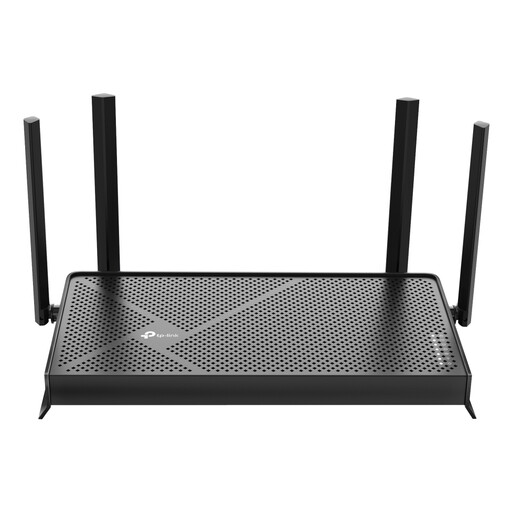 No image available
A standalone Wi-Fi 7 router to include in your comparison. Check which connections are suitable for your internet service and wired devices.
Wi-Fi 7; dual-band.
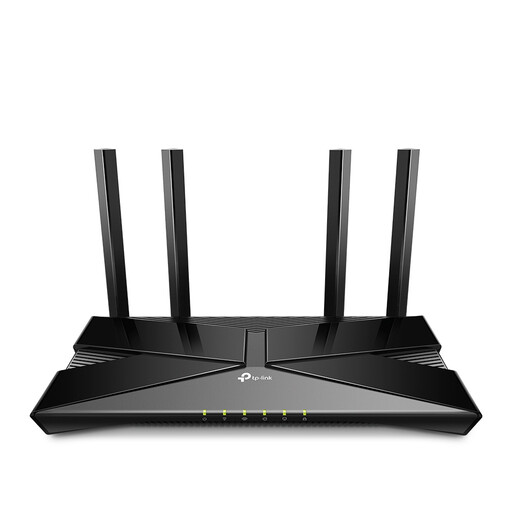 No image available
A standalone router to consider if you want to connect wired devices. Check in advance that the ports suit your studio setup.
Dual-band (2,4 GHz / 5 GHz); Gigabit Ethernet.
 No image available
A mesh kit to consider when work areas are spread across several zones. Think about the placement and connection options for the units.
Wi-Fi 6 (802.11ax); dual-band (2,4 GHz / 5 GHz); 2-pack.
If a work area has poor coverage and you can run a network cable to it, you could consider placing an access point there. The Ubiquiti U7 Lite requires PoE and doesn’t replace the router or gateway; first find out where coverage falls short.
Give visitors only the network access they need. The Ubiquiti U7 Lite supports guest isolation; for separate VLANs, the router or gateway must also be configured accordingly. The Dutch Data Protection Authority identifies network separation as a possible security measure and says that appropriate security depends on the risks involved.
Keep software up to date and review your security settings regularly. If your connection becomes less stable, also check the placement and Wi-Fi channel; the Dutch Authority for Digital Infrastructure highlights the importance of a clear Wi-Fi channel for a stable connection.
Check whether you need extra Wi-Fi points, cables, PoE power or a switch, and which software features are included; TP-Link charges for HomeShield Pro. For a business purchase, ask which returns and warranty terms apply. According to the Netherlands Chamber of Commerce, businesses generally have different protections from consumers, although there may be exceptions for small businesses.
Yes. According to the Dutch Authority for Digital Infrastructure, Wi-Fi in commercial buildings is licence-exempt if you use the designated frequencies and comply with the conditions of use. Set the correct country settings and check the information for the exact device; this rule on use does not by itself confirm that every product sold complies with the requirements.