
Vandaag of morgen in huis

Kwaliteit gegarandeerd

Welkomstaanbiedingen ontgrendelen: GRATIS bezorging | Tot 80% korting | Gratis 30 dagen JoyPlus-proefperiode
Download de app
A sleek, white PC build makes a statement. It exudes a sense of calm and power. But the search for the perfect white PC cooling can be unexpectedly complex. Marketing promises of whisper-quiet performance and brilliant lighting effects are everywhere, but the reality is often different. Many builders end up with a system that's louder than expected, has a tangle of cables, or components that simply don't fit.
Before you invest in new cooling, it's important to recognise the most common pitfalls. This will help you avoid disappointment and unnecessary costs.
To bypass these pitfalls, it's crucial to look beyond the marketing. Pay attention to the following specifications that determine performance and ease of use.
The choice between traditional air cooling and an All-In-One (AIO) liquid cooler is fundamental.
The size of the fan directly affects performance and noise.
For a clean, white build with RGB, cable management is essential. Systems like the Corsair iCUE LINK fans offer a solution here. Instead of connecting each fan individually, you can link them together with a single cable. This drastically reduces cable clutter and ensures all lighting and speeds are managed through one software package.
Based on objective specifications, we have selected a number of popular choices that suit different types of users and help avoid the aforementioned pitfalls.
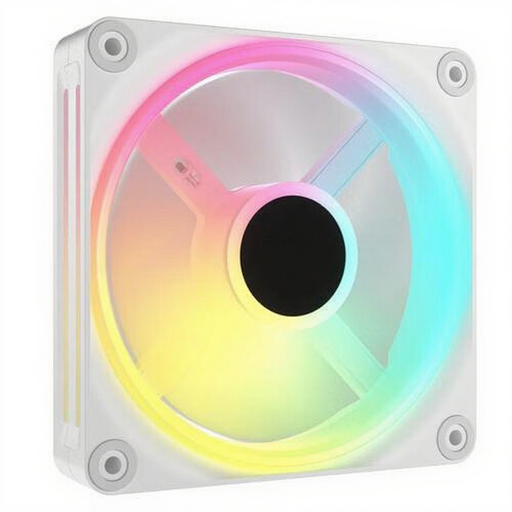
Why This Fits Their Persona: Perfect for those who want an impeccably clean, white build without compromise. The focus is on aesthetics and ease of use, with minimal cables and synchronised lighting.
The iCUE LINK system directly tackles the 'RGB cable spaghetti'. Fans are daisy-chained with a single cable, resulting in an extremely tidy system.
Simplified installation and cable management. Full control over speed and lighting via a single software package.
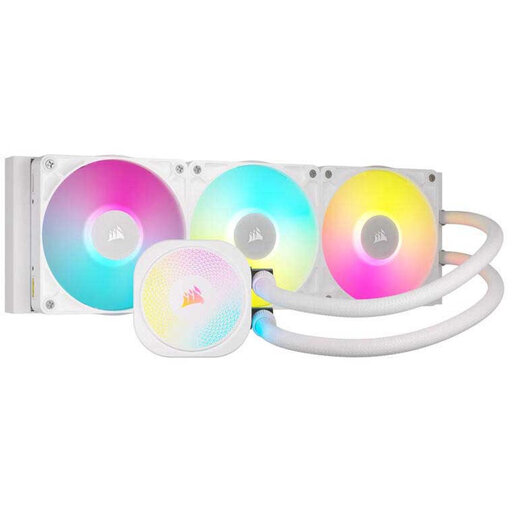
Why This Fits Their Persona: For gamers and creators who push their high-end processors to the limit. Maximum cooling capacity is the priority here to prevent thermal throttling and ensure stable performance.
This AIO bypasses the 'whisper-quiet myth' by delivering high cooling performance. Thanks to PWM control, you can find a balance between cooling and noise, rather than relying on misleading minimum values.
Powerful cooling for demanding CPUs. The iCUE LINK ecosystem also ensures a tidy installation here.
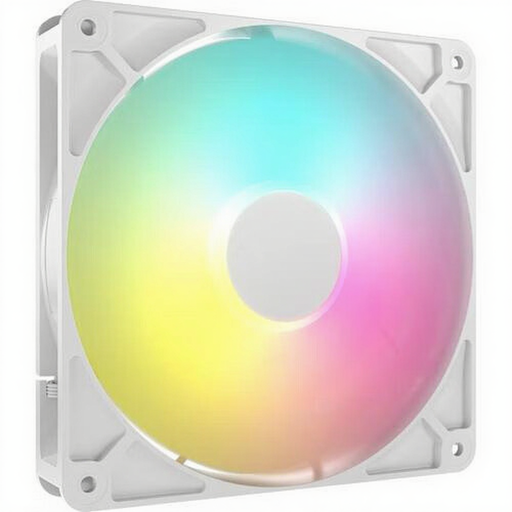
Why This Fits Their Persona: Ideal for those who want a quiet PC for both work and gaming without paying a premium. The balance between airflow and noise production is the most important factor here.
Thanks to its larger 140mm size, this fan can move more air at a lower RPM. This helps avoid the 'fitment puzzle', provided you check beforehand that your case supports 140mm fans.
Good balance between airflow and noise level. The manufacturer specifies a noise level of 10 dB at low speed.
We have compiled a complete, up-to-date list of products that fully meet these strict selection criteria and local regulations.
Not necessarily. An AIO can handle higher peak temperatures better and offers a cleaner look. However, a high-quality air cooler is often quieter under average load, more reliable, and more affordable. The choice depends on your budget, your processor's demands, and your aesthetic preference.
The easiest way is to consult the manual or product page of your PC case. It will specify exactly which fan sizes can be mounted in which locations (front, top, rear). Checking the specs is key.
Technically, you can, but it is not recommended. You will likely need multiple software packages to control the lighting, which can lead to conflicts. Furthermore, brands often use different connectors. For a hassle-free experience and perfectly synchronised lighting, it is wiser to stay within a single ecosystem, such as Corsair iCUE.
