
Photo selector beside a window
You compare lots of wedding photos in changing daylight and want to assess images without reflections getting in the way.


Start with your workspace: keep direct sunlight off the screen and consider how distracting reflections are. Peak HDR brightness alone won’t tell you whether a monitor is comfortable to view beside your window. ASUS lists separate figures for typical brightness and peak HDR brightness for the PA279CRV. For colour-critical prints, calibration and the rest of your workflow matter. If you mainly select and organise photos, you may value screen space and suitable connections more. Manufacturer specifications are not comparative real-world test results.
You compare lots of wedding photos in changing daylight and want to assess images without reflections getting in the way.
You edit images for digital delivery or print, so you pay attention to calibration, colour gamut and your working conditions.
You want enough screen space and a connection that works with your laptop, without automatically prioritising specialist colour features.
Start with your main task: reducing distracting reflections, colour-critical editing, or simply selecting and organising lots of photos.
When: If reflections are the biggest distraction when selecting photos, check the screen coating and keep the screen out of direct sunlight. BenQ specifies a finely coated anti-reflective panel for the SW272U.
Trade-off: A coating can’t replace controlling the light and screen position; results also depend on your workspace.
When: If you edit images with colour accuracy in mind or assess prints, compare the relevant colour gamut and calibration options. EIZO lists a built-in calibration sensor for the CG2700X, while BenQ specifies hardware calibration for the SW272U.
Trade-off: Calibration alone doesn’t determine the result: your working environment, software settings and print profile also play a part.
When: If you mainly compare and sort lots of images, consider screen size, resolution, adjustability and the connection to your computer. The ASUS PA279CRV and LG 27UP850K-W are examples of models specified with 27-inch 4K screens.
Trade-off: 4K resolution or USB-C alone tells you nothing about colour management or reflections in your workspace.
| What to consider | What should you look for? | Who is this important for? |
|---|---|---|
| Reflections and light from windows | Check the coating and adjustability; where possible, assess reflections in similar lighting conditions. | If I select photos beside a bright window, I want to reduce reflections and position the screen well; around 36% of consumers prioritise visibility in window light. |
| Colour when editing and printing | Check the colour gamut suited to your output, the calibration method and the software you need. | If I edit or print wedding photos with colour accuracy in mind, I want to tailor my workflow to colour and profiles; around 29% of consumers give colour-critical delivery top priority. |
| Screen space for photos | Compare screen size, resolution, desk space and your computer’s scaling settings. | If I compare lots of images alongside organising panels, I want a clear overview on screen; around 21% of consumers prioritise screen space for selecting and organising. |
| Connections and purchase considerations | Check video support, the power delivery required, the cable and the warranty terms for your needs. | If I connect my laptop to the monitor, I want to know in advance that the connection and power supply are suitable; around 14% of consumers give connections and overall purchase considerations top priority. |
A peak figure alone doesn’t describe how distracting reflections are in your workspace. ASUS lists separate figures for the PA279CRV: typical brightness of 350 cd/m² and peak HDR brightness of 400 cd/m².
Compare like-for-like brightness measurements and consider the coating and options for positioning the screen. Where possible, assess reflections in person.
According to Profotonet, your working environment, monitor calibration and software settings all affect how you assess colour. A stated colour gamut alone therefore doesn’t guarantee a match with a print.
Decide on your output first, check which profiles you need and plan for calibration if you work with colour accuracy in mind.
The connection on the monitor doesn’t tell you what the laptop port or the cable you’re using supports.
Check video support and power requirements at both ends of the connection, and make sure the cable is suitable.
According to the Dutch government, there is no fixed statutory warranty period in the Netherlands; an additional warranty doesn’t replace your legal rights.
Read the terms of any additional warranty and contact the seller if there’s a fault.
The SW272U is designed for photographers who want to combine anti-reflection features with colour management.
The ColorEdge CG2700X is a 27-inch 4K model for those who value regular calibration and colour-critical editing.
According to its product specifications, the ProArt PA279CRV combines an anti-glare 27-inch 4K screen with USB-C.
The 27UP850K-W is a 27-inch 4K model with USB-C and an adjustable stand.
The UltraSharp U2725QE is worth considering if a laptop-focused hub and connectivity are important to you.
This selection includes monitors whose product details highlight them for selecting and organising photos in window light. Check reflections and laptop connectivity against your own workspace and equipment.
 No image available
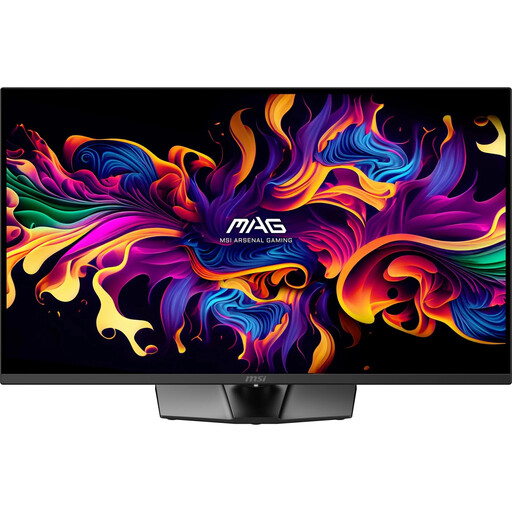
Worth considering if you’re looking for a large 4K screen with an anti-reflective surface for selecting photos.
The product details list a 31.5-inch screen, 4K UHD, 99% DCI-P3 and 98% Adobe RGB. The stand is height-adjustable, tiltable, swivel-adjustable and pivotable to portrait orientation.
 No image available
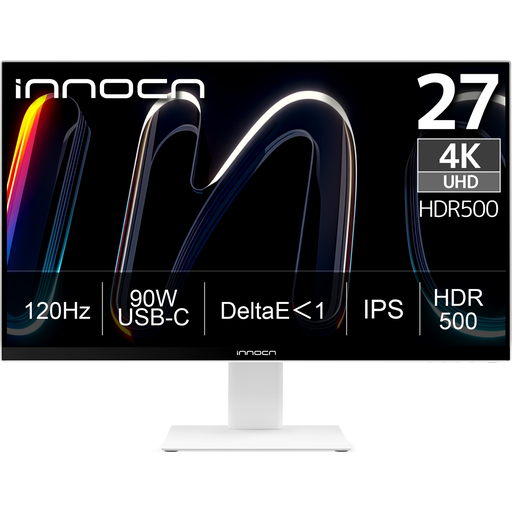
An option for anyone looking for a 27-inch 4K screen with an adjustable stand for comparing and organising photos.
The product details list 3840 × 2160 pixels, a non-glare surface, Adobe RGB 99% and USB-C with 90 W Power Delivery. Delta E < 1 is also listed.
 No image available
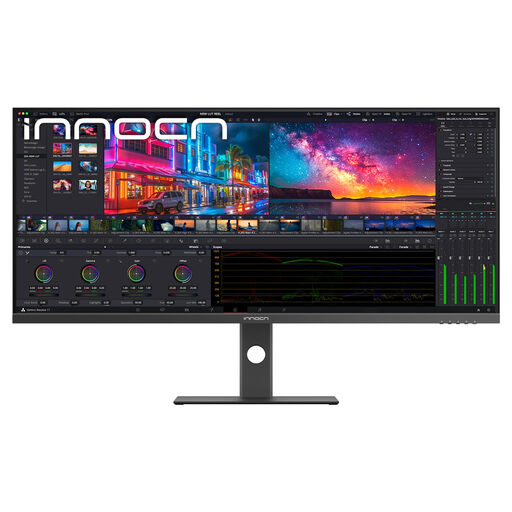
An option if you want to view lots of photos alongside organising panels and have room for an ultra-wide screen.
The product details list an IPS screen, matte coating, 5120 × 2160 pixels and a 21:9 aspect ratio. Also listed are sRGB 99%, Adobe RGB 87% and USB-C with 65 W Power Delivery.
 No image available
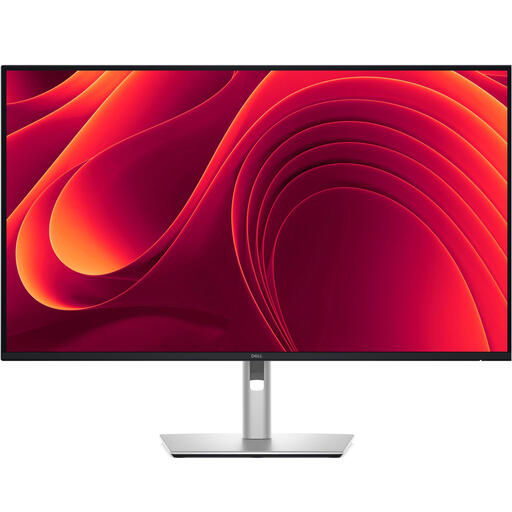
Worth comparing if you’re looking for a larger 4K screen and laptop connectivity for selecting and organising photos.
The product details list a matte, anti-reflective surface, 350 cd/m² brightness and USB-C with 90 W Power Delivery. An adjustable stand and integrated RJ45 port are also listed.
 No image available
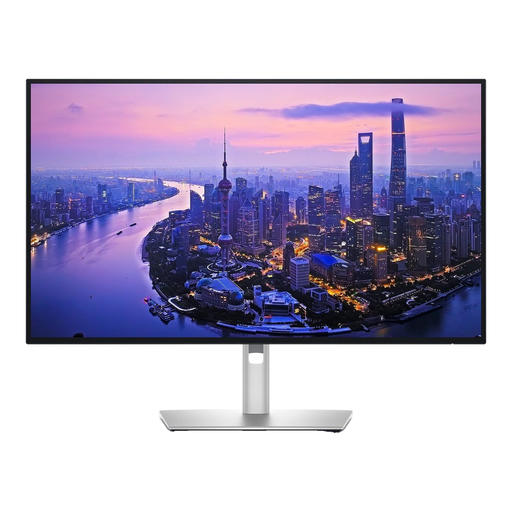
Worth considering if you’re looking for a 27-inch 4K screen with an ambient light sensor and laptop-focused connections.
The product details list 99% DCI-P3 and Display P3, an ambient light sensor, and HDMI, DisplayPort and Thunderbolt connections.
Not on its own. ASUS lists separate figures for typical and peak HDR brightness for the PA279CRV; also check the coating and keep direct sunlight off the screen.
For colour-critical assessment, Profotonet highlights calibration, your working environment and software settings. Also check the profile requirements for your print workflow; calibration alone doesn’t guarantee an identical print.
Only if your laptop supports video over that USB-C connection and the power delivery is sufficient. ASUS lists DisplayPort Alt Mode and 96 W Power Delivery for the PA279CRV; also check your laptop, cable and exact monitor variant.
No. According to the Dutch government, there is no fixed statutory warranty period in the Netherlands; what you can expect from a product depends, among other things, on the product and normal use. If a product is faulty, contact the seller.
The European Commission says computer monitors are covered by EU energy labelling rules for electronic displays. For a specific model, compare its energy label and EPREL information, and check the scope of the rules and any exceptions.