
Desk without a powered phone socket
You want to power a compatible VoIP phone through the network cable. Check the PoE standard and the power the phone needs. TP-Link lists four PoE+ ports and a total power budget of 40 W for the TL-SG1005LP.


Choose a PoE switch if your VoIP phone needs to be powered through the network cable and the PoE standard and available power are suitable for the device. If the phone already has a suitable adapter, a non-PoE switch may be enough. Choose configurable VLAN or QoS features only if they suit your existing network setup. Cisco describes a voice VLAN as part of a network configuration, not as something a switch will configure correctly by itself.
You want to power a compatible VoIP phone through the network cable. Check the PoE standard and the power the phone needs. TP-Link lists four PoE+ ports and a total power budget of 40 W for the TL-SG1005LP.
Your phone already has a suitable power supply and you mainly need extra wired connections. NETGEAR states that the GS305v3 has no PoE budget, so you’ll need to power the phone separately with this model.
Your existing IT setup uses a voice VLAN or requires configurable traffic priorities. Cisco describes a voice VLAN as a way to carry IP telephony traffic over a network port. Make sure the settings you need are compatible with the rest of your network.
First, work out how the phone will be powered. Then count the connections you need and check whether your existing network requires configurable management.
| What to consider | What to look for when buying | Who is this important for? |
|---|---|---|
| Power over Ethernet | Check the required PoE standard and the power available per port, as well as the total power for all connected PoE devices. | If I want to power my phone through the network cable, I first need to know whether the standard and power are right for my device. Around 34% of consumers put suitable PoE power at the top of their list. |
| Simple data connection | Check that the phone has a suitable power adapter and that an unmanaged switch is right for your network. | If my phone already has a suitable adapter, I’m mainly looking for a simple wired connection. Around 20% of consumers prioritise that data connection. |
| Voice traffic management | Find out which VLAN tags and priority settings are needed for the phone and its connection to the existing network. | If my network uses a voice VLAN or traffic priorities, I want to agree on the required settings in advance. Around 20% of consumers prioritise suitable network management. |
| Enough connections | Count the connection to the existing network and all current and planned devices; check which ports provide PoE. | With a phone, computer and uplink, I want enough ports left for my other devices. Around 13% of consumers put room to expand at the top of their list. |
| Quiet desktop placement | Check the dimensions, space for the power adapter and whether the exact model is fanless. | On a small desk, I want a suitable spot without distracting fan noise, once the power and connection requirements are covered. Around 13% of consumers prioritise quiet placement. |
A switch may have several PoE ports that share a limited power budget. TP-Link lists a maximum of 30 W per PoE port and 40 W in total for the TL-SG1005LP. Check that both the individual phone and all other PoE devices stay within these limits.
Note the PoE standard and power requirement for each device, then compare them with the specifications for the exact switch version.
If the total budget isn’t enough, you may need a separate power supply or a different switch.
VLAN and priority features need to work with both the phone and the rest of your network equipment. Cisco describes voice VLAN support for IP telephony traffic, but the settings must match your existing network configuration.
Ask your network administrator which VLAN tags and priority settings are needed before choosing a managed model.
Allow time for configuration and coordination with your network administrator.
Official TP-Link pages and documentation list different PoE figures for TL-SG1005P versions and for the TL-SG108PE. Those figures don’t automatically apply to every hardware version.
Check the full model name, hardware version and specifications for the version you plan to connect before assessing its power capacity.
According to Ondernemersplein, the statutory 14-day cancellation period for distance purchases applies to consumers, not to business purchases made by a trader.
If you’re buying for a business, check the agreed returns and warranty terms before placing your order.
The product ranges reviewed include compact PoE+ models as well as switches with more connections and configurable network features.
The GS305v3 reviewed is a compact switch without PoE; the GS305EP is a PoE+ model with configurable management.
The GS1200-5HP v2 is a web-managed option reviewed for situations where a small PoE switch also needs VLAN settings.
D-Link describes the DGS-1005P as a compact PoE+ switch for home and small business use.
This selection includes wired desktop switches for different connection needs, from simple desktop connections to models with PoE, extra ports or configurable management. For each model, check how the phone is powered and whether the network features suit your existing setup.
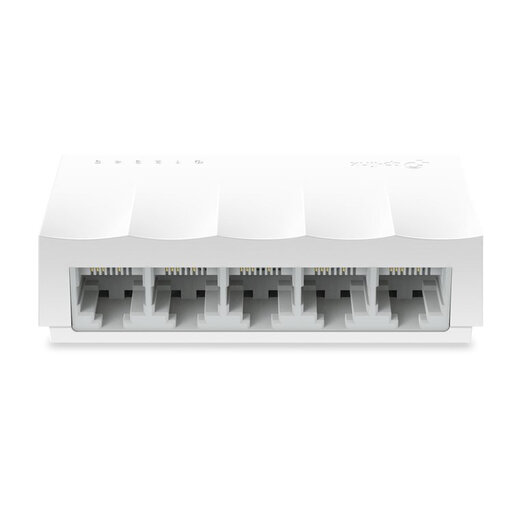 No image available
Suitable for a simple wired connection if 10/100 Mbps is enough; check how the VoIP phone itself is powered.
Five ports, unmanaged and fanless according to the product title.
 No image available
An option for extra wired connections if the phone’s power supply and your existing network configuration are already taken care of.
Five RJ45 ports with 10/100/1000 Mbps and plug-and-play connectivity. The product description lists QoS according to IEEE 802.1p/DSCP and IGMP Snooping; QoS alone doesn’t guarantee uninterrupted calls.
 No image available
Suitable for a phone that’s compatible with the PoE feature on offer; check the required standard and total power budget.
Five Gigabit ports, four of which are PoE ports. The product description lists a fanless design and IGMP Snooping.
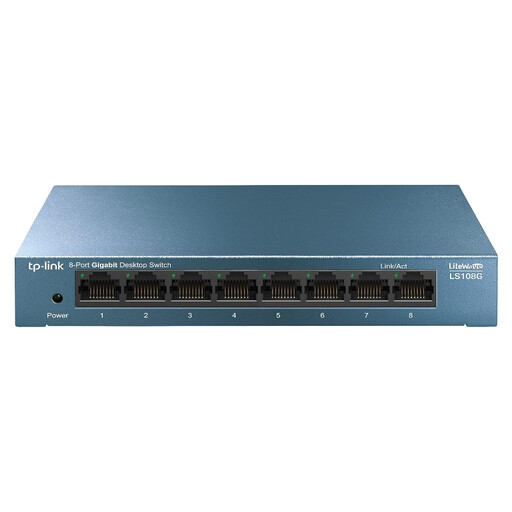 No image available
An option if you want to connect several wired devices at your desk; check how many connections you need and how the phone is powered.
Eight RJ45 Gigabit ports, plug-and-play operation and QoS according to the product description.
 No image available
Worth considering if you need extra connections, PoE and configurable traffic priorities; make sure the settings match your existing network.
Eight Gigabit ports, including four PoE ports. The product description lists traffic prioritisation, network monitoring and web-based management. Check the PoE standard and available power for the exact version.
Yes, you can use it for the data connection if the phone is powered in another suitable way. NETGEAR states that the GS305v3 has no PoE budget, so check what power supply your phone needs.
Connect the cable to the existing network to one switch port, then use other ports for the phone and computer. If the network uses a separate voice VLAN, find out in advance which settings are needed for the phone, switch and network connection. A managed switch won’t configure them automatically.
Check that the phone is connected to a PoE port, then compare its power requirement with both the per-port limit and the switch’s total budget. For the TL-SG108PE V4.20, TP-Link explains that exceeding the total budget may cause a port with lower priority to switch off. Check the documentation for the exact hardware version.
No. According to Ondernemersplein, the statutory 14-day cancellation period for distance purchases applies to consumers, not to business purchases made by a trader. If you’re buying for a business, check the agreed returns and warranty terms.
Ondernemersplein states that businesses placing electrical or electronic equipment on the market or trading in it must ensure that the products comply with the applicable European rules. If you have questions about a specific product, check the product information and identify the responsible seller.