Video light brands to compare
These brands offer different setup options. The product ranges mentioned are not recommendations for the entire brand and don’t indicate availability.
Ulanzi
The VL81 is a compact light for a portable setup on a small table.
- Ulanzi lists a built-in 3000 mAh battery, dimming control, adjustable white light from 3200–5500 K and a 1/4-inch mounting point.
- Check that the mount you want is compatible with your version; the specifications don’t guarantee even lighting across the whole puzzle.
Godox
The P260C Pro is a larger panel for a setup with room for mounting.
- Godox lists a diffuser and an adjustable range of 2800–6500 K. According to Godox, the diffuser creates softer light and reduces harsh shadows.
- Check what’s included with the version on offer and which power supply it needs.
NEEWER
The NL660 is an adjustable bi-colour panel, available with or without a stand.
- NEEWER lists a diffuser, a mains adapter and a colour temperature range of 3200–5600 K.
- According to NEEWER, an NP-F battery is not included; the version with a stand requires extra setup space.
amaran
The 60x S is a COB light for anyone who wants to build their lighting setup separately.
- The Aputure Help Center lists a range of 2700–6500 K and CRI 97 for the amaran 60x S.
- The stated light measurements vary depending on distance and reflector; check that the light modifier and mount you want are suitable.
SmallRig
The RC 60B Lite Edition is a COB light with a built-in battery.
- SmallRig lists USB-C PD power and an optional softbox.
- SmallRig quotes 45 minutes at maximum power and 75 minutes in ECO mode; check the version and the power supply needed for your recording.
Joybuy video lights for small filming setups
This selection focuses on compact, rechargeable lights for a small filming setup. One option is a bundle that includes both a camera and a video light, so check the contents carefully.
 No image available
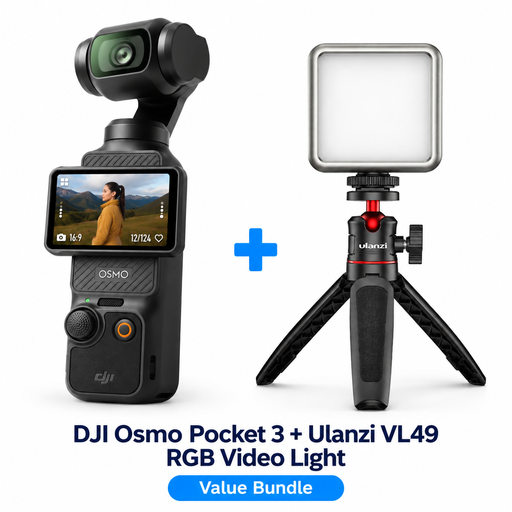
DJI Osmo Pocket 3 Creator Combo with Ulanzi VL49 RGB LED video light
A bundle for anyone looking for the DJI Osmo Pocket 3 as well as the Ulanzi VL49 RGB light; this is not a standalone video light.
The product information recommends a standard 5V adapter and warns against looking directly at the LED light from close range.
View at Joybuy
 No image available
Ulanzi VL81 rechargeable LED video light, black
Suitable for a portable setup if you want to position the light outside the puzzle area with a suitable mount.
Ulanzi lists a built-in battery, dimming control, adjustable white light from 3200–5500 K and a 1/4-inch mounting point for the VL81. The safety information warns against prolonged direct exposure, use at maximum power and moisture near the connections.
View at Joybuy
 No image available
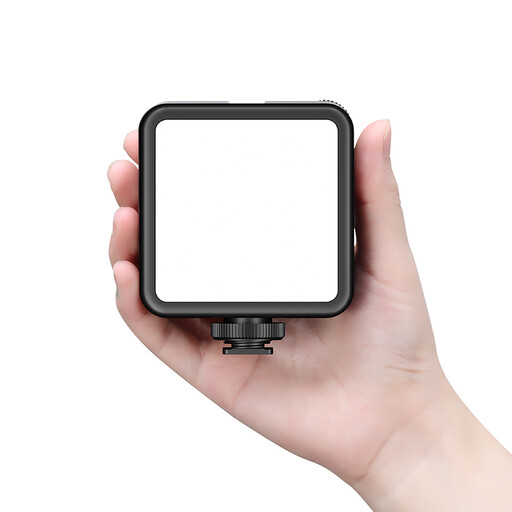
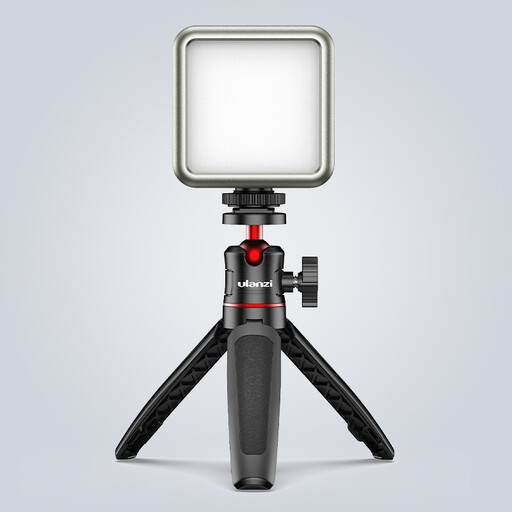
Ulanzi VL49 RGB video light with battery and magnetic back
A compact option if you want a dimmable light with adjustable colour and have a suitable metal surface for its magnetic back.
The product information recommends a standard 5V adapter and warns against looking directly at the LED light from close range.
View at Joybuy
 No image available
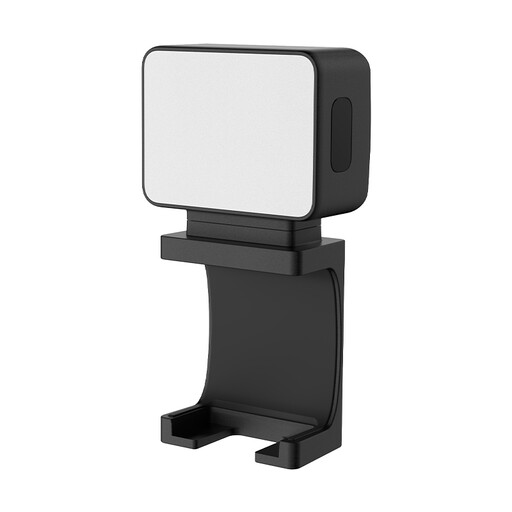
Ulanzi LM001 portable mini fill light
Suitable for a small, portable lighting setup. The product description mentions a magnetic base; check that your chosen position and mount are suitable.
View at Joybuy
 No image available
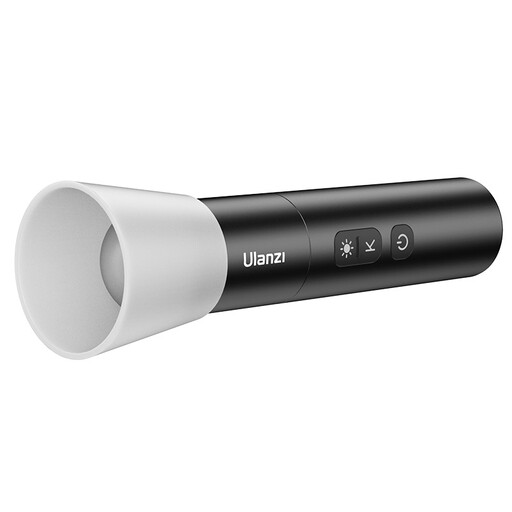
Ulanzi LM07 rechargeable LED video light
An option if you want to adjust the beam from wide to focused; make a test recording to see how it falls on your puzzle.
The product information warns against pointing the light directly into your eyes at close range.
View at Joybuy
Frequently asked questions
Does the light need to hang directly above the puzzle?
No, that isn’t necessary. Start with the light outside your work area and make a test recording with your hands moving and the pieces catching the light. Change the angle or try diffusion if reflections hide details. The Smithsonian Institution Archives describes diffusion for reflective surfaces, not as something measured specifically on puzzles.
Can I power a rechargeable light while filming?
It depends on the model. SmallRig says the RC 60B Lite can be used while charging with a suitable USB-C PD power supply; for other lights, check the instructions and what’s included with the version you choose.
What can I do if the light causes stripes in my video?
First, make a test recording using your own camera and brightness settings. Canon explains that certain LED light sources can cause banding when used with an electronic shutter; product specifications don’t rule this out.
What cancellation period and guarantee apply to an online purchase in the Netherlands?
For eligible distance purchases, you generally have 14 days to change your mind. According to the Dutch government, there is no fixed statutory guarantee period in the Netherlands; you’re entitled to a product that meets what you could reasonably expect, and you can contact the seller if there’s a fault. Check the terms that apply to your purchase.
Which safety requirements apply to a video light in the Netherlands?
For electrical appliances sold in the Netherlands, Ondernemersplein, the Dutch government’s business information portal, outlines the applicable EU safety requirements, CE marking and EU Declaration of Conformity. Check the version on offer and its safety instructions; a CE statement for a different model is not proof of compliance for this light.


