
Knitter looking to minimise shadows on their work
You film your hands close above your stitches and want the details to remain visible as you move. Canon Europe explains how a key light can create shadows and how fill light can help reduce them.


For a knitting demonstration at a small table, an adjustable light that you can position outside your work area is a practical starting point. This lets you assess how the light falls on your hands and stitches without immediately giving up table space. Then choose according to the available mounting space, colour controls and recording time. For a specific model, also check the power supply and compliance documentation for that exact version.
You film your hands close above your stitches and want the details to remain visible as you move. Canon Europe explains how a key light can create shadows and how fill light can help reduce them.
You want different yarn colours and subtle stitches to be recognisable on camera. So pay attention to the colour of the light as well as your camera’s white balance. Canon Europe explains that a camera captures colours within the limits of the lighting conditions used.
You need to fit your light, camera and knitting into a limited tabletop area, or you move your set-up regularly. Mounting and power are important factors in your choice.
Start by checking how the light falls on your hands and knitting. Then see which mounting option and power supply suit the space and length of your recordings.
| What to consider | What to look for | Who should pay extra attention? |
|---|---|---|
| Shadows on hands and stitches | Assess how the light falls from your intended camera angle and check that your hands and stitches remain visible. | If your hands move above your knitting, you’ll want to minimise shadows on the details. Around 36% of consumers rank this as their main purchasing concern. |
| Yarn colours that look true to life | Compare the stated colour-rendering figures for the exact model and make a test recording using your own camera’s white balance. | If you want to show yarn colours on camera, you’ll want to know how the light and camera work together to capture them. Around 29% of consumers put colour recognition at the top of their list. |
| Clear workspace and mounting | Measure the available table edge and the space beside the table. Also check which mounting options and accessories are included with that version. | With a small table, you’ll want the light to stay out of the way of your camera, hands and knitting. Around 21% of consumers give keeping their workspace clear top priority. |
| Power and recording time | Compare the stated running time and power requirements with your recording, and check what’s included. | If you want to record without interruptions, the power supply needs to suit the length of your session and your preferred brightness. Around 14% of consumers put uninterrupted recording first. |
For the Key Light Air MK.2, Elgato says the stated maximum light output depends on the available input power.
Compare the power requirements with your available power source and check which adapter is included with that version.
A suitable power source may be needed to reach maximum brightness, and it may not be included with the panel.
According to Ulanzi, the standard VL49 has a fixed colour temperature of 5500 K, while the VL49 RGB offers adjustable white light and RGB. Features of one version don’t automatically apply to the others.
Check the full model name and the features of the exact version before you choose.
A Bowens mount or stated compatibility doesn’t mean a suitable light modifier is included with the light.
Check what’s in the kit you’ve chosen and whether you have enough space beside the table for a stable set-up.
You may need to buy a suitable light modifier or mount separately.
Desk panels for a permanent recording set-up. The Key Light Air MK.2 may suit you if a desk clamp works with your table edge.
Compact video lights for a portable or tight set-up. Pay close attention to the differences between the VL49, VL49 RGB and VL49 Pro.
Larger bi-colour panels, including the P260C Pro, for a set-up with space outside your work area.
COB lights with interchangeable light modifiers. The COB 60x S is an option if you have room to set the light up beside the table.
Portable COB lighting. The RC 60B may suit you if you’re considering both battery power and an external power supply.
This selection includes compact video lights and portable lights for a small recording space. Before buying, check the compliance documentation for the exact version you’ve chosen. Electrical appliances must meet the applicable European requirements, but the product name alone doesn’t confirm that a particular version complies.
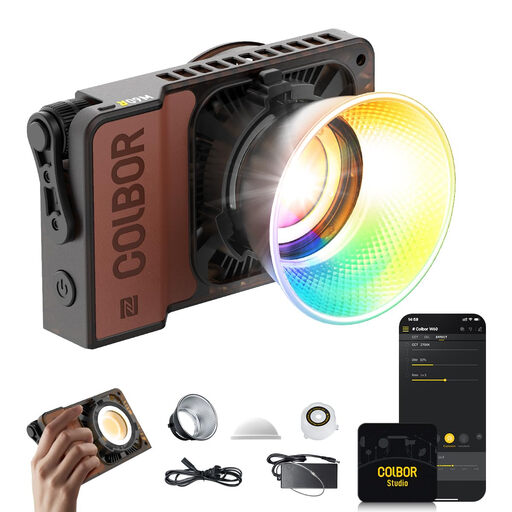 No image available
For anyone looking to use portable continuous RGB lighting while recording video.
60 W; 345 g; portable continuous lighting.
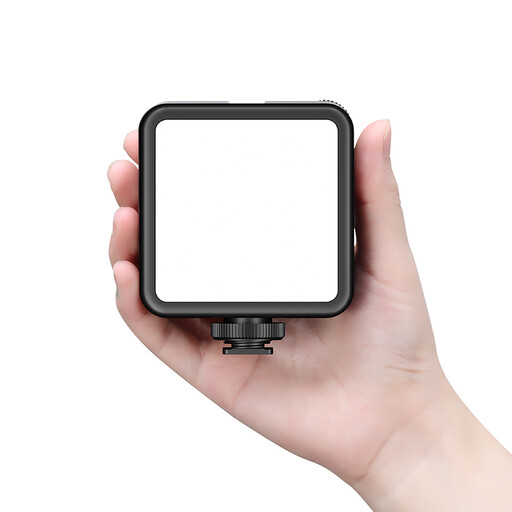 No image available
An option if you’re looking for a rechargeable LED video light for a recording set-up you move around.
Colour: black.
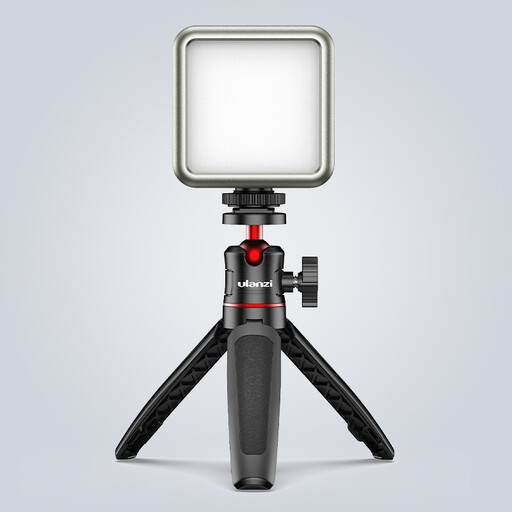 No image available
For a compact set-up where a dimmable light with a built-in battery could come in handy.
Battery: 2000 mAh. The product name states 2500–9500 K; check the colour temperature specification for the exact version.
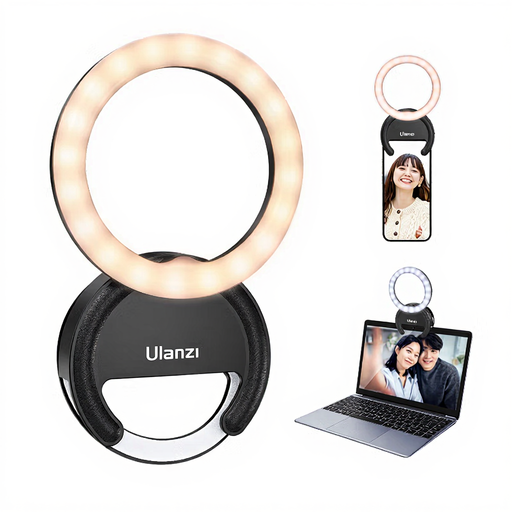 No image available
An option if you’re filming with a smartphone that the ring light can clip directly onto.
Three colour temperatures from 3000–7000 K; five brightness settings.
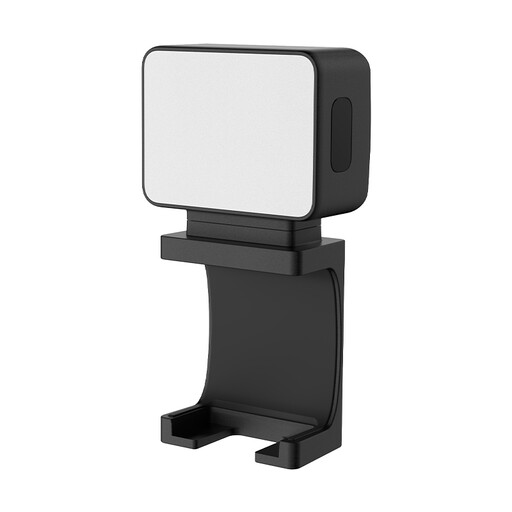 No image available
For anyone looking for a small, portable fill light that can be attached magnetically.
Battery: 500 mAh.
Aim a diffused key light at your work and assess a test recording from the camera angle you’ll use. If a hand casts a strong shadow, a weaker fill light on the other side may help reduce it; Canon Europe describes this as the purpose of fill light.
The camera captures colour within the limits of the available light and the white balance setting. Keep the lighting as consistent as possible while recording and set the white balance to suit those lighting conditions. A high stated CRI doesn’t, by itself, guarantee accurate colour in the final image.
No. A USB-C connection alone doesn’t mean that every power source will provide enough power. For the Key Light Air MK.2, Elgato specifies a PD power source of at least 30 W for full brightness. For another model, check its own power specifications.
Electrical and electronic appliances placed on the market in the Netherlands must comply with the applicable European rules. Where required by those rules, the manufacturer must apply the CE mark and declare EU conformity. The Dutch government’s Ondernemersplein explains these requirements. Check the documentation for the exact version: a brand name or a reference to another model doesn’t prove that your version complies.
When you buy from a business online, you’ll often have a 14-day cooling-off period. This is separate from your rights if a product is faulty. According to the Dutch government, the seller is your point of contact if a product doesn’t meet the legal requirements. In the Netherlands, there isn’t one fixed statutory guarantee period that applies to every light.