
Collector with shiny coins
You want to show the lustre and relief without the light or camera creating a distracting reflection on the coin. A light with an adjustable angle gives you the flexibility to move the reflection for each coin.


On a small table, a compact, movable light is practical if you want to adjust the angle for each coin; a larger panel is a better fit if you have more table space and want a wider spread of light. Test reflections on loose coins and plastic holders separately, and check the power supply, mounting options and possible flicker bands too. Before buying, ask for the documentation for the exact light model you’re considering.
You want to show the lustre and relief without the light or camera creating a distracting reflection on the coin. A light with an adjustable angle gives you the flexibility to move the reflection for each coin.
You want to keep the coins and your hands in shot, while positioning the light and mount so they don’t appear in the recording. The size and mounting options determine how much space you have left.
You’re filming coins through a plastic holder and want to minimise distracting reflections. So test the light position and softness on the holder itself.
Choose this if: you have limited workspace and want to change the light angle for each coin.
Trade-off: a small light source can create a sharper reflection; test its position and diffusion on your own coins.
Choose this if: you want to light more of the table and have room to position the panel beside or above the filming area.
Trade-off: the panel and any stand take up more space; very even lighting can make the relief less prominent.
Choose this if: you want to adjust the light position and brightness for different coin surfaces.
Trade-off: check the panel dimensions in advance, along with which batteries or other power sources you’ll need.
PCGS recommends adjusting the lighting for each coin when photographing coins. Start by changing the light position, then see whether diffusion helps: the results can differ between a loose coin and one in a plastic holder.
| What to consider | What should you check? | Who is this important for? |
|---|---|---|
| Reflections and relief | Can you move or tilt the light? Test diffusion on both a loose coin and a plastic holder. | If I want to show lustre and relief without distracting reflections, I need to be able to adjust the angle for both surfaces. Around 31% of consumers prioritise controlling reflections and relief. |
| Space and mounting | Compare the light’s size and mounting points; check whether a stand is included with the model. | If my table is small, I want to be able to position the light out of shot without blocking the coins or my hands. Around 25% of consumers give top priority to space and mounting. |
| Colour rendering | Check the white-light settings on the exact model and make a test recording using your camera’s white balance. | If true-to-life coin colours matter to me, I want to be able to match the light’s colour to the recording. Around 25% of consumers put colour rendering first. |
| Recording time and power | Test the light with your frame rate, shutter speed and dimming setting; check which adapter, cable or battery is included. | If I film longer tours, I want to avoid interruptions caused by the power supply or visible bands. Around 19% of consumers prioritise uninterrupted recording. |
Very diffused lighting can reduce lustre and depth. A plastic holder can also reflect light differently from a loose coin.
First test the light angle on both types of surface and review the image before deciding to use diffusion.
The model and package contents can determine whether you can set the light up on your table straight away.
Check everything included with the model you’ve chosen, and measure whether the panel and mount will fit beside your filming area.
The VL49 with fixed white light and the VL49 RGB have different lighting features. Different colour temperature ranges are quoted for the RGB model.
Compare the full model name and specifications for the specific offer, not just the name VL49.
Ulanzi describes the VL49 RGB as a small, rechargeable light for a movable setup. The model with fixed white light is a different product.
The NL660 is a larger bi-colour panel for a setup with space beside the table.
The LEDP260C manual lists macro, product and video shooting among its uses.
Amaran describes the Ace 25x as a compact bi-colour light with its own mounting solution.
This selection features movable video lights suited to a small table setup. Compare the mounting options, lighting settings and power supply you’ll need.
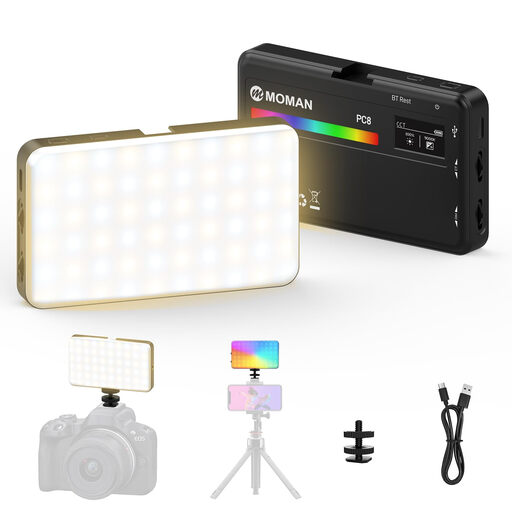 No image available
This portable light could suit a table setup where you want to adjust the mounting and light angle.
The product description lists a weight of 125 g, a 3100 mAh battery, a colour temperature of 2500–9000 K and brightness of 0–100%.
It lists 1/4-inch mounts and a cold shoe adapter; check that they’re compatible with your setup.
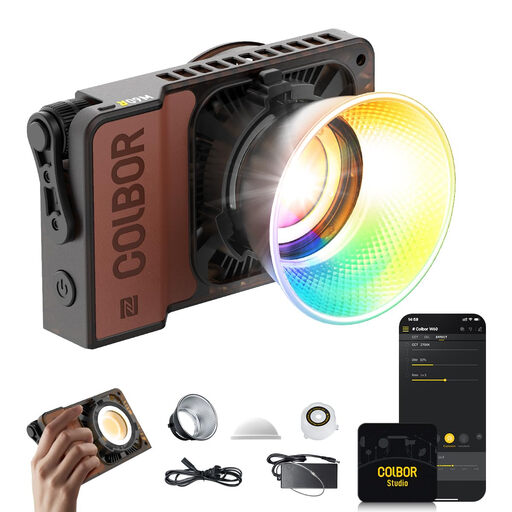 No image available
This portable continuous light could be a good fit if you want to adjust the colour temperature and brightness.
The product description lists 60 W, 2700–6500 K, CRI 97+ and a weight of 345 g.
Check which power supply and mount are included with the model, and whether they’ll fit your small table.
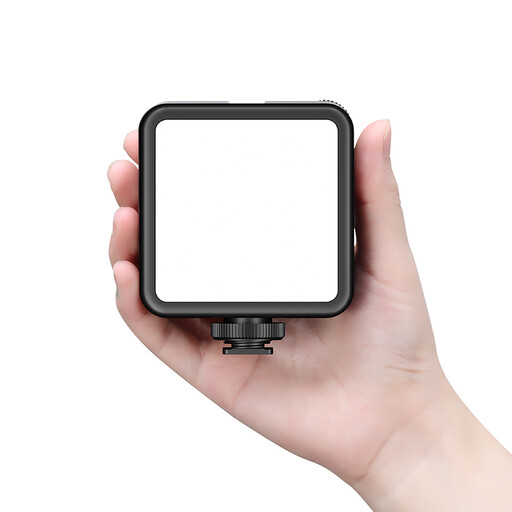 No image available
The built-in battery and cold shoe mount could be handy if you want a movable lighting setup.
The product description lists an array of 81 LEDs and an adjustable colour temperature of 3200–5600 K.
The same description warns against prolonged direct exposure to the light and recommends ventilation at maximum power; keep the connections dry.
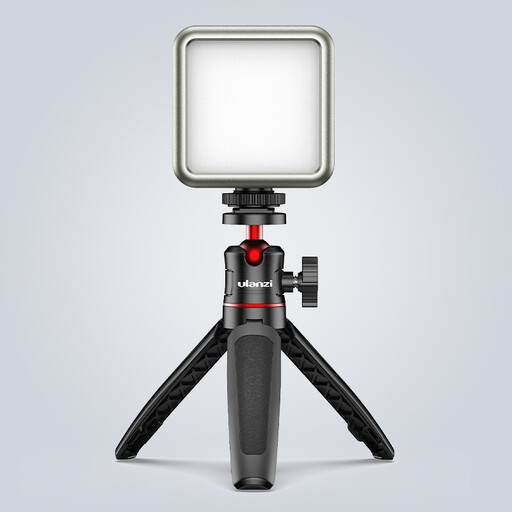 No image available
The compact size and magnet on the back could suit a small setup; check that the surface is suitable for mounting.
The product title lists a 2000 mAh battery and a range of 2500–9500 K. Ulanzi lists 2500–9000 K for the VL49 RGB, so compare the model and stated range carefully.
The product information says to use a 5V adapter, avoid moisture and not to point the light directly into your eyes from close range.
 No image available
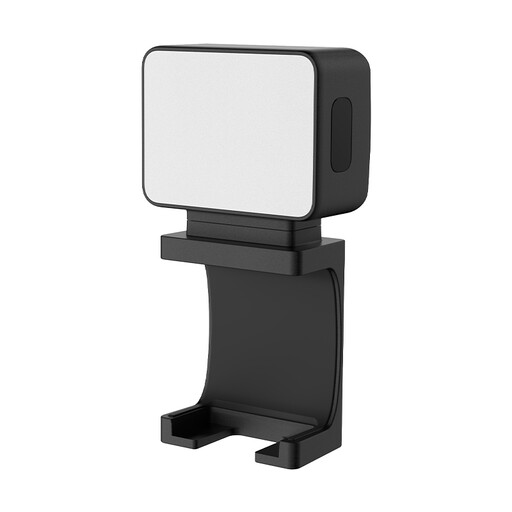
The description lists a compact light with a magnetic base and 1/4-inch thread, giving you options for positioning it around a small table.
The product information lists a 500 mAh battery, up to 1.5 hours of use and an IPX4 rating. The description says the light is soft and even.
Check whether the magnetic base or thread is suitable for the place where you want to mount the light.
No, the lighting setup depends on the coin and any holder. Softer light can change how a reflection falls on plastic, while more focused light can bring out the lustre and relief of a loose coin. Test both with your own setup.
First, make a test video using the frame rate, shutter speed and dimming setting you plan to use. Sony Support explains that flickering LED light can show up in video; a lamp’s specifications alone won’t tell you whether it will work with your camera without banding.
Measure the space for the light and mount, and check what’s included with the exact model you’re choosing. Don’t assume a stand, adapter or battery is included. Also test whether the mount stays out of shot when you film the coins and your hands.
Yes. According to Ondernemersplein, the responsible economic operator must ensure that an electrical appliance meets the applicable EU requirements. After assessing those requirements, the manufacturer affixes the CE marking and draws up an EU Declaration of Conformity. Ask for the documentation for the exact model you’re considering.
Set up the light and holder securely, out of shot, and follow the instructions for the model you’ve chosen. The Godox manual warns about heat and moisture; usage instructions can vary between lights.