
Teachers filming from above
You’re filming paper and moving hands, and want to light the whole work surface without the lamp appearing in shot. Canon Europe describes a key light and a softer fill light as ways to control shadows.


Start by filming the whole work surface in natural light from the window. If the shadow side of your hands looks too dark, a reflector may help. For a larger work surface, or lessons filmed at different times of day, consider an adjustable, dimmable panel or a COB light with a suitable softbox. If floor space is limited, a desk panel with a clamp may be more practical. Test the colour, glare and any flicker bands using your own camera settings.
You’re filming paper and moving hands, and want to light the whole work surface without the lamp appearing in shot. Canon Europe describes a key light and a softer fill light as ways to control shadows.
You want to adjust the brightness and colour settings as the daylight changes. Canon Netherlands explains that weather conditions affect natural light, while NEEWER and Elgato offer examples of adjustable lights.
You have little room for tripod legs and want to check in advance whether a clamp, mounting height and power supply will work in your space. Elgato describes a desk clamp for the Key Light Air MK.2.
Choose according to what your recording needs: an evenly lit work surface, control over changing window light, a suitable mounting position or a lower risk of flicker bands. Sony Support warns that certain LED light sources can cause flickering or bands in footage.
| What to consider | What should you check? | Who will this matter most to? |
|---|---|---|
| Visible work surface | Film a top-down view with your hands moving, then check the whole sheet, the direction of the light and the position of the tripod or clamp. A reflector can bounce window light back towards the shadow side. | If I want both the paper and my hands to be clearly visible, I look at coverage and shadows across the whole collage area; around 36% of consumers rank this as their top need. |
| Lighting and colour | Compare the same collage in the window light you plan to film in, and check which brightness and colour temperature settings are available. NEEWER and amaran publish settings for specific models, but these are no substitute for filming a test in your own space. | When I want coloured paper to remain recognisable as the daylight changes, I prioritise adjustable lighting; around 29% of consumers rank this as their top need. |
| Mounting and power | Measure your workspace and check the clamp or tripod option, cable routing and included power supply for the exact version. Elgato specifies a suitable separate power supply for the maximum stated light output. | If my desk has limited space, I want to know whether the light will fit securely and how to power it; around 21% of consumers prioritise mounting, space and power. |
| Flicker bands | Record a short video using the brightness level and camera settings you’ll use during the lesson, then check for bands or colour shifts. Sony Support explains that these can occur with certain LED sources. | If I want to record a lesson without visible flicker or bands, I test the light and camera together first; around 14% of consumers rank this as their top need. |
A stated lamp rating doesn’t prove that your whole sheet will be lit evenly in your setup, or that colours will look the same under a mix of window light and lamp light.
Record a test using your actual collage, with moving hands, coloured paper and any shiny materials in shot.
NEEWER describes NL660 versions both with and without a tripod. Elgato states that a suitable separate power supply is needed for the maximum stated output of the Key Light Air MK.2.
Check the exact version, box contents, desk mounting and power supply before putting your setup together.
Some setups may need a suitable tripod or USB-C power supply bought separately; check this for the version you choose.
A ring light described for portraits or video won’t necessarily show you how paper, moving hands and shiny materials will look from above.
Before choosing a light based on its shape, compare a test recording of the whole work surface in window light with one using a diffused panel positioned at an angle.
The NL660 panel range is an option for adjustable lighting by a window; the RL-18 New Version is a ring light you could compare it with. These examples apply to the models named, not to all NEEWER lights.
The Key Light Air MK.2 is a desk panel for anyone who’d rather not put a floor tripod beside their collage workspace.
The 60x S is a COB light for a setup where you want to shape the light using a modifier that you’ll need to check separately.
The VL49 RGB is a small, rechargeable light to consider if the window already lights most of your work surface.
This selection of Joybuy products includes video lights and small fill lights that may suit filming by a window. For the version you choose, also check the CE marking and relevant conformity information. The Netherlands Food and Consumer Product Safety Authority states that electrical products placed on the Dutch market must carry a CE marking.
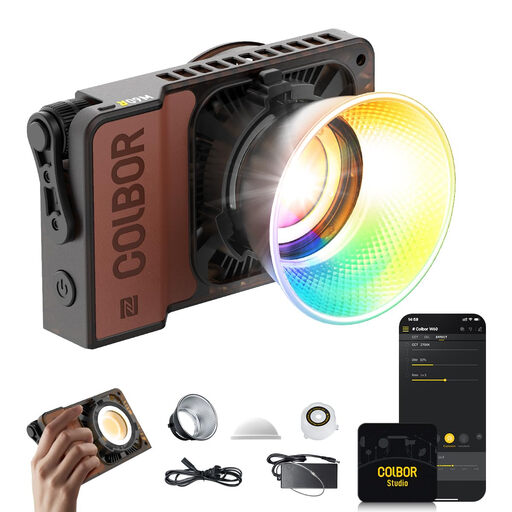 No image available
A potential option if you want to adjust the lighting as the window light changes; check which colour and brightness settings this version offers.
The product name specifies 60 W, RGB and a weight of 345 g.
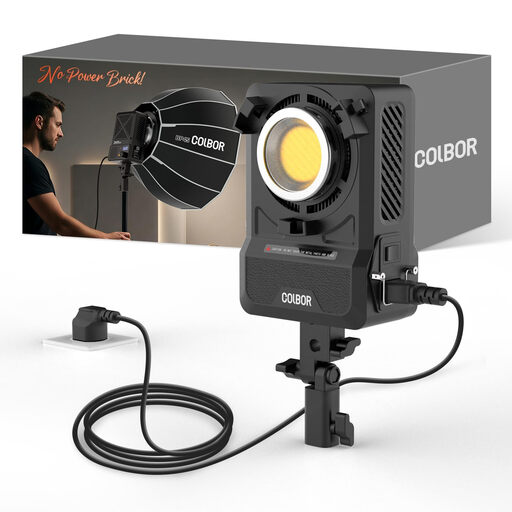 No image available
Suitable if you want to attach a modifier to shape the light for your collage area; check that your preferred modifier and mount will work with the setup.
The product name specifies 200 W, bi-colour 2700–7000 K and a Bowens mount. Check which accessories are included with this version.
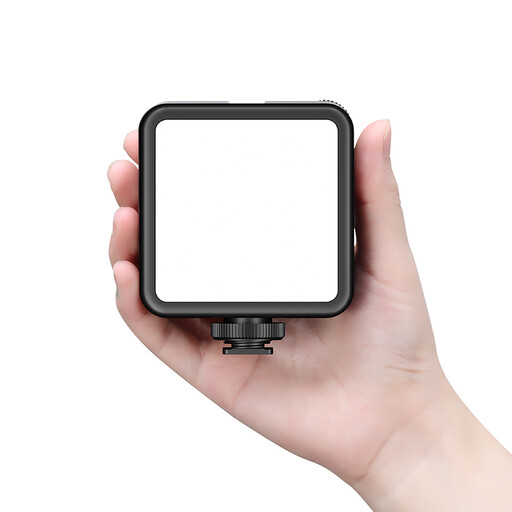 No image available
A rechargeable video light to consider if you want flexibility in where you place it; check the mounting options and whether its light spread will cover the whole work surface.
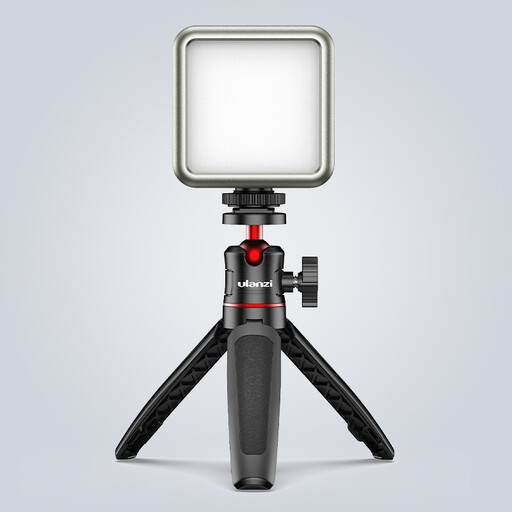 No image available
Worth considering if the window already lights most of the work surface and you want to add light locally; test how hands and shiny materials look in shot.
The product name specifies an adjustable range of 2500–9500 K and a magnet on the back.
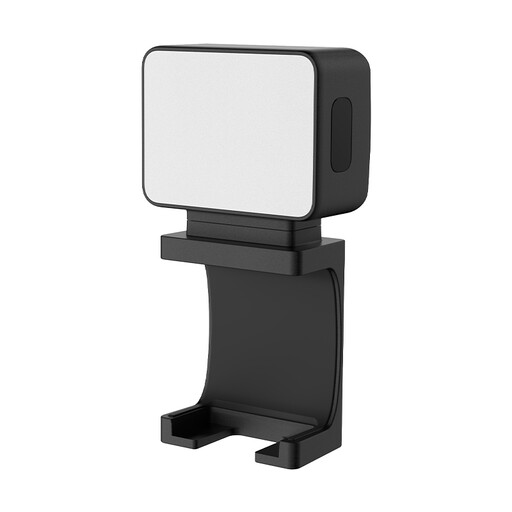 No image available
A small fill light to consider when window light already covers most of the collage area; check how you can mount it in your workspace.
The product name specifies a 500 mAh battery.
No, start by recording the whole work surface. If the shadow side is the main issue, try a reflector. If the daylight changes, an adjustable light can help you fine-tune the lighting.
Position an adjustable light outside the top-down shot and record a test while you actually cut and stick. Check the whole sheet and make sure a clamp or tripod will physically fit in your workspace.
Check the power supply and box contents for the exact version, then record a short video using your planned brightness level and camera settings. Check the footage for flicker bands or colour shifts.
Yes. The Netherlands Food and Consumer Product Safety Authority states that electrical products placed on the Dutch market must carry a CE marking. Check the marking and relevant conformity information for the specific version; the marking alone says nothing about the quality of the light.
For online consumer purchases, ACM ConsuWijzer says you often have up to 14 days after delivery to change your mind, with some exceptions. You’re also entitled to a legal guarantee if a product doesn’t do what you could reasonably expect under normal use; this is separate from any manufacturer’s warranty.