
SDR colourist
You want to assess flower colours for a film you’re delivering in Rec.709/SDR. So look for a Rec.709 mode and check the colour settings in your editing workflow; Adobe describes Rec.709 as an SDR working colour space.


For a film you’re delivering in Rec.709/SDR, a suitable Rec.709 colour workflow matters more than a large stated colour gamut alone; Adobe describes Rec.709 as an SDR working colour space. Next, consider the space you need for your timeline and reference images, and check that the connections and power delivery suit your computer. Only choose HDR evaluation if you’re actually finishing in HDR, as an HDR logo alone doesn’t prove a monitor is suitable for reference work.
You want to assess flower colours for a film you’re delivering in Rec.709/SDR. So look for a Rec.709 mode and check the colour settings in your editing workflow; Adobe describes Rec.709 as an SDR working colour space.
You’re viewing fine textures and detailed references alongside your edit. Compare the resolution with the screen size, and consider how much room you’ll need for your timeline and reference images.
You want to connect your computer and any peripherals conveniently. Check that your laptop can output video through the port you plan to use, and that the monitor’s charging power suits your computer.
First, decide whether your film will be delivered in SDR or HDR. Then compare the colour settings, available workspace and connections with your own editing setup.
| What to consider | What to look for when buying | Who is this important for? |
|---|---|---|
| Colour for your chosen output | Check the Rec.709 settings and match them to the colour settings in your editing project. | I want to assess flower colours for my SDR output; around 36% of consumers prioritise colour consistency. |
| Fine detail and room for references | Compare both the resolution and screen size, and consider how your timeline and reference images will fit on your desk. | I want to view fine textures and references alongside my timeline; around 29% of consumers prioritise detail and workspace. |
| Connections and charging | Check your computer’s video output and compare the power your laptop needs with the monitor’s specification. | I want to connect my editing computer suitably to my workspace; around 21% of consumers prioritise connections and setup. |
| HDR evaluation | First decide whether you’re delivering in HDR; then check independent measurements of the exact model for your intended workflow. | I also want to assess an HDR version, so this is my top selection criterion; around 14% of consumers prioritise HDR finishing. |
For a film you’re delivering exclusively in Rec.709/SDR, compatibility with that output colour space matters more than a high P3 percentage alone.
Decide on your output format first, then check the colour settings that suit your project.
A claim of HDR support alone doesn’t describe the full HDR picture quality or suitability for colour evaluation.
If you’re finishing in HDR, look for measurements of the exact model that suit the workflow you plan to use.
For video and charging over a single connection, your computer, the port and the monitor’s power delivery all need to be compatible. The models reviewed specify different power outputs.
Before buying, check your computer’s video output, the charging power it needs and the connections on the exact monitor model. If necessary, allow for a suitable cable or a separate laptop power supply.
The PD2705U and PD3225U offer different screen sizes and stated colour modes for a range of editing setups.
The ProArt PA279CRV is a 27-inch 4K model with a Rec.709 preset and a stated wide colour gamut.
The ColorEdge CS2740 is a 4K model where hardware calibration is a key consideration, without requiring a large screen.
The UltraFine 27UP850K-W is a 27-inch 4K model with USB-C and hardware calibration via LG Calibration Studio.
The UltraSharp U2723QE is a 27-inch 4K model with a connection hub and stated Rec.709 and DCI-P3 coverage.
This selection features monitors whose product information highlights 4K detail and editing. Compare the colour settings and connections for each model with your own output format and computer.
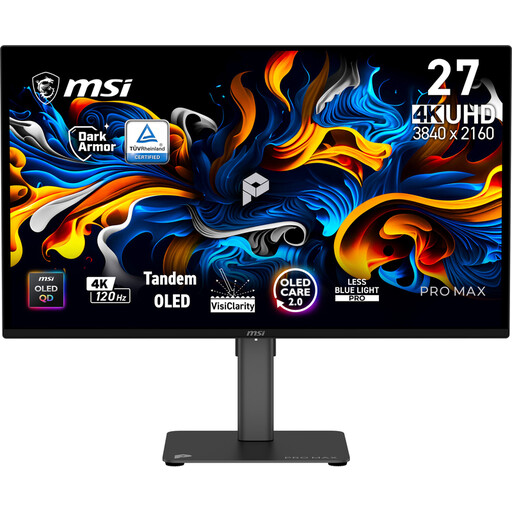 No image available
The product information describes this model as a creator monitor for work and creative applications.
27 inches, 3840 × 2160 pixels, 4K UHD, 120 Hz and QD-OLED.
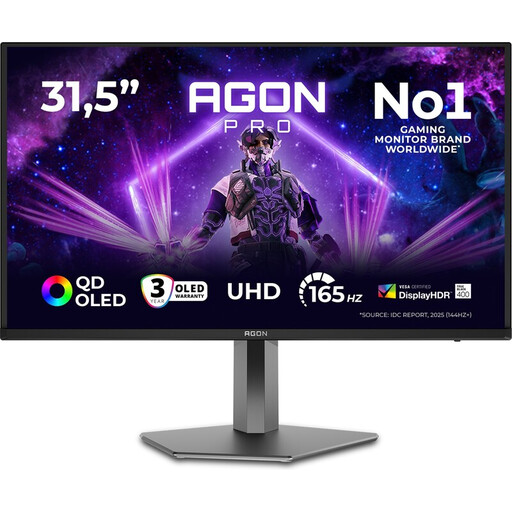 No image available
The product information lists creative projects and image editing as uses alongside gaming.
32 inches, 4K UHD, 3840 × 2160 pixels, 165 Hz and OLED.
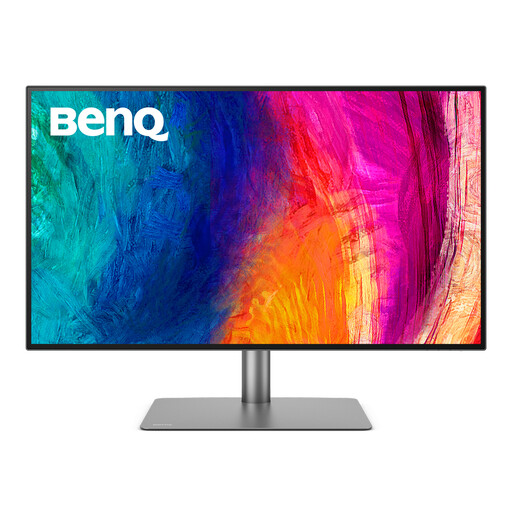 No image available
This larger 4K model suits an editing setup with reference images alongside the timeline; BenQ lists Rec.709 and P3 modes.
IPS panel, 3840 × 2160 pixels and Thunderbolt 3 with 85 W Power Delivery. BenQ lists this model as 31.5 inches.
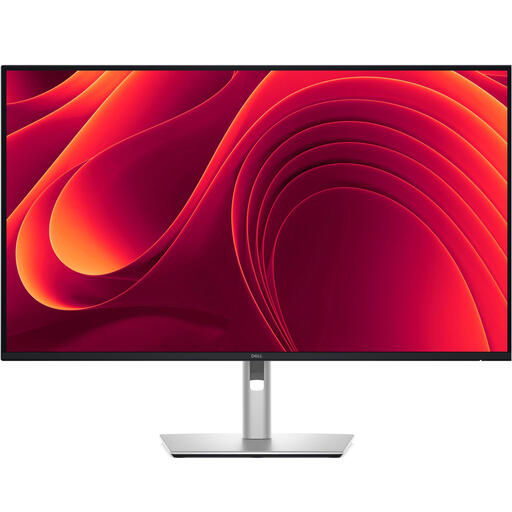 No image available
The product information lists video editing as a use and describes USB-C and an RJ45 connection for your workspace.
IPS panel, 3840 × 2160 pixels and USB-C with 90 W Power Delivery.
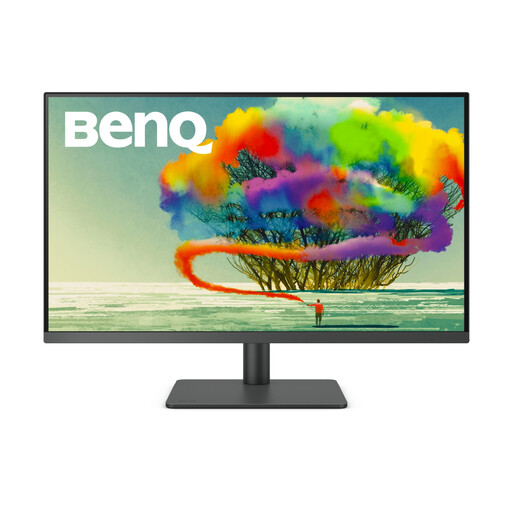 No image available
The product information lists graphic design and photo editing; its stated Rec.709 coverage may be relevant to an SDR workflow.
3840 × 2160 pixels, 99% Rec.709, USB-C with 90 W Power Delivery and KVM.
No, not just because you’re making a film. Decide on the output format first: Adobe describes Rec.709 as SDR output and distinguishes it from HDR settings. Match your colour workflow to the version you plan to deliver.
No, it depends on the computer, the port in question and the monitor’s power output. Check that your laptop can output video through that connection, and compare its charging requirements with the specification for the exact model. The models listed range from up to 60 W for the EIZO CS2740 to 96 W for the ASUS PA279CRV.
Match the colour settings in your editing project and monitor to the intended output. For hardware calibration, check which process and equipment are required for the exact model; LG, for example, states that Calibration Studio software isn’t included with the 27UP850K-W.
For a standard online consumer purchase, ACM ConsuWijzer says you’ll generally have up to 14 days after delivery to change your mind, with some exceptions. If a product is faulty, the seller is responsible for offering an appropriate solution based on what you could reasonably expect from it; according to the Dutch government, the Netherlands has no fixed statutory guarantee period.