First, choose a capacity that suits the raw footage, project files and versions you want to keep. Then check the write speed and connectors of the exact model. Use a USB stick as a portable archive copy, not as your only recovery option: the NCSC recommends keeping backups on different media and in different locations, and testing your recovery process. If the archive contains personal data, assess what security measures are appropriate for the risks, as advised by the Information Commissioner’s Office.
Who is this choice relevant to?
Creator with lots of project versions
You keep raw footage, project files and successive deliverables, and want to avoid losing older versions because you run out of space. Lenovo Nederland describes raw footage, project files and exports as parts of a video-editing workflow.
Editor who archives frequently
You regularly copy large project folders and want to know whether the write speed and USB connection are right for your computer and workflow. The USB Implementers Forum distinguishes between different transfer speeds within USB 3.2.
Creator with confidential client footage
You take project material with you that may contain personal data, and weigh up the risks of loss, access security and recovery copies. The Information Commissioner’s Office emphasises that organisations must decide for themselves which security measures are appropriate.
What should you look for when choosing?
First, add up the files and versions you want to keep. Then compare the usable capacity and check that the write speed and connectors are compatible with your equipment.
| What to consider |
What should you check? |
Who should pay particular attention? |
| Space for versions |
Add together the project folder, footage and versions you want to keep. Compare the total with the usable capacity of the model. |
If I want to keep raw footage and several project versions, having enough space is my priority. Around 26% of consumers prioritise capacity for all the versions they want to keep. |
| Recovering older versions |
Also make a copy on another medium or in another location, and test whether you can open or restore a project from it. The NCSC recommends keeping backups on different media and in different locations. |
I want to be able to recover an older version if the stick is lost or becomes unreadable. Around 26% of consumers prioritise being able to recover older project versions. |
| Write speed |
Check the stated write speed of the exact model and the USB port on your computer. Read speed doesn’t tell you how quickly files are written to the stick. |
If I regularly archive large project folders, I want to know how quickly files can be written. Around 21% of consumers prioritise write speed when archiving repeatedly. |
| Connection and compatibility |
Check the connections on your devices and the file system you need. Apple recommends ExFAT for external storage over 32 GB used with Mac and Windows; for a Final Cut Pro library on external storage, Apple recommends APFS. |
I want to be able to use my archive across the different devices I work with. Around 16% of consumers prioritise compatibility between devices. |
| Security |
Do the files contain personal data or confidential client information? Assess which security measures are appropriate, and also check capacity, system compatibility and access controls. |
If I take client files with me, I want confidentiality to be a major consideration. Around 11% of consumers prioritise protecting confidential material. |
Common pitfalls
-
Assuming several versions on one stick count as several backups
If the stick is lost or damaged, all the versions on it could become inaccessible at the same time.
Keep a separate copy as well, and test whether you can open or restore an older version.
A separate storage medium requires extra management and storage space.
-
Confusing a high read speed with fast archiving
When filling the stick, write speed matters. Actual transfer speeds also depend on the computer, connection and files.
Check the write-speed specification for the exact model and the USB port on your computer.
-
Formatting before backing up your files
Formatting erases the files on the stick. The right file system depends on how and which devices you want to use the storage with.
Decide how you plan to use it first, then make a verified copy of the contents elsewhere.
-
Taking confidential client footage with you unprotected
The Information Commissioner’s Office identifies the loss of a USB stick containing unencrypted personal data as a possible data breach.
If the files contain personal data, assess the risks and choose suitable protection. Keep a recovery copy as well.
Brands to consider
Kingston
The DataTraveler Max is worth considering if large files and stated write speeds matter; the IronKey Locker+ 50 G2 is designed for those who need hardware encryption.
- Kingston lists DataTraveler Max models with capacities up to 1 TB and write speeds of up to 900 MB/s.
- For the IronKey Locker+ 50 G2, Kingston lists a maximum capacity of 256 GB and a write speed of 115 MB/s. These are specifications for different product ranges, not a performance comparison for long-term archiving.
SanDisk
The Extreme PRO Dual Drive is designed for use with USB-A and USB-C devices and for copying large files.
- SanDisk lists models in this range with capacities up to 2 TB and maximum speeds of 1,000 MB/s read and 900 MB/s write.
- These are manufacturer claims; the stated maximums don’t guarantee the same speed during long archiving sessions. Check the exact model.
Samsung
The BAR Plus is a USB-A option to compare if you’re looking for a compact stick for archive copies.
- Samsung Nederland lists a 512 GB BAR Plus model with a read speed of up to 400 MB/s.
- The stated read speed doesn’t tell you how quickly you can write the archive to the stick.
Transcend
The JetFlash 920 is a USB-A option with stated write performance to consider when comparing sticks for repeated copying.
- Transcend lists the JetFlash 920 with a maximum capacity of 512 GB, write speeds of up to 400 MB/s and a five-year limited manufacturer’s warranty.
- These specifications apply to the JetFlash 920; they are not the result of an independent endurance test or a general guarantee for the brand.
USB sticks at Joybuy
These Joybuy product picks have a stated capacity of 512 GB. Check the connection for each model, and look specifically at the write speed to estimate copying time.
 No image available
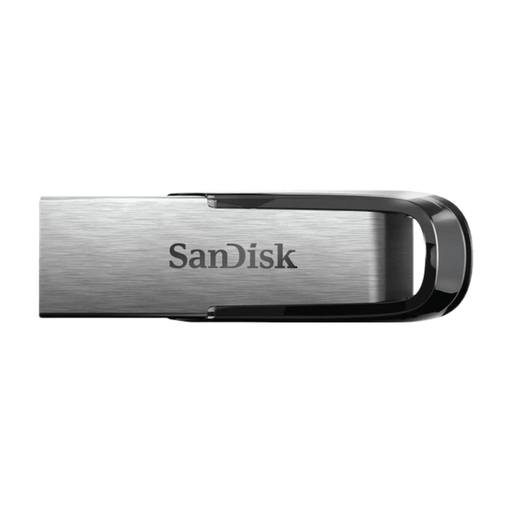
SanDisk Ultra Flair 512 GB USB 3.0
The stated capacity makes this an option to compare if you want to keep project files and several versions; check that the usable space is sufficient.
512 GB; USB 3.0; metal casing.
Joybuy
 No image available
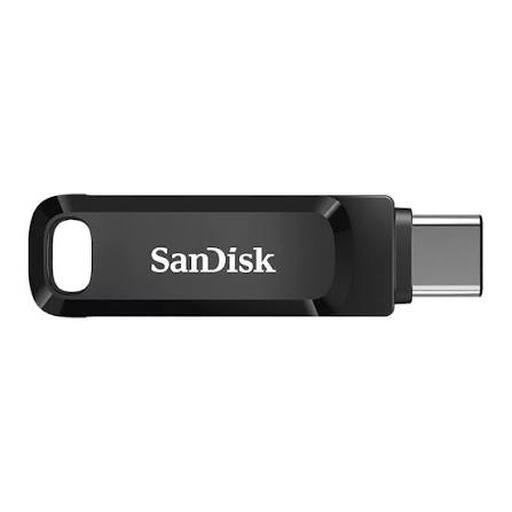
SanDisk Ultra Dual Drive Go 512 GB USB 3.1
The two types of connection make this model a good option if you move files between USB-A and USB-C devices.
512 GB; USB-A and USB-C; stated read speed of up to 150 MB/s.
Joybuy
 No image available
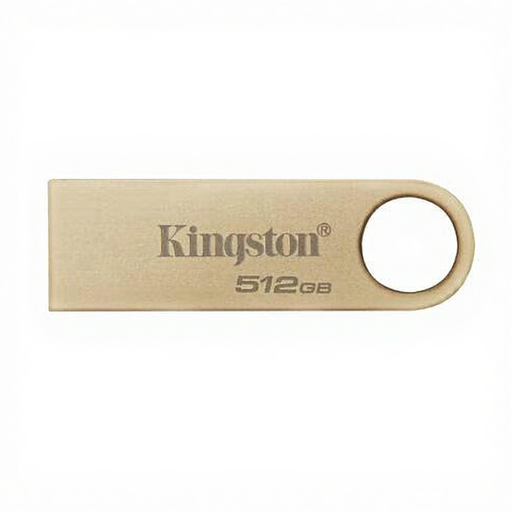
Kingston DataTraveler SE9 G3 512 GB
The stated capacity and write-speed specification make this model worth comparing for larger files that you write regularly.
512 GB; USB Type-A; up to 220 MB/s read and 100 MB/s write according to the product specifications; metal casing.
Joybuy
 No image available
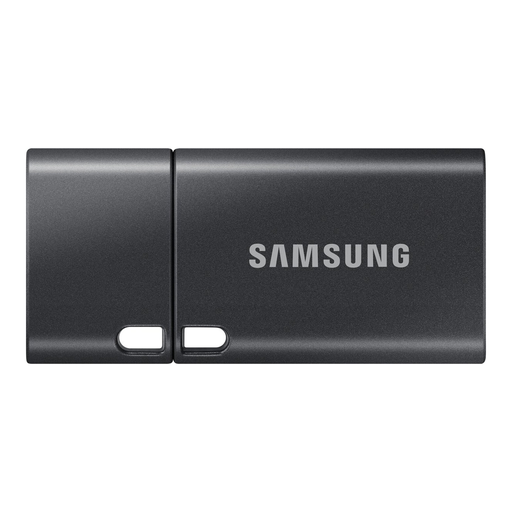
Samsung MUF-512DA 512 GB USB Type-C
This model is an option if your computer or other device has a USB Type-C connection; it won’t plug directly into a device with USB-A only.
512 GB; USB Type-C 3.2 Gen 1 (3.1 Gen 1); stated read speed of up to 400 MB/s.
Joybuy
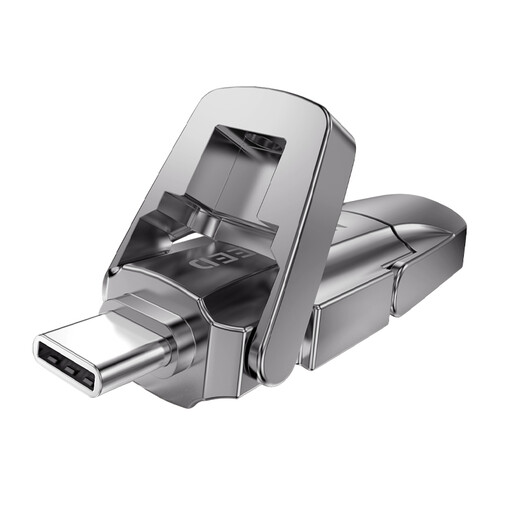 No image available
MOVESPEED YSUYVP10-512GSR 512 GB
The dual connection makes this model a good option if you move project files between USB-A and USB-C devices.
512 GB; USB-A and USB-C; metal casing. The product name states a read speed of 1090 MB/s, not a write speed.
Joybuy
Frequently asked questions
How can you tell whether a stick has enough space for several project versions?
Add together the size of the source material, project files, exports and versions you want to keep. Compare the total with the usable space on the exact model: Kingston notes that the available space on the DataTraveler Max is less than its stated capacity. A fixed number of gigabytes per hour of video isn’t a useful guide, as projects vary.
Which file system should you choose to transfer files between Mac and Windows?
Apple recommends ExFAT for external storage over 32 GB used with Mac and Windows. Formatting erases existing files. If you want to use a Final Cut Pro library on external storage, Apple recommends APFS; first decide whether you want to transfer files or use the library on that storage.
How can you check that an archived project can really be recovered?
Keep a separate recovery copy and try opening or restoring files from it. The NCSC recommends keeping backups on different media and in different locations, and testing a recovery process.
What should you do if a USB stick bought in the Netherlands is faulty?
Contact the seller. According to the Dutch government, there is no fixed statutory warranty period in the Netherlands: what you can expect from a product depends on the product and the circumstances. A manufacturer’s warranty is in addition to your statutory rights and doesn’t mean that lost files can be recovered.


