Headsets at Joybuy
This selection includes wired and wireless headsets with microphones. For each model, check that the connection is compatible with your recording device and that a test recording captures a soft voice clearly.
 No image available
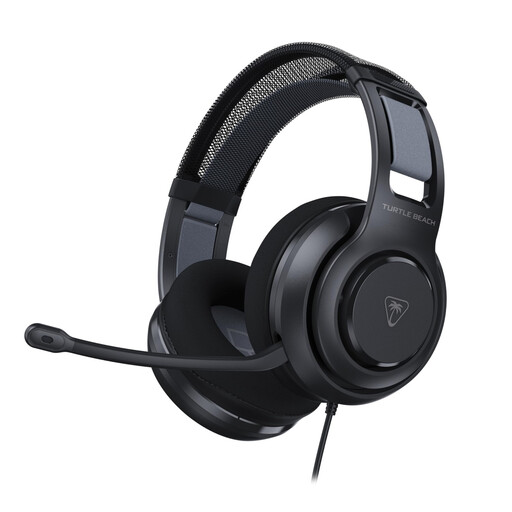
Turtle Beach Atlas 200 PC Gaming Headset Wired, 3.5mm Jack, Flip-to-Mute Mic
Could be worth considering if you’re looking for a wired headset with a microphone; test whether it records softly spoken text clearly.
The product name specifies a wired 3.5mm connection and a flip-to-mute microphone.
View at Joybuy
 No image available
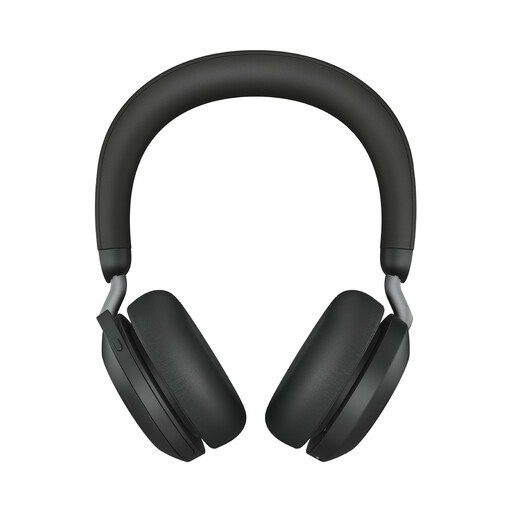
Jabra Evolve2 75 USB-A MS Teams, Black
Could suit anyone considering a wireless office headset with a microphone; assess the recording using the connection you actually plan to use.
The product name specifies USB-A and MS Teams. A claim about call quality isn’t proof of how well it records a soft voice.
View at Joybuy
 No image available
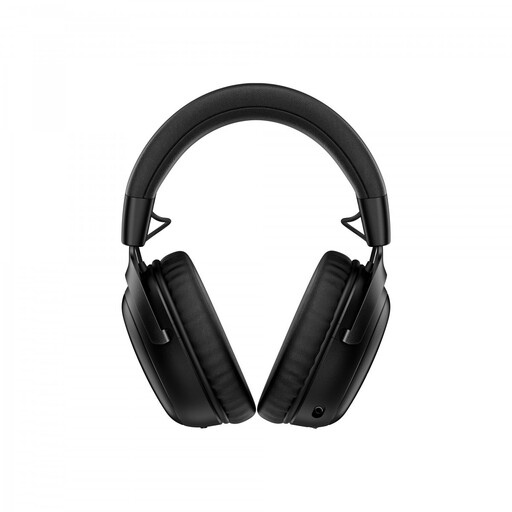
HyperX Cloud III S Wireless Gaming Headset, Detachable Boom Mic, 10 mm
Could be worth considering if you’re looking for a wireless headset with a detachable microphone boom; check the recording using your chosen wireless connection.
The product name specifies a detachable 10 mm boom microphone and a wireless headset.
View at Joybuy
 No image available
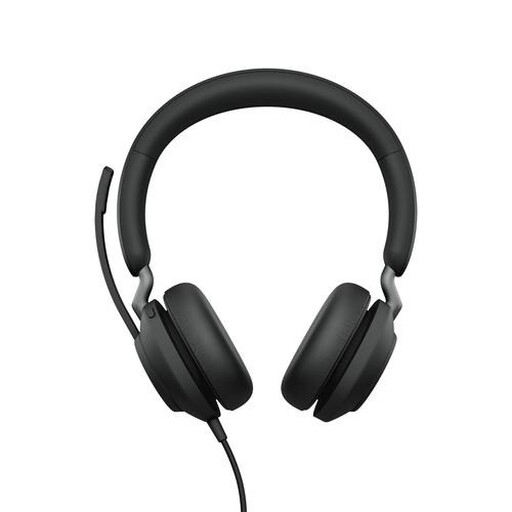
Jabra Evolve2 65 USB-A Black MS Mono
Could suit anyone considering a wireless headset for a computer setup; check that the connection and test recording work for the way you plan to use it.
The product name specifies USB-A and a mono model. Descriptions of microphones for calls don’t automatically tell you how clearly quiet passages will come through in a recording.
View at Joybuy
 No image available
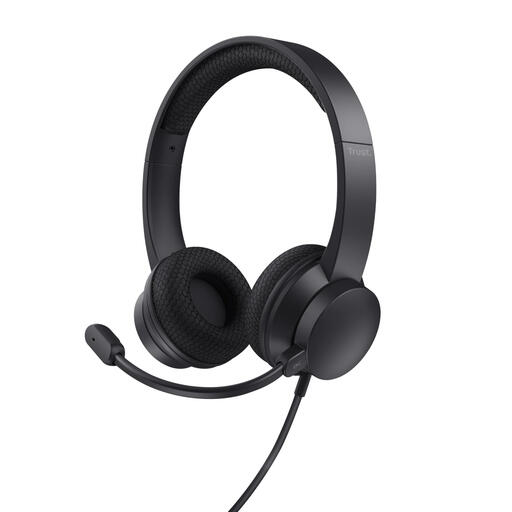
Trust Ayda Noise-Cancelling Wired Headset, USB Type-A
Could be worth considering if you’re looking for a wired computer headset; test it with the actual script to see whether the microphone captures quiet words clearly.
The product name specifies a wired USB Type-A connection and a headband. It also mentions noise cancellation; check the recording result rather than taking this as proof of clarity.
View at Joybuy
Frequently asked questions
How do I set up a headset for a soft-spoken narrator?
Position the microphone boom consistently beside the mouth and make a short recording using the actual script. Check that quiet words are audible without popping sounds or distortion. Shure’s guide gives a positioning instruction for the BRH50M; don’t assume the same distance will work for other headsets.
What recording level should I aim for?
Watch the meter during a test recording that includes both quiet and louder words. Audacity suggests around −6 dB as a practical guide for the highest peak and explains how to check for clipping; this isn’t a mandatory standard for safety announcements.
Do I need extra equipment for a broadcast headset?
It depends on the exact cable version and your recording device. Shure describes the BRH50M as having a detachable cable with XLR and jack connections. Before buying, check that you have the required microphone input, amplification and headphone connection.
What are the warranty and returns rules in the Netherlands?
For a consumer purchase, statutory guarantees are separate from any manufacturer’s warranty. ACM ConsuWijzer states that the seller is responsible for providing a solution if, under normal use, the product doesn’t do what you were entitled to expect. Online consumer purchases generally come with a 14-day cooling-off period after delivery, subject to exceptions; check the terms if you’re buying on behalf of a business.
Are there rules about recording or publishing someone’s voice?
A sound recording in which someone can be identified may count as personal data. According to the Dutch Data Protection Authority, an organisation needs a valid GDPR legal basis to process personal data; consent is one possible basis, but it isn’t automatically the only one. Agree with the narrator how the recording will be used and published. Any additional requirements for its content or playback depend on the intended use.


