
Finding the right charging stand
You already have an electric toothbrush and want to check which charging accessory fits its handle before choosing a USB power supply. Philips recommends checking Sonicare charger compatibility by model.


Start with the model number and the original charging stand or travel case: a spare USB port won’t necessarily charge a toothbrush handle directly. If you don’t have the right accessory, choose a compatible solution designed for your model. A USB power supply with extra ports is most useful if you already have the right charging stand or case and want to connect other desk devices too. Before you buy, check the connection, the specified power supply and which cables are included.
You already have an electric toothbrush and want to check which charging accessory fits its handle before choosing a USB power supply. Philips recommends checking Sonicare charger compatibility by model.
You already have the right charging stand or case and are looking for a USB power supply for your toothbrush and perhaps one other desk device. Check which port type and power supply your existing charging solution requires.
You want to connect several desk devices in one place and check whether there’ll be a spare port for your existing toothbrush charger. The number of ports is only useful if the charging stand and connection are suitable.
Choose this if: you still need a charging stand or case for your existing handle.
Consider: check compatibility first. A suitable charging stand won’t necessarily include extra USB ports or a mains adaptor.
Choose this if: you already have the right toothbrush charger and want to power other devices from your desk too.
Consider: extra ports don’t mean the power supply will connect directly to your toothbrush. Your existing charging stand, cable and instruction manual are still what matter.
Philips warns that not all Sonicare chargers are compatible with one another. For the iO charger mentioned, Oral-B specifies using the charger supplied or the prescribed cable set.
| What to consider | What to look for when buying | Who should consider this? |
|---|---|---|
| Compatibility with the handle | Check the full model number and charging stand compatibility. Also consider whether you want to keep using your existing charger. | If you’re mainly looking for a charging accessory that fits your existing handle, check model compatibility before choosing. Around 36% of consumers prioritise finding the right charging option. |
| A convenient charging point | Check whether the charging stand or case uses USB-A or another connection, what power supply the manual specifies and whether a cable is included. | If you already have the right toothbrush charger and mainly want a convenient way to power it at your desk, the right connection and a complete setup are important. Around 29% of consumers prioritise a convenient charging point. |
| Connecting several devices | Count the USB-A and USB-C ports you need, and check the output of the port you plan to use for the toothbrush charger. | If you want to connect other desk devices as well as your toothbrush charger, check whether the right ports will still be available at the same time. Around 21% of consumers prioritise powering several devices at once. |
| Safe positioning and accessories | Check which cable and adaptor are included, follow the instructions for your model and keep the power supply away from moisture and uncovered. | If you want to know which accessories you’ll need and where to position the power supply on your desk before buying, completeness and placement matter. Around 14% of consumers say this is their main reason for buying. |
The USB connection on a power supply doesn’t tell you whether the charging stand fits your handle. Philips warns that not all Sonicare chargers are compatible with one another; the Oral-B iO charger mentioned has its own charging instructions.
Look up the full model number of your handle and check which charging stand, case or charger is designed for it.
Philips says that the charging cable isn’t included with the Sonicare case CP2171/01. Without the required cable, the case may not be ready to use.
Before buying, check which cable and USB connection you’ll need and what’s included with the product.
A power supply with several ports or a high stated wattage doesn’t prove that it will connect directly to a toothbrush handle.
First follow the instructions for your toothbrush and compatible charging stand. Then decide how many extra ports you need at your desk.
Offers charging accessories designed for specific models, including the USB charging stand CP1977/01 and charging case CP2171/01.
Offers desk power supplies with different port layouts, including a two-port option and a ten-port USB-A charging station.
Offers multi-port power supplies for anyone who wants to connect other desk devices as well as their existing toothbrush charger.
Relevant if you use an Oral-B toothbrush with its own charging system.
These Joybuy products provide USB connections for a shared desk power supply. Use them with your toothbrush only alongside the right charging stand or case, and follow the power instructions for your model.
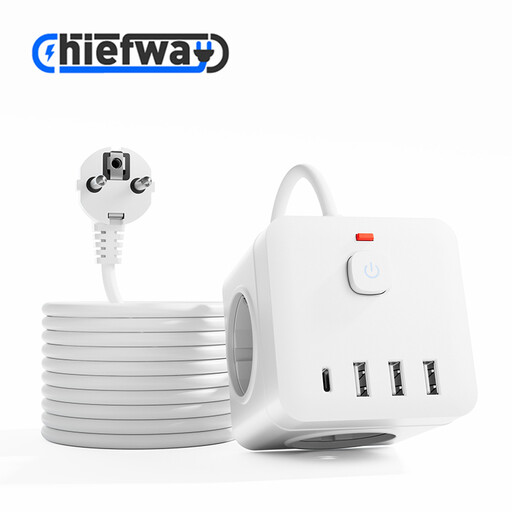 No image available
Could suit a shared desk power setup if you already have the right toothbrush charging stand or case; the USB ports don’t replace it.
Three USB-A ports and one USB-C port; 1.5 m cable; maximum 2500 W according to the product name. Keep the extension lead away from water and moisture.
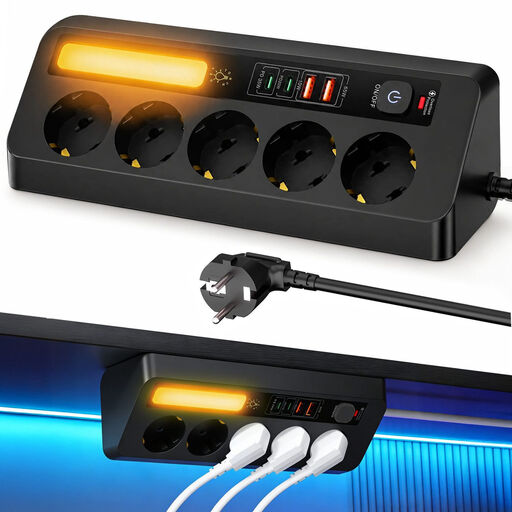 No image available
An option for a shared desk setup if you already have a suitable toothbrush charger; check the specified power supply for your handle.
Four USB ports: two USB-C and two USB-A. The product description lists USB-C outputs of 35 W and 20 W, USB-A outputs of 10 W and a 2 m cable.
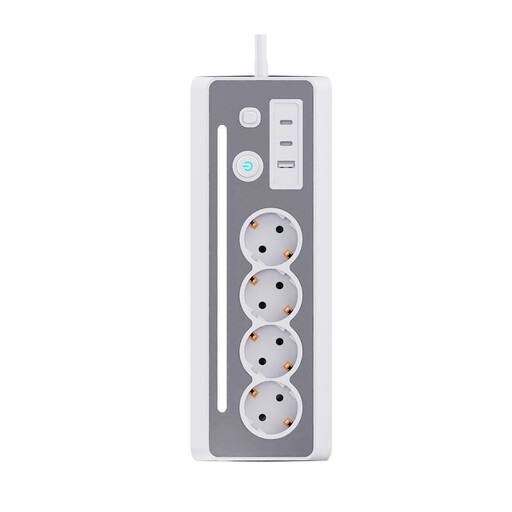 No image available
Could provide shared desk power if you already have the right toothbrush charging accessory.
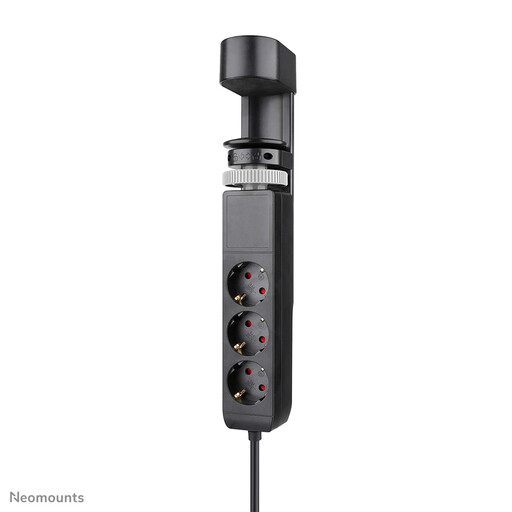
Three Schuko sockets and three USB ports: two USB-C and one USB-A. Attaches to the desk with a clamp; 1.4 m cable.
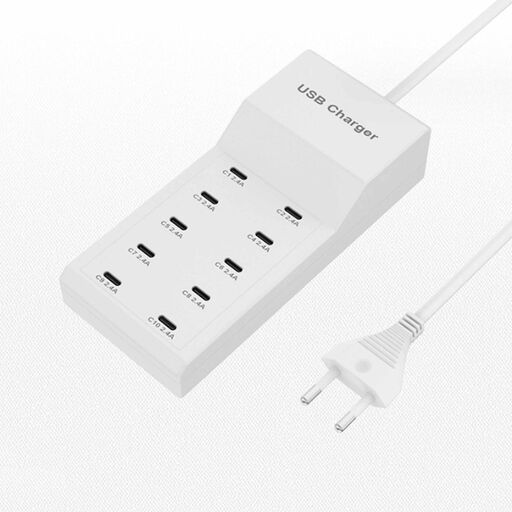 No image available
Could be useful if you want to connect several devices in one place and already have the right charging stand or case for your toothbrush.
The product name lists ten ports, with USB-A and USB-C connections. Check which port type and power supply your toothbrush manual specifies.
 No image available
A desk option with USB connections if you already have the right toothbrush charger; check the power instructions for your model.
Two 20 W USB-C ports and one 18 W USB-A port according to the product description. Clamp fitting and 1.4 m mains cable.
Not without checking how your toothbrush needs to be charged. In the options described by Philips, the USB connection runs through a compatible charging stand or charging case. Check the instructions for your exact handle model.
Follow the instructions for your toothbrush and charger, and leave the power supply uncovered so heat can escape, as advised by Brandweer Nederland. Keep the charger away from water and don’t use damaged cables. For the iO charger mentioned, Oral-B warns that it must not stand in or fall into water.
Yes, applicable European product requirements apply to electrical appliances. Ondernemersplein explains that manufacturers of appliances requiring CE marking must assess conformity, apply the CE marking and draw up an EU declaration of conformity. This doesn’t confirm that a specific product meets those requirements.
No. The statutory guarantee isn’t automatically exactly two years for every product. ACM ConsuWijzer explains that your statutory guarantee depends on what you could reasonably expect from the product under normal use. Any manufacturer’s or seller’s guarantee offered doesn’t replace that statutory right.