What should you look for when buying?
Start by working out the total space needed for all the versions you want to keep. Then check the connections and formatting, and compare the stated write speed for the exact model if you copy files regularly.
| What to consider |
What should you check? |
Who should pay extra attention? |
| Space for recordings and versions |
Add up the size of all the folders you need to store on the stick at the same time. Compare this with the capacity of the exact model and keep a separate backup. |
I want to keep several project stages without immediately overwriting older versions. Around 36% of consumers put space for recordings and versions first. |
| Connection and file system |
Check the ports on your source and destination devices. If you use Windows and Mac, check the file system too; Apple lists FAT and exFAT as compatible with Windows and notes the limitations on writing to NTFS. |
I want to copy files directly between my devices without finding out that the connection or formatting is incompatible. For around 29% of consumers, device compatibility is the top priority. |
| Time needed for repeated copying |
Look for the stated write speed of the exact model, not just the read speed. Bear in mind that a manufacturer’s figure doesn’t tell you how long copying will take with your device and files. |
If I regularly write project folders to the stick again, write speed matters to me. Around 21% of consumers prioritise copying time when repeatedly writing files. |
| Protecting recordings you carry with you |
Consider whether you need encryption and password management, and whether you can follow the associated process. Also keep a separate copy. |
I want to protect confidential recordings if I lose the stick. For around 14% of consumers, confidentiality is the main reason for buying. |
USB sticks at Joybuy
These product picks are aimed at storing and copying voice recordings and project versions, using USB-A, USB-C or both types of connection.
 No image available
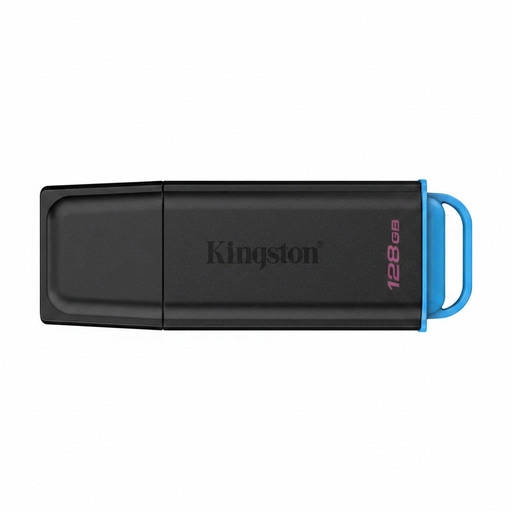
Kingston DataTraveler Exodia 128 GB USB 3.2 Gen 1 Type-A
Suitable for copying via USB-A ports; check that both your source and destination devices have a compatible connection.
The product title lists 128 GB, USB 3.2 Gen 1 and Type-A.
Joybuy
 No image available
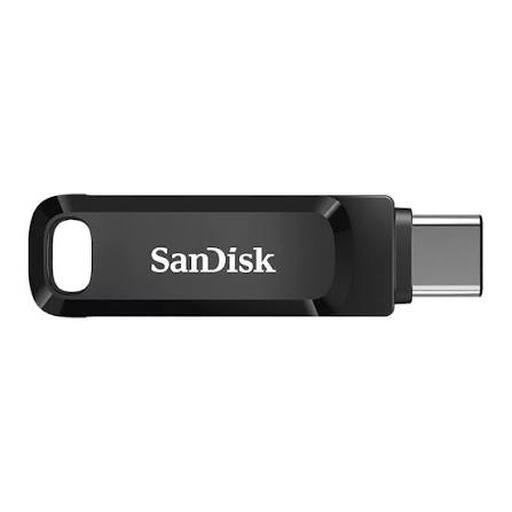
SanDisk Ultra Dual Drive Go 512 GB
An option for transferring files between devices with different ports; check that the connections suit your devices.
The product title lists 512 GB and USB 3.1/USB-C.
Joybuy
 No image available
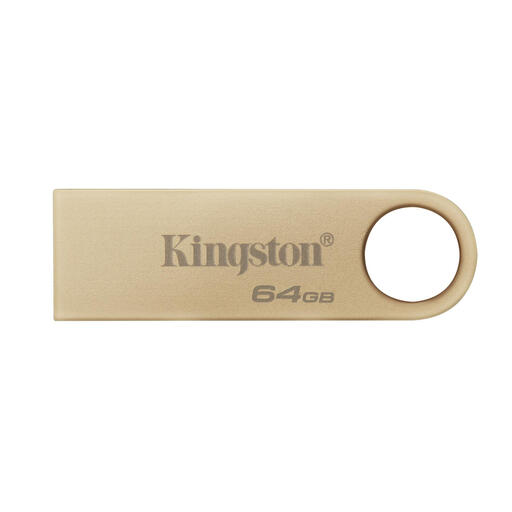
Kingston DataTraveler SE9 G3 64 GB
Worth considering for devices with a USB-A host; check the connection before transferring files.
The product title lists 64 GB, a metal design and USB 3.2 Gen 1.
Joybuy
 No image available
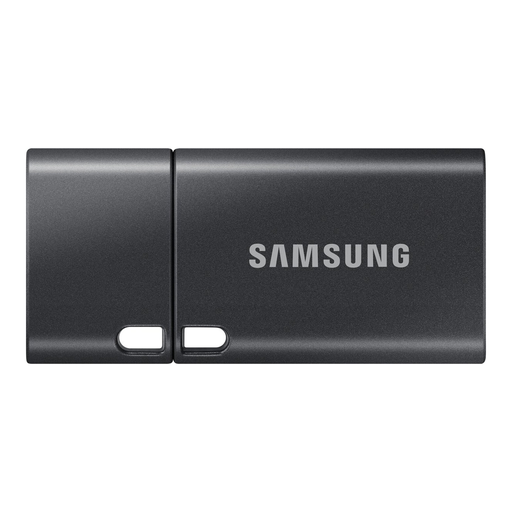
Samsung MUF-512DA 512 GB USB-C
Suitable for copying to devices with USB-C; check that the connection matches the ports on your devices.
The product title lists 512 GB and USB Type-C 3.2 Gen 1 (3.1 Gen 1).
Joybuy
 No image available
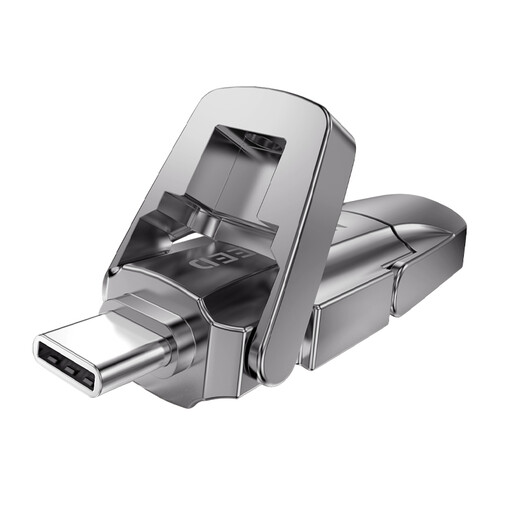
MOVESPEED YSUYVP10-512GSR 512 GB
An option for transferring files between devices with USB-A and USB-C connections; check the ports on your source and destination devices.
The product title lists 512 GB, USB 3.2 Gen 1 and read speeds of 1090 MB/s. The stated speed is for reading, not writing.
Joybuy
Frequently asked questions
How can you avoid restoring the wrong project version?
Give version folders clear, recognisable names and don’t immediately overwrite an earlier version. After copying, open a few files to check them, and also keep a recent copy somewhere else.
Can the same USB stick work with Windows and Mac?
It can, provided the connection fits and both systems support the file system you choose. Apple Support lists FAT and exFAT as compatible with Windows and notes that a Mac may be able to read NTFS but not write to it. Also check the requirements of any recorder you use.
How should you remove the stick after copying?
Wait until copying is finished, then use the Safely Remove Hardware feature in Windows before unplugging the stick. Microsoft recommends this to help prevent data loss.
What do the cooling-off period and warranty mean when buying online?
According to ACM ConsuWijzer, online consumer purchases generally come with a statutory 14-day cooling-off period after delivery; exceptions may apply. The Netherlands Authority for Consumers and Markets says the seller is responsible for the statutory guarantee, for which there is no fixed guarantee period in the Netherlands. Any manufacturer’s warranty is separate.
Are you allowed to copy or share other people’s voice recordings?
Don’t assume you’re allowed to share every recording. The Dutch government explains that a private copy of copyright-protected content may be made for personal use, but it must not be distributed or made public. Whether a recording contains personal data and which privacy rules apply depends on its content and the circumstances; the Dutch Data Protection Authority describes an exception for personal or household use.


