
Student with a USB-A home computer
If you mainly copy notes from a computer with USB-A, check the connector on the device you want to open the copy on, too. Kingston lists USB Type-A for the DataTraveler Exodia M.


First, choose a USB-A, USB-C or dual connector that fits the devices you use to copy your notes between. Then compare the space you need with the capacity, and check the write speed if you copy files regularly. Keep the original or a second backup, check the copied files and safely eject the stick. Protect sensitive notes if the stick could be lost.
If you mainly copy notes from a computer with USB-A, check the connector on the device you want to open the copy on, too. Kingston lists USB Type-A for the DataTraveler Exodia M.
If you use a device with a different port type as well as your home computer, check that the stick fits both. Kingston describes the microDuo 3C as having both USB-A and USB-C.
If you want to avoid losing your notes or keep their contents private, consider the risk of the stick being lost or damaged and decide whether its contents need extra protection. VeiligInternetten discusses backups and encryption; the Dutch Data Protection Authority outlines the risks of losing unencrypted personal data.
First, check the ports on the devices you’ll copy between and the size of your files. Then consider the write speed and the protection your notes need.
| What to consider | What to look for | Who should consider this most? |
|---|---|---|
| Connector | Check the port on your home computer and on every device you want to open your notes on. USB-A and USB-C connectors offer different connection options. | If I want to transfer notes between devices with different ports, the plug needs to fit both. Around 31% of consumers say port compatibility is their main buying concern. |
| Keeping your copy safe | Keep the original or a second copy, check files after copying and safely eject the stick before unplugging it. | If my study notes are important, I don’t want to rely on a single stick that could be damaged or lost. Around 25% of consumers prioritise keeping their notes safe. |
| Storage space | Check the size of the folders you want to copy and compare it with the stated and usable capacity of the model. | If I also want to take pictures, presentations or other files with me, the capacity needs to suit my folders. Around 19% of consumers say having enough storage space is their main buying concern. |
| Write speed | Check whether the stated speed refers to reading or writing, which capacity it applies to and the conditions under which it was measured. | If I regularly copy files to the stick, I want to know how quickly they can be written to it. Around 13% of consumers say waiting while copying repeatedly is their main buying concern. |
| Protecting your notes | Decide whether the contents are sensitive and check which password or encryption features are available for your device and model. | If the stick contains sensitive notes and could be lost, I want to know in advance how I can protect its contents. Around 12% of consumers prioritise protecting sensitive notes. |
A high maximum read speed doesn’t tell you how quickly notes can be written to the stick. Manufacturers list read speeds for some models, but actual speeds can also depend on the device and the conditions.
Check whether a write speed is listed for the specific model you’re choosing, and what that figure refers to.
If you copy files regularly, transfers may take longer than you’d expect based on the read speed.
A USB stick can be damaged or lost. Without another copy, you could lose your notes.
Keep the original or a second copy somewhere else, check a copied file and safely eject the stick. Microsoft Support recommends safely removing it to help prevent data loss.
A USB-A plug won’t fit directly into a device with USB-C only.
Check the ports on all the devices you’ll use. If you need both port types, see whether a model with both USB-A and USB-C is right for you.
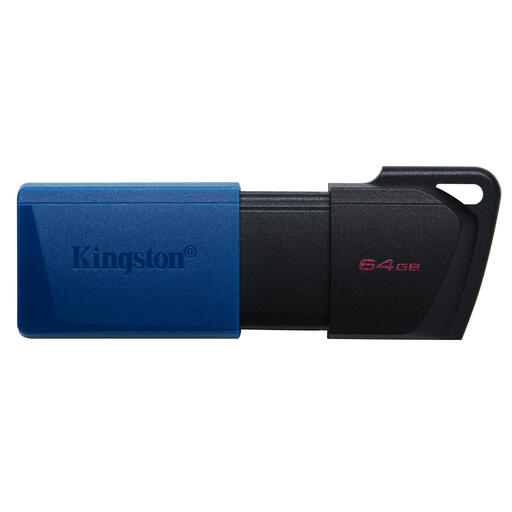
The DataTraveler Exodia M is designed for USB-A, while the microDuo 3C has both USB-A and USB-C.
The FIT Plus is a compact USB-A option for use with a home computer that has this port.
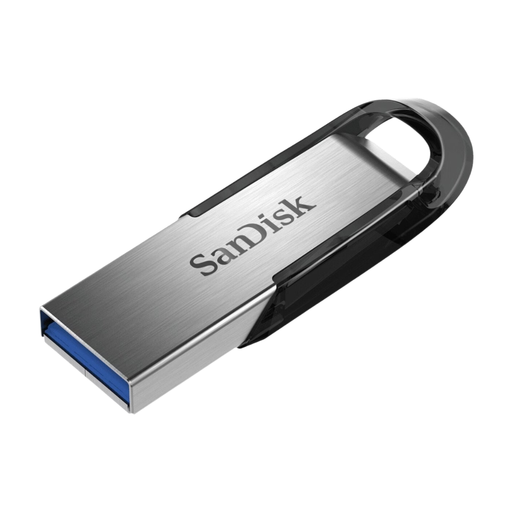
The Ultra Flair 64GB is a USB-A model with a metal casing and a password feature described by SanDisk.
The JetFlash 790 is a USB-A range with a retractable connector, for anyone who doesn’t want a separate cap.
This selection includes USB-A and USB-C sticks for copying study notes from a home computer, including models with both connectors.
 No image available
Suitable for copying from a computer with USB-A.
The description lists 64 GB of storage and a password feature via SanDisk software. Check that the software works with your devices before relying on it.
 No image available
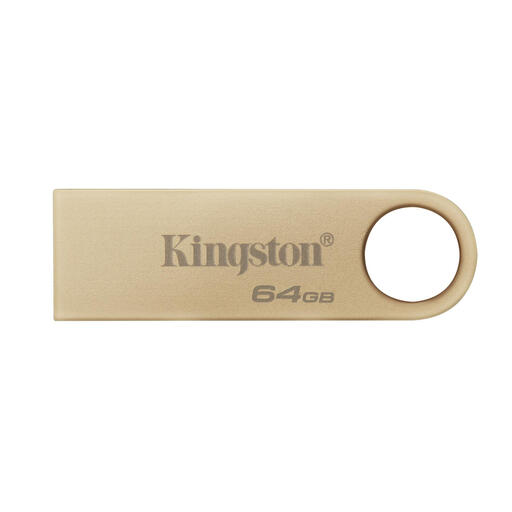
A USB-A model for copying from a computer with this connector.
The product description lists 64 GB of storage, a metal casing and a write speed of 100 MB/s.
 No image available
Suitable for copying from a computer with USB-A.
This model has 64 GB of storage, a USB Type-A connector, a swivelling cap and a loop for a keyring. The USB-A plug won’t fit directly into a device with USB-C only.
 No image available
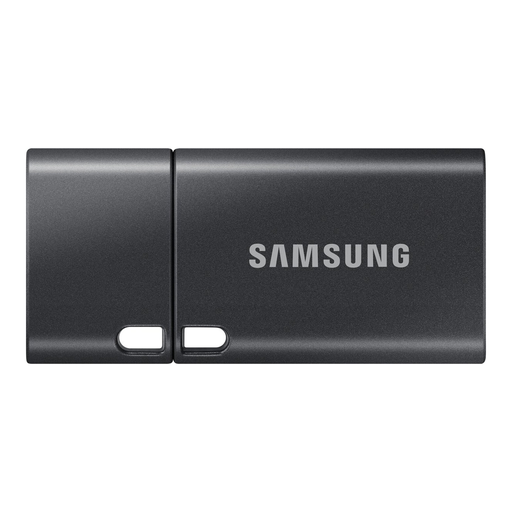
This model is designed for devices with USB-C; it won’t fit directly into a device with USB-A only.
The product description lists 512 GB of storage and a USB Type-C connector. The stated maximum speed is for reading, not writing.
 No image available
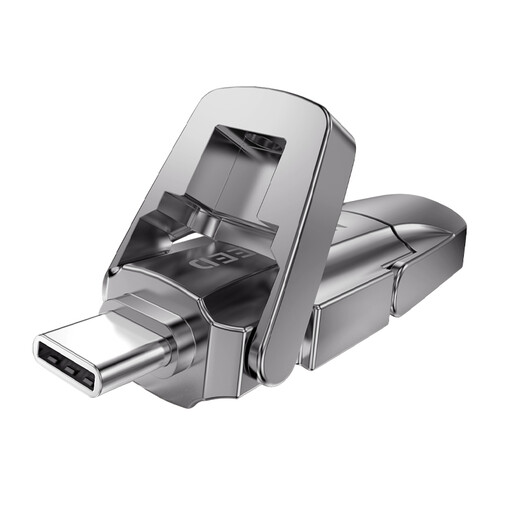
The dual connector is designed for copying between devices with USB-A and USB-C.
This model lists 512 GB of storage and USB-A and Type-C connectors.
Open the USB stick on your home computer, check the folders you copied and, if needed, open a file. Microsoft Support recommends safely ejecting the stick in Windows before disconnecting it to help prevent data loss.
It’s best not to use a USB stick as your only copy: files can be lost if the stick is damaged. VeiligInternetten recommends keeping backups somewhere else; encrypt files if necessary for extra protection.