
Recording collection manager
Needs to be able to find and restore complete recordings and their descriptions if a storage device fails. For digital audio works, the Library of Congress recommends formats including WAVE with embedded metadata.


Choose a capacity that fits the complete folder of recordings and related files, and check that the stick is compatible with the ports on the devices you use. Use a USB stick to transfer files or as an additional copy, not as your only archive copy: the Library of Congress recommends keeping separate copies. If recordings include identifiable people, appropriate access controls are also important.
Needs to be able to find and restore complete recordings and their descriptions if a storage device fails. For digital audio works, the Library of Congress recommends formats including WAVE with embedded metadata.
Copies files between archive computers and other devices, so needs to match capacity, connection and write speed to the way they work. Kingston and Transcend state maximum speeds that may depend on the conditions of use.
Needs to consider who could access the recordings if a stick is lost. The Dutch Data Protection Authority considers audio recordings in which someone is identifiable as potentially containing personal data.
First, work out which complete files need to fit on the stick and where another copy will be kept. Then choose according to how you’ll transfer the files, the connections you use and any access controls you may need.
Choose this when: you want to move recordings between devices or keep an additional copy elsewhere; include the complete folder with its descriptions.
Bear in mind: separate copies, read checks and future migration are still necessary; a stick is not a complete long-term archive.
Choose this when: several managers need access, or monitoring and migration are part of the archive work.
Bear in mind: a NAS requires management and does not replace a back-up on a separate medium; a digital repository needs policies and expertise, and usually a larger budget. The Dutch Digital Heritage Network outlines these management requirements.
Choose this when: recordings contain personal data and protection against unauthorised access is important.
Bear in mind: agree who can unlock the stick and how authorised managers will retain access. Product security alone does not demonstrate compliance with the GDPR.
| What to consider | What should you check? | Who is this most important for? |
|---|---|---|
| Restorable additional copy | Decide what belongs in the complete folder, where the other copy is kept and whether the files can be read after copying. | As the person managing the collection, I don’t want to rely on a single storage device. Around 37% of consumers prioritise being able to restore their files. |
| Capacity and copying time | Measure the folder and compare it with the available capacity; if you’ll be writing lots of data, check the stated write speed for the exact model. | For large or regularly updated recordings, I want enough space and a suitable copying speed. Around 27% of consumers give capacity and copying time top priority. |
| Transferring between devices | Check the ports on the source and destination devices, and test that both can read the file system. | If I’m transferring between devices with different ports, I want to avoid unnecessary extra steps. Around 18% of consumers prioritise connections and compatibility between devices. |
| Access if the stick is lost | Check whether recordings contain identifiable people and decide who needs access; choose suitable security and access arrangements for authorised managers. | For recordings with identifiable voices, I want to limit unauthorised access while ensuring the archive retains access. Around 18% of consumers prioritise protection in case of loss. |
Digital storage media can fail or become obsolete. The Library of Congress recommends separate copies; a stick on its own does not make the collection recoverable.
Keep an independent copy as well as the stick, check periodically that the files are readable, and plan for migration to another storage medium in the future.
Separate copies, checks and future migration take time and may require another storage medium.
The Samsung BAR Plus’s stated speed of up to 400 MB/s refers to sequential reading. Kingston warns that actual speeds also depend on hardware, software and usage.
If you’ll be writing lots of data, compare the stated write speed for the exact model and check that your computer’s port is suitable.
Copying may take longer than you’d expect based on the read speed.
According to the Dutch Data Protection Authority, identifiable people in audio recordings may be personal data. Losing a USB stick containing unencrypted personal data could constitute a data breach.
Decide who needs access and choose suitable security and access procedures so that authorised managers can continue to open the files.
DataTraveler Max models with USB-A or USB-C are designed for people who regularly copy large files.
The JetFlash 920 is a USB-A option for workflows involving lots of writing.
According to the Dutch product information, the Ultra Dual Drive Go is designed for transferring files between devices with USB-A and USB-C.
The BAR Plus MUF-256BE4/APC is a USB-A model with a stated capacity of 256 GB.
The datAshur PRO is an option if PIN access and encryption are essential selection criteria.
These USB sticks are worth considering as additional storage or for carrying files with you. Choose a capacity and connection that suit the complete archive folder and the devices you use.
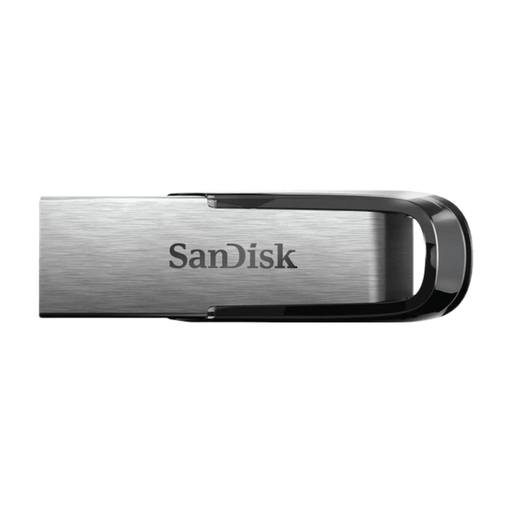 No image available
Can be used as an additional medium for recordings and related files; don’t use the stick as your only archive copy.
The product name lists 512 GB and USB 3.0. Check that the available capacity is sufficient for the complete folder.
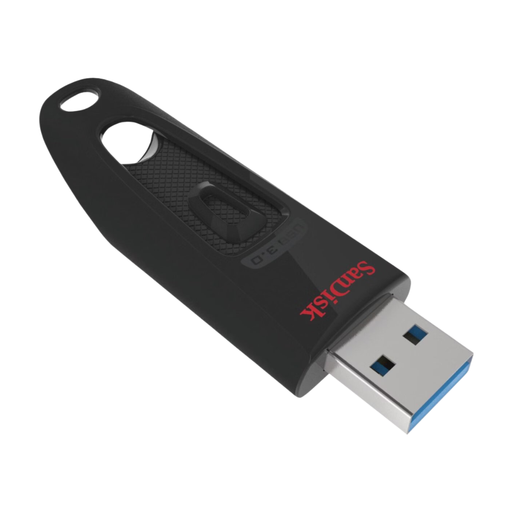 No image available
Can be used to carry files or as an additional copy alongside another archive copy.
The product name lists 512 GB and USB 3.0. Check the destination device’s port and make sure the available capacity is sufficient for the selected folder.
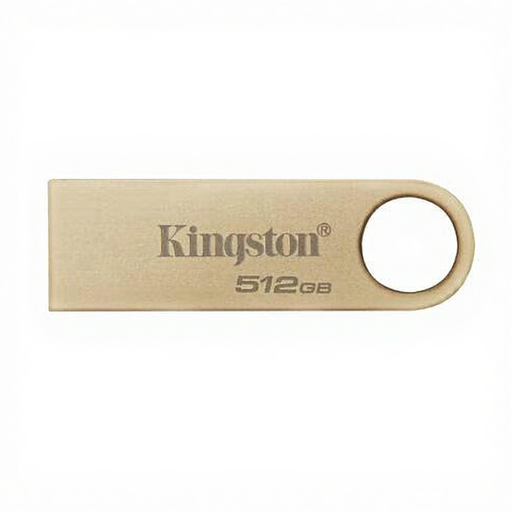 No image available
Can be used as an additional medium for files; keep a separate copy of the archive as well.
The product name lists 512 GB, 220 MB/s and USB 3.2 Gen 1. Check the product information to see which speed the 220 MB/s figure refers to.
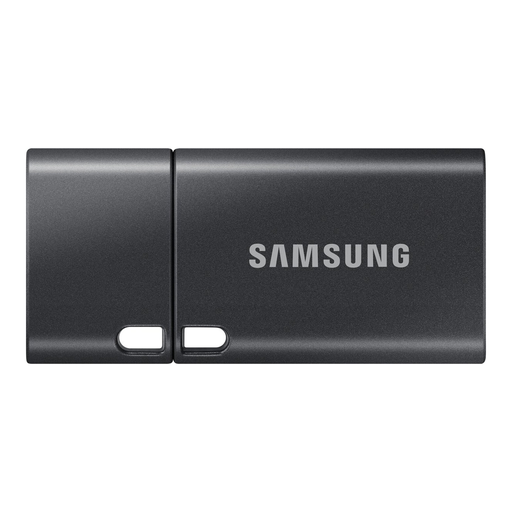 No image available
This model may suit transfers to a device with USB Type-C; use it as an additional medium, not as your only archive copy.
The product name lists 512 GB and USB Type-C 3.2 Gen 1. Check that the connection works with the devices in your archive workflow.
 No image available
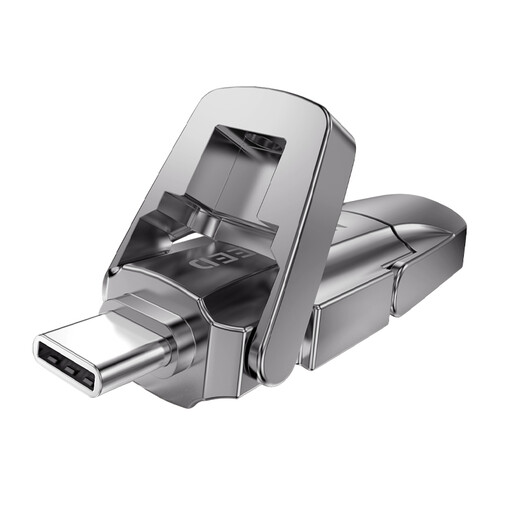
The listed USB and Type-C connections may be useful when transferring files between devices with different ports.
The product name lists 512 GB and read speeds of up to 1090 MB/s. This read speed is not a stated write speed; also check that the capacity is sufficient for the complete folder.
No, don’t use the stick as your only copy. The Library of Congress recommends keeping separate copies on different media and in different locations. Check that the files remain readable and, if necessary, make new copies on other media.
Keep the original file and its accompanying description. For digital audio works, the Library of Congress recommends formats including WAVE with embedded metadata in preference to WAVE without such metadata. Don’t alter an existing recording just to show a higher resolution.
Check that the destination device can read the stick and its file system, that the selected files have transferred and that a few copies open. Keep an independent copy too, and periodically check that stored files remain readable.
Not without assessing the purpose and the applicable rules. According to the Dutch Data Protection Authority, identifiable people in audio recordings may be personal data, and processing requires an appropriate GDPR legal basis. The GDPR does not set a general fixed retention period, according to the Dutch Data Protection Authority; decide and document what is necessary for your purpose.
Don’t assume that an exception for a private copy allows you to share it publicly. The Dutch government states that a private copy for personal use must not be distributed or made publicly available. Before sharing, check what permissions or other rights are needed for the recording and performance in question.