Keep a separate, restorable copy of the correct manuscript version, then choose a transfer stick that suits the ports and operating systems used by you and your client. Check the files before handing them over. If they contain confidential information, agree how the recipient will access them too.
Who is this choice relevant to?
Creators who want a restorable final version
You’re handing over a manuscript, but want to keep a separate copy of the correct version that you can open and restore. Veilig Internetten and the National Cyber Security Centre describe keeping backups as part of protecting important files.
Creators and clients with different ports
You want to be able to open the same files on devices with, for example, USB-C and USB-A ports. Check which ports both parties can actually use; SanDisk offers, among other options, sticks with both types of connector.
Creators with confidential files
You want to reduce the risk of someone viewing your files if the stick is lost, without preventing your client from accessing them. The Dutch Data Protection Authority considers the loss of an unencrypted stick containing personal data a potential data breach; Kingston offers hardware encryption in a separate product range.
What should you look for when choosing?
Start by keeping a backup of your own, then check the ports and file system on both devices. Only consider extra capacity or speed if the full project folder or repeated copying makes it necessary.
| What to consider |
What should you check? |
Who should give this more weight? |
| Restorable copy |
Will the full project folder, including the versions you need, fit on the stick? Keep a separate copy as well, and open the files after copying them. |
When I hand over the stick, I want to keep a separate, accessible copy of the correct version. Around 36% of consumers prioritise being able to restore their files. |
| Port and file system |
Ask which ports and operating systems both devices have. Check that the file system works on the receiving device. |
I don’t want my client to be unable to connect the stick or open the files. Around 29% of consumers prioritise device compatibility. |
| Confidentiality |
Discuss whether the contents need protection. If the stick is encrypted, check the system requirements and agree how the recipient will access the files. |
If my manuscript contains sensitive information, I want to limit unauthorised access without holding up the transfer. Around 21% of consumers prioritise confidentiality. |
| Capacity and write time |
Check the size of the folder, including the versions you need. For large or repeated copies, compare the stated write speed of the exact model; read speed is not the same. |
For large project files, I want enough space without unnecessary waiting. Around 14% of consumers prioritise project size or copying time. |
Common mistakes
-
Treating the transfer stick as your only backup
Once you’ve handed over the stick, you no longer have it. So if it’s your only extra copy, it can’t serve as a backup that you control yourself.
Keep a separate copy and check that the files you intend to send open before handing them over. The National Cyber Security Centre recommends keeping at least three versions of important business data: the original and two backups.
-
Assuming a high read speed means fast writing
A stated maximum read speed doesn’t tell you how quickly files will copy to the stick. The stated speed also applies to the specific model and test conditions.
For large project folders, compare the write speed of the exact model and check the computer’s port.
-
Choosing encryption without agreeing access with your client
Secure models may have system requirements or an access procedure. For example, Kingston specifies two consecutive free drive letters for the IronKey Locker+ 50 G2. Verbatim says that data on the Secure Pro is erased after ten failed access attempts.
Before handing over the stick, check that the receiving device meets the requirements. Agree how your client will access the files and what the recovery procedure is.
-
Formatting after you’ve already copied the files
Formatting erases the existing files on the stick. Apple warns about this when formatting a disk or volume.
Check the file system before copying your files. If you do need to format the stick, make another copy of its contents first.
Brands and product ranges to consider
SanDisk
The Ultra Dual Drive Luxe is designed for use with USB-A and USB-C ports. The Extreme PRO Dual Drive is a separate range for larger or repeated copying tasks.
- SanDisk says the Ultra Dual Drive Luxe has two types of connector. For models from 64 GB upwards, the manufacturer states a maximum read speed of 400 MB/s.
- That read speed isn’t a write speed and doesn’t, on its own, tell you how long a backup will take. Features of the Extreme PRO don’t automatically apply to the Luxe.
Kingston
DataTraveler Exodia is a USB-A range for everyday document storage; IronKey Locker+ 50 G2 is a separate range with hardware encryption.
- Kingston specifies USB-A and a five-year limited warranty for the Exodia.
- The Exodia doesn’t automatically have IronKey’s security features. For the IronKey Locker+ 50 G2, Kingston specifies two consecutive free drive letters as a system requirement.
Samsung
The BAR Plus is a USB-A option for devices with that type of port.
- For the Dutch 128GB model, Samsung states a maximum sequential read speed of 400 MB/s under the specified test conditions.
- This is not a stated write speed and doesn’t guarantee how long it will take to copy a manuscript.
Verbatim
The Store ’n’ Go Secure Pro is a secure USB-A range for transfers where access protection matters.
- For model 98664, Verbatim specifies hardware-based AES-256 encryption and password access.
- Verbatim says data is erased after ten failed access attempts. So agree in advance how access and recovery will be handled.
Transcend
The JetFlash 930C has USB-A and USB-C connectors for transferring files between devices with different ports.
- Transcend states maximum read and write speeds for this product range.
- The two connectors can’t be used at the same time. USB OTG support is required for the mobile use described.
USB sticks on Joybuy
These USB sticks on Joybuy are suited to storing and transferring manuscript files, with options for USB-A, USB-C and larger project folders.
 No image available
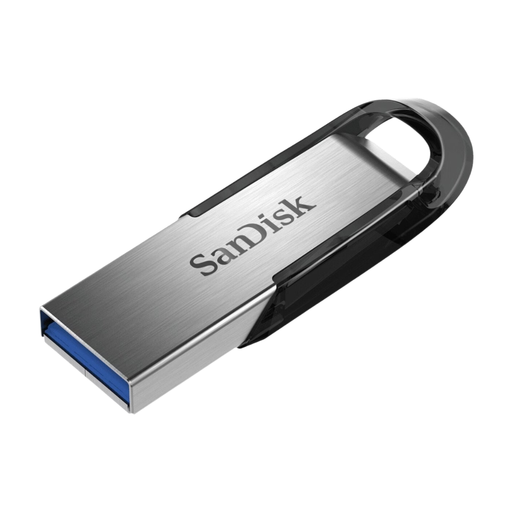
SanDisk Ultra Flair 64 GB USB 3.0
A straightforward option for storing and transferring manuscript files. Check that the receiving device has a suitable USB-A port.
64 GB storage; USB 3.0.
Joybuy
 No image available
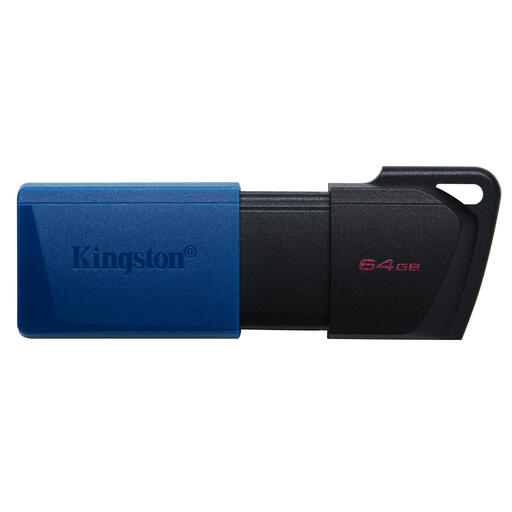
Kingston DataTraveler Exodia M 64 GB USB 3.2 Gen 1 (Black + Blue)
A good fit for everyday file transfers, provided the project folder and the versions you need fit within its capacity and the receiving device has a USB-A port.
64 GB storage; USB 3.2 Gen 1; integrated attachment loop.
Joybuy
 No image available
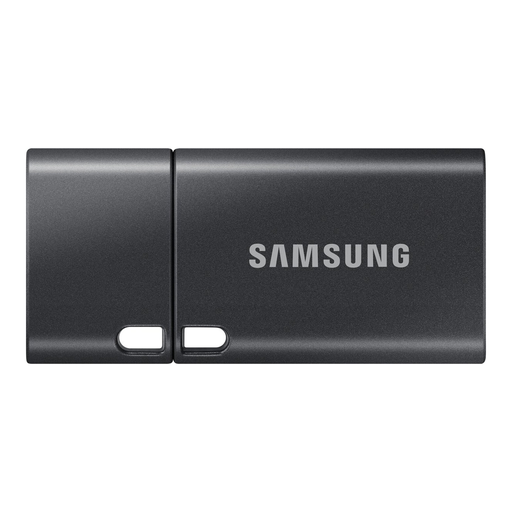
Samsung MUF-512DA 512 GB USB Type-C
An option for a project folder with lots of files, provided the receiving device has USB-C and the files you need to store fit within its capacity.
512 GB; USB Type-C 3.2 Gen 1 (3.1 Gen 1); grey.
Joybuy
 No image available
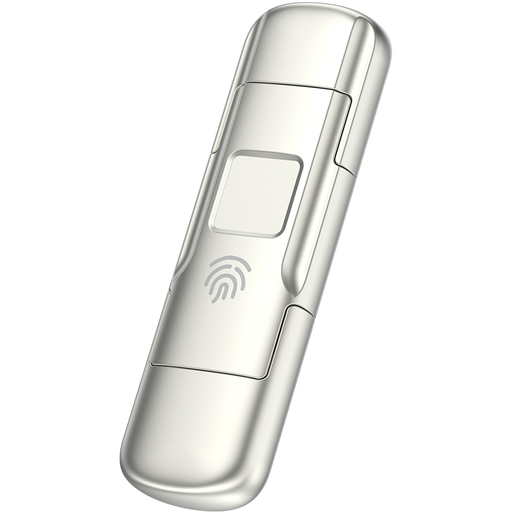
MOVESPEED YSUYC-256GSN 256 GB
Worth considering if you want to store a larger project folder and value fingerprint access. Check in advance that your client can use this access method.
256 GB; USB 3.2 Gen 1 and Type-C; fingerprint access and encryption; stated speeds of up to 550 MB/s read and 500 MB/s write; zinc alloy.
Joybuy
 No image available
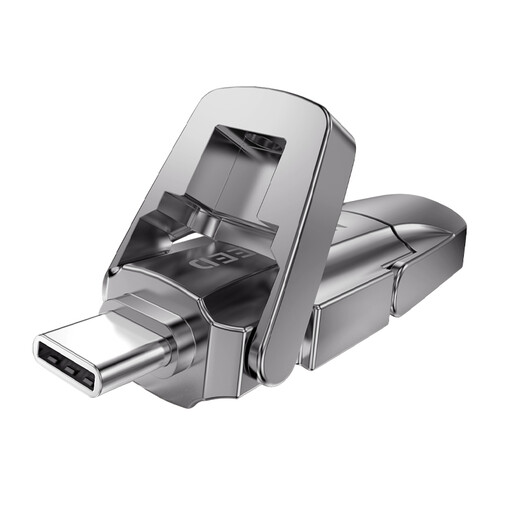
MOVESPEED YSUYVP10-512GSR 512 GB
Worth considering for larger project folders if the storage you need fits within 512 GB. For a faster backup, also check the write speed of this exact model.
512 GB; USB 3.2 Gen 1 and Type-C; stated read speed of up to 1090 MB/s; swivel cap design.
Joybuy
Frequently asked questions
Is the stick you give your client also your backup?
Not if it’s your only extra copy: keep a separate version that you can use to restore the manuscript. The National Cyber Security Centre recommends keeping at least three versions of important business data: the original and two backups. This is security advice, not a legal minimum number of USB sticks established here.
How should you check the transfer before handing over the stick?
Check that the right folder and versions are there, then open files directly from the stick on a suitable device. If possible, also ask your client to confirm that the files open on their system.
Do you need to format the stick to transfer files between Mac and Windows?
Not necessarily: first check the existing file system and whether both operating systems can use the stick. Apple lists FAT and ExFAT as file systems compatible with Windows and warns that formatting erases all files on the stick.
Is encryption essential for every manuscript?
Not every manuscript automatically needs the same level of security. The Dutch Data Protection Authority says organisations must protect personal data appropriately; the right measure depends on the data and the risks. For confidential files, also agree how your client will access them.
What should you do if a stick containing personal data goes missing?
Quickly assess what data it contains and limit the impact where possible. The Dutch Data Protection Authority lists the loss of a stick containing unencrypted personal data as a potential data breach. The organisation responsible must assess whether it needs to notify the Dutch Data Protection Authority and inform the people affected; not every loss automatically leads to the same reporting obligations.


