
Archive volunteer transferring recordings
You move interviews between recording and archive computers, so check which USB ports both devices have. Transcend and Verbatim describe models with USB-A and USB-C connectors.


Choose a USB stick that works with the ports on the devices you use and has enough capacity for your recordings. If you copy files regularly, check the stated write speed too. Don’t use a stick as your only long-term archive: the Digital Heritage Network considers USB sticks less suitable for long-term preservation. If interviews contain identifiable information, the archive must also assess appropriate security measures and a suitable legal basis for processing.
You move interviews between recording and archive computers, so check which USB ports both devices have. Transcend and Verbatim describe models with USB-A and USB-C connectors.
If portable copies contain interview data that can identify people, assess what security and access controls are appropriate. The Dutch Data Protection Authority stresses that security measures need to be tailored to the circumstances. Kingston lists hardware encryption for the IronKey Locker+ 50 G2.
You need enough space for your current recordings and future growth, as well as a way to keep the files accessible for the long term without relying on a single stick. The Digital Heritage Network warns that digital information does not remain readable and accessible automatically.
First, decide how the stick will fit into your archive workflow. Capacity and connectors can help with transferring files, but they are no substitute for a managed archive copy or an assessment of how interview data should be protected.
| What to consider | What to look for | Who should prioritise it |
|---|---|---|
| Long-term preservation | Set up a managed archive copy, then decide what role the stick will play. | If I want to avoid having the only accessible version on a single removable device, I prioritise preservation; around 29% of consumers in this scenario put preservation first. |
| Confidentiality | Assess whether encryption and access controls are appropriate. For an encrypted model, also check which systems it supports and how its password procedure works. | When I carry interviews that identify people, I want to know who can access them and how that access is managed; around 29% of consumers prioritise confidentiality. |
| Connectivity | Check the USB ports on both devices. If you plan to use the stick with a mobile device, check compatibility too. | If I transfer recordings between devices with different ports, I don’t want to find out halfway through that I’m missing the right connector; around 21% of consumers put device compatibility first. |
| Capacity and copying time | Add up your current files and the extra space you want for future growth. If you copy files frequently, compare the stated write speed of the exact model. | With a large or growing collection, I want to know in advance how much space I need and how quickly files will be written to the stick; around 21% of consumers make this their top priority. |
The Digital Heritage Network does not consider USB sticks suitable for long-term preservation. So, having plenty of storage space alone does not ensure that recordings will remain accessible in the long term.
Set up a managed archive copy, then decide whether the stick is for transferring files or keeping an additional copy.
A stated read speed doesn’t tell you how quickly files will copy to a stick. For example, Verbatim lists maximum read and write speeds of 100 MB/s and 25 MB/s respectively for the MyDual 128GB.
If you copy files regularly, compare the stated write speed of the exact model.
A standard storage stick does not automatically provide access protection. The Dutch Data Protection Authority stresses that appropriate security depends on the processing involved and the circumstances.
Assess what access restrictions or encryption are needed, and how authorised archive staff will retain access.
The DataTraveler Exodia is a USB-A option for everyday transfers. The IronKey Locker+ 50 G2 is a separate model with security features.
The JetFlash 930C has USB-A and USB-C connectors, making it suitable for transferring files between devices with different ports.
The MyDual and Dual QuickStick are different models with dual connectors, and their stated speeds vary.
The Ultra Dual Drive Luxe and Extreme PRO Dual Drive feature in a Dutch editorial selection as USB-A and USB-C options.
The BAR Plus is a USB-A option featured in a Dutch editorial selection.
These USB sticks are intended for transferring files or keeping an additional copy. The Digital Heritage Network considers USB sticks less suitable for long-term preservation, so don’t use one as your only archive.
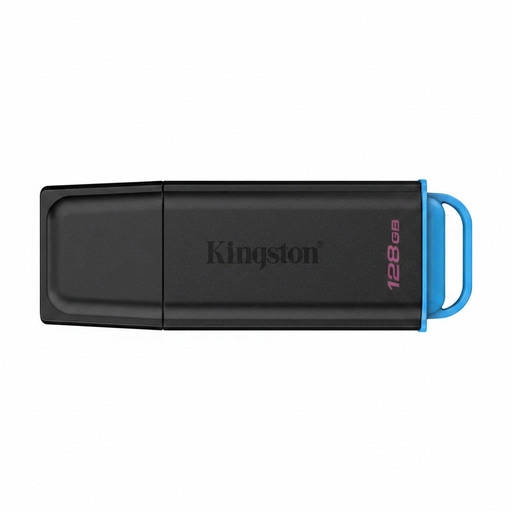 No image available
A USB-A option for transferring files or keeping an additional copy, provided the devices you use have the right connector.
128 GB; USB 3.2 Gen 1 Type-A, 2.0.
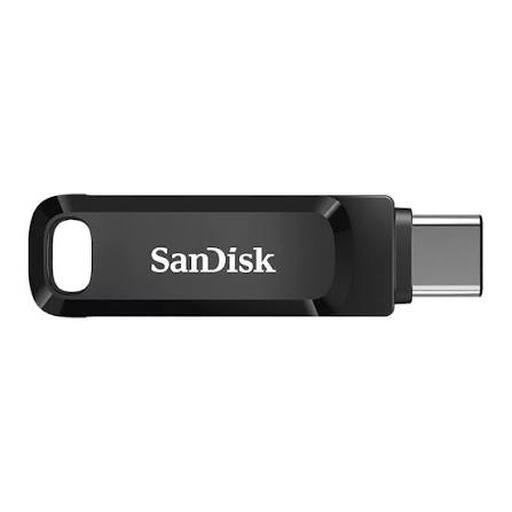 No image available
An option for keeping an additional copy if 512 GB suits your files and your devices are compatible with this model.
512 GB; USB 3.1/USB-C.
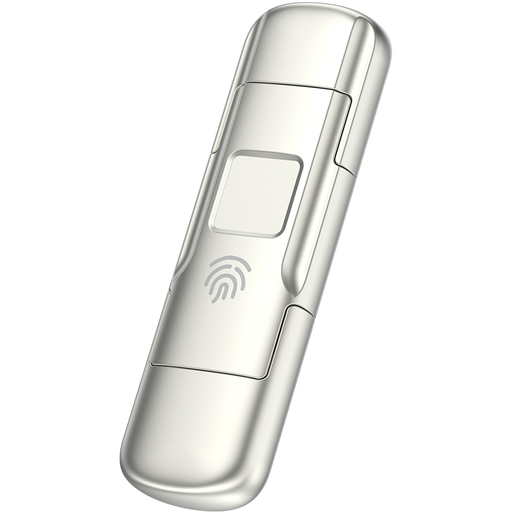 No image available
The product title mentions fingerprint access and encryption. Consider whether this access option suits the way you manage portable copies.
256 GB; USB 3.2 Gen 1 and Type-C dual connector; stated read speed 550 MB/s and write speed 500 MB/s.
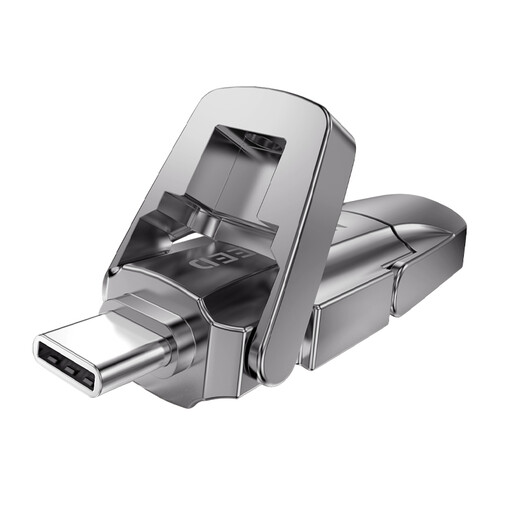 No image available
An option for keeping an additional copy if 512 GB suits your collection and your devices support the stated connector.
512 GB; USB 3.2 Gen 1 and Type-C dual connector; stated read speed 1090 MB/s.
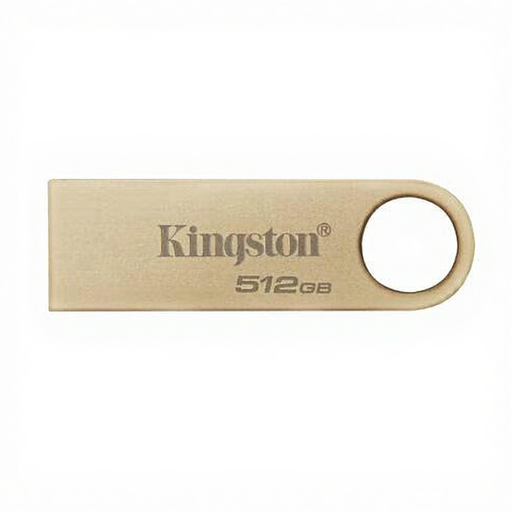 No image available
A storage option for an additional copy if 512 GB suits your collection and USB 3.2 Gen 1 is compatible with the devices you use.
512 GB; USB 3.2 Gen 1; metal design.
Don’t use a USB stick as your only archive. The Digital Heritage Network considers USB sticks less suitable for long-term preservation and points out that digital information does not remain accessible in the long term automatically.
First, check the ports on both devices. A stick with USB-A and USB-C may allow you to transfer files between those connections. For mobile use of the JetFlash 930C, Transcend specifies that USB OTG support is required.
Not every interview automatically calls for the same product choice. If files contain personal data, the archive must assess what security measures are appropriate. The Dutch Data Protection Authority lists encryption as one possible measure and stresses that security needs to be tailored to the circumstances. Consider the content, how it will be used and the risk of loss before choosing a measure.
No, consent is not automatically the required legal basis. An archive that processes personal data must assess for itself which legal basis applies. Whether a particular interview may be made available for publication is not determined by the choice of USB stick.
Check the terms for the specific model. Kingston lists a five-year limited warranty for the IronKey Locker+ 50 G2. Verbatim lists a two-year limited warranty for the Dual QuickStick 128GB and back-up software for Windows only. A warranty or bundled software is no substitute for managing archive copies.