What should you look for when buying?
| What to consider |
What should you check? |
Who should prioritise this? |
| Keeping a separate copy |
Keep the original files and a backup stored separately from the USB stick. |
If I can’t recreate my family films, I don’t want to rely on a single item. Around 36% of consumers put keeping a separate copy first. |
| Usable storage space |
Add up the file sizes and check the available space and file system. |
If I want to take all my selected films with me, the usable space needs to be enough for my collection. Around 29% of consumers give sufficient storage space top priority. |
| Connection and playback |
Check the ports, support for external USB storage and the file system on the devices you plan to use. |
If I want to use the films on devices with different connections, I’ll also check that they can read the USB stick and files. Around 21% of consumers put those connection options first. |
| Copying time |
Compare the stated write speed and check the USB speed of your computer’s port and any hub. |
For a large transfer, I don’t want to look only at read speed; I also want to know how quickly files can be written. Around 14% of consumers give copying time top priority. |
A plug that fits doesn’t guarantee that your device supports the USB stick or video format. Microsoft states that FAT32 has a maximum file size of 4 GiB. For larger individual files, check whether the devices involved can read exFAT before formatting the USB stick.
USB sticks at Joybuy
These USB sticks are designed for carrying and transferring home videos. Check that the capacity and connections suit your collection and devices.
 No image available
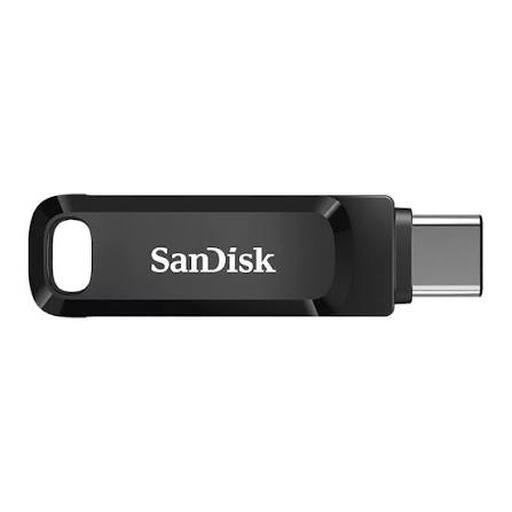
SanDisk Ultra Dual Drive Go USB 3.1 / USB-C, 512 GB
An option for transferring films between devices with USB-A and USB-C, provided your collection fits within the stated capacity.
The product description lists 512 GB and a maximum read speed of 150 MB/s.
View at Joybuy
 No image available
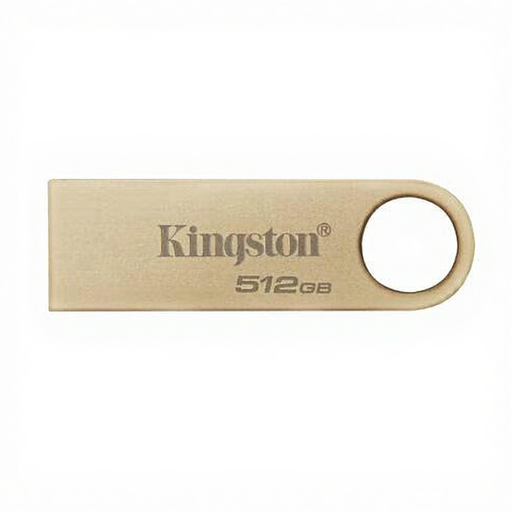
Kingston DataTraveler SE9 G3, 512 GB, USB 3.2 Gen 1
Suitable for a collection that fits within the stated capacity and devices with a USB-A port.
The product name lists 220 MB/s; the product description states a write speed of 100 MB/s. It has a USB Type-A connection and won’t plug directly into a USB-C port.
View at Joybuy
 No image available
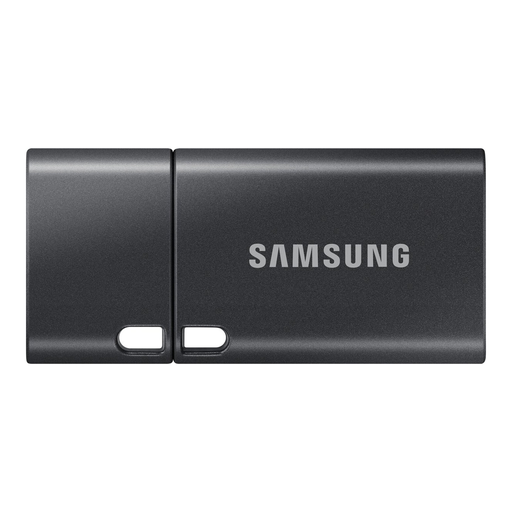
Samsung MUF-512DA, 512 GB, USB Type-C 3.2 Gen 1
An option for a collection that fits within 512 GB and devices with a USB-C connection.
The product description lists read speeds of up to 400 MB/s. The USB-C connection won’t plug directly into a USB-A port.
View at Joybuy
 No image available
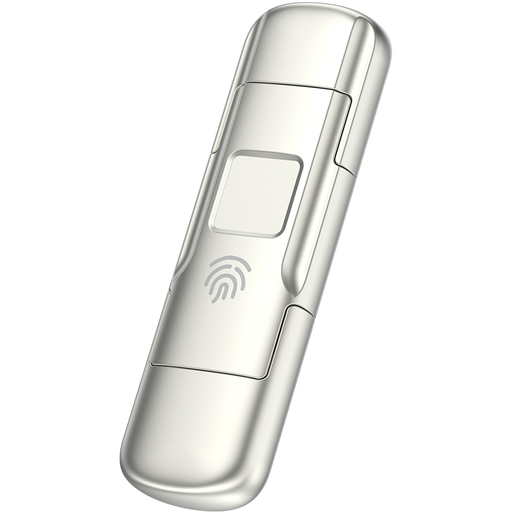
MOVESPEED YSUYC-256GSN, 256 GB, USB 3.2 Gen 1 + Type-C
Could suit a smaller collection if you want to use both USB-A and USB-C.
The product description lists 256 GB, read speeds of up to 550 MB/s and write speeds of up to 500 MB/s, as well as AES-256 encryption with fingerprint access. These are product claims, not independent test results.
Encryption doesn’t replace a separate backup.
View at Joybuy
 No image available
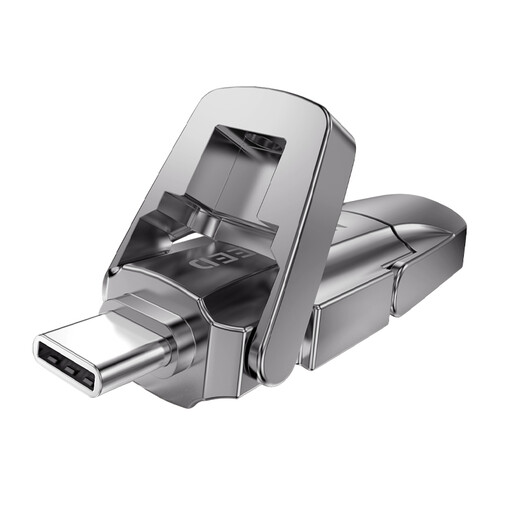
MOVESPEED YSUYVP10-512GSR, 512 GB, USB 3.2 Gen 1 + Type-C
An option for a collection that fits within the stated capacity and devices with USB-A and USB-C.
The product name lists 512 GB and read speeds of up to 1.090 MB/s. It doesn’t state a write speed.
Keep your home videos somewhere separate as well.
View at Joybuy
Frequently asked questions
Can one USB stick be the only place you keep your home videos?
Don’t make the USB stick your only remaining copy. VeiligInternetten describes a backup as a copy; the NCSC recommends keeping multiple versions of important business data. So make sure you also keep a separate copy of your family films.
Why won’t a large video file fit when there’s still space available?
Check the file system: Microsoft states that FAT32 has a maximum file size of 4 GiB. exFAT doesn’t have that specific limit, but check whether the devices you plan to use can read exFAT. Make another copy before formatting.
How should you store your USB stick during the move?
Check that the files you expect to find open from the USB stick, then disconnect it and store it separately from your other copy. Consumentenbond warns that connected backups can also be affected by ransomware.
What are your rights if a USB stick bought online isn’t suitable?
According to ACM ConsuWijzer, online consumer purchases generally come with a 14-day cooling-off period after delivery, although there are exceptions. If a product is faulty, the seller is responsible for the statutory guarantee, which is separate from any manufacturer’s warranty.
Does keeping identifiable family videos for private use come under the GDPR?
According to the Dutch Data Protection Authority, the exception for personal or household use applies when you keep photos and videos private or share them only with a very limited group. The exception doesn’t apply to wider publication or business use; it isn’t blanket permission to share videos publicly.


