What should you look for?
First, decide which concern matters most to your club: protection if the stick is lost, reliable recovery, access on different computers or enough space for regular copies.
| What to consider | What should you check? | Who is this important for? |
|---|
| Protecting personal data |
Check whether the stick or files are actually encrypted, and how passwords, PINs and recovery details are managed. |
If I store member data on the stick, I want to limit unauthorised access if it’s lost. Around 36% of consumers give protecting personal data top priority. |
| Being able to restore files |
After copying, open a few restored files and agree who will manage the copies and recovery test. |
I want to be able to access our records again after a mistake or fault. Around 29% of consumers prioritise recoverability. |
| Connection and access |
Check the ports on the computers you’ll use for recovery and test your chosen unlocking method on those devices. |
If several volunteers use different computers, I want to be able to open the back-up on them. Around 21% of consumers put compatibility with the recovery computer first. |
| Storage space and copying time |
Measure the size of your current back-up, decide how many versions you’ll keep, then compare capacity and the speed claims for each model. |
I want enough space for our records and the versions we keep, without copying becoming impractical. Around 14% of consumers give capacity and copying time top priority. |
USB sticks on Joybuy
This selection includes standard USB sticks for local storage of club files. Check the connector, capacity and any limitations of the stated security feature for each model.
 No image available
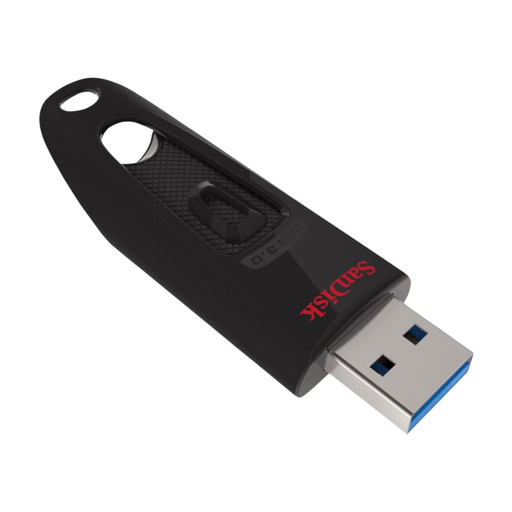
SanDisk Ultra USB Flash Drive 128 GB USB 3.0
An option for keeping a local copy of documents if you need 128 GB of storage and password protection.
The product information lists 128 GB, USB 3.0 and password protection. The connector is listed as USB-A; check that it’s compatible with your recovery computer.
Joybuy
 No image available
Kingston DataTraveler 512 GB 220 MB/s Metal USB 3.2 Gen 1 SE9 G3
This model is designed for anyone who needs more storage space for local file copies.
The product information lists 512 GB, a metal casing and read speeds of up to 220 MB/s. The connector is listed as USB 3.2 Gen 1; these specifications alone don’t tell you how quickly your back-up will run.
Joybuy
 No image available
Samsung MUF-512DA 512 GB USB Type-C 3.2 Gen 1 Grey
This stick is an option if your recovery computer has a USB-C port and you need 512 GB of storage.
The product information lists a reversible USB-C connector, USB 3.2 Gen 1 and read speeds of up to 400 MB/s. Devices without a USB-C port can’t connect directly.
Joybuy
 No image available
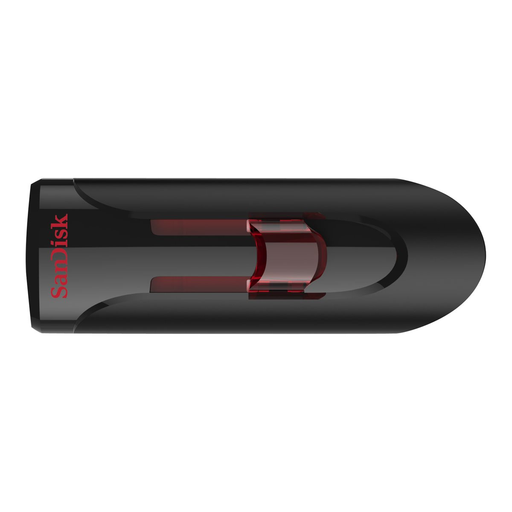
SanDisk USB Flash Drive 32 GB USB 3.0
This model offers 32 GB of storage and lists SecureAccess for protecting private files.
According to the product information, SecureAccess uses password protection and 128-bit encryption for private files; the rest of the stick remains available for sharing. A software download is required for use on a Mac. Also check that the stated USB 3.0 connector is compatible with the computer you plan to use.
Joybuy
Frequently asked questions
Is one USB stick enough for a back-up if I don’t use the cloud?
Treat one stick as part of a back-up plan, not the whole strategy. Decide which files you need, keep suitable copies in separate locations and test whether you can restore and open your files. The National Cyber Security Centre describes keeping multiple back-up versions and testing recovery; you don’t necessarily need the cloud to do this.
How can I check that my back-up works?
Restore a few files and open them on the computer you expect to use for recovery. The National Cyber Security Centre advises opening files from a back-up to check that they’re usable. Also agree who will carry out the test and, if the files are encrypted, who can access the password or PIN.
Does a club in the Netherlands need to buy a hardware-encrypted USB stick?
The information cited from the Dutch Data Protection Authority doesn’t prescribe a specific USB stick model. If your club processes personal data, it must choose appropriate security measures that reflect the risks. Encryption is one possible measure, but it doesn’t automatically guarantee compliance.
Do I need to report a lost stick containing member data?
It depends on the circumstances and the risk to the people affected. According to the Dutch Data Protection Authority, a data breach must be reported to it unless it’s unlikely to pose a risk to people’s rights and freedoms. Whether those affected must be informed depends on the likelihood of a high risk. Assess each loss on its own merits.
What should I check about capacity and support?
Measure the size of your files and decide how many versions you want to keep before choosing a capacity. Also check the terms for the exact model: Kingston lists a five-year manufacturer’s warranty and technical support for the DataTraveler Exodia. This product specification doesn’t automatically apply to other models or brands.


