
Minute-taker at a small table
You want to record contributions from several people for a summary, without hosting an online meeting. Audio-Technica Europe and Yealink describe omnidirectional recording as an option for people seated around a table.


For a small, quiet table where you’re only recording conversations in the room, an omnidirectional USB tabletop microphone could be a good fit. For example, Audio-Technica Europe describes the ATR4697-USB as omnidirectional. If remote participants also need to join in, choose a USB speakerphone with a microphone and speaker; a directional microphone may make more sense if there’s one main speaker. Test the complete recording at the workplace before using it to create summaries.
You want to record contributions from several people for a summary, without hosting an online meeting. Audio-Technica Europe and Yealink describe omnidirectional recording as an option for people seated around a table.
You need a speaker as well as a microphone, so remote participants can join in. Jabra and AnkerWork describe speakerphones for this type of use.
You need to consider whether the recording should focus mainly on one speaker or capture voices around the table equally. Logitech G and RØDE describe directional microphones, while Yealink provides general guidance on microphone placement.
First decide whether you want to record everyone around the table, one speaker or remote participants too. Then choose the pickup pattern, connection and recording app to suit the shared workspace.
| What to consider | What to look for when buying | Who is this important for? |
|---|---|---|
| Voices around the table | Compare the pickup pattern with the seating arrangement and table size. Make a test recording from every seat; an omnidirectional pattern alone doesn’t guarantee that everyone will be easy to hear. | I don’t want to miss contributions from people around the table when I’m taking minutes at a small table. Around 36% of consumers put capturing group voices first. |
| Background noise | Decide whether the focus is on one speaker or everyone at the table. Test the chosen pattern with the background noise in your workplace. | I often record alongside other workplace noise and mainly want to capture one main speaker. Around 29% of consumers put background noise first. |
| Remote participants | Check whether you need a speakerphone with a speaker and whether the meeting app includes the voices you want in the recording. Jabra describes the Speak2 55 as having full-duplex audio; this isn’t an independent recording test. | I organise hybrid meetings and want remote participants to be able to join in and be heard. Around 21% of consumers put hybrid participation first. |
| Connecting and recording | Check that the connection works with your laptop, whether you need an adapter and whether the correct microphone is selected in the recording app. A microphone doesn’t automatically handle recording or storage. | I regularly switch users or laptops and want to start recording without connection problems. Around 14% of consumers put easy connection first. |
An omnidirectional pattern describes the directions from which sound is picked up, not how clearly every voice will be heard in every room.
Test the microphone in the intended location, with the actual number of people at the table and the usual background noise.
If voices aren’t captured clearly, you may need to listen back to the recording or ask participants to clarify what they said.
A USB microphone without a speaker won’t automatically play audio from remote participants.
Decide in advance whether you’re only recording people in the room or holding a two-way conversation too. For hybrid meetings, check the meeting app settings as well.
The hardware connection doesn’t determine which recording app you use, where files are stored or how conversations containing personal data are processed.
Test the complete recording setup. Before processing personal data, the Dutch Data Protection Authority advises identifying an appropriate GDPR legal basis and informing the people involved. You should also set out the purpose and retention policy.
The ATR4697-USB is a standalone USB boundary microphone for recording around a table, not a speakerphone.
The Speak2 55 is a USB speakerphone for a shared workspace where remote participants join in.
The PowerConf S3 A3302 is a speakerphone for a small hybrid meeting.
According to Logitech, the Yeti Nano lets you choose between cardioid and omnidirectional modes.
According to RØDE, the NT-USB Mini is a cardioid microphone for one main speaker at a desk.
This selection includes USB speakerphones for meetings and directional USB microphones for one speaker in a shared workspace. Before buying, check that the pickup pattern suits the number of voices you want to capture.
 No image available
The product title describes this model as a conference speakerphone, making it worth comparing if you need a speaker as well as a microphone.
The title lists Bluetooth and the colour White.
 No image available
If you need both a microphone and a speaker for meetings, this model is worth comparing as a conference speakerphone.
The product title lists Bluetooth, USB-A (USB 2.0) and the colour Black.
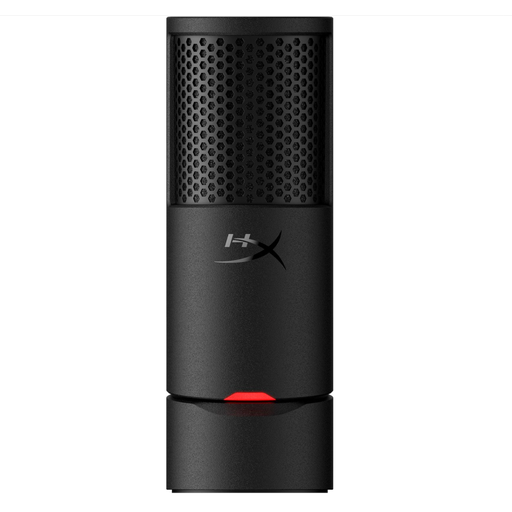 No image available
This model is most suitable if you want to record one speaker in front of the microphone; a cardioid pattern is not the same as recording around a table.
The product title lists USB and the colour Black.
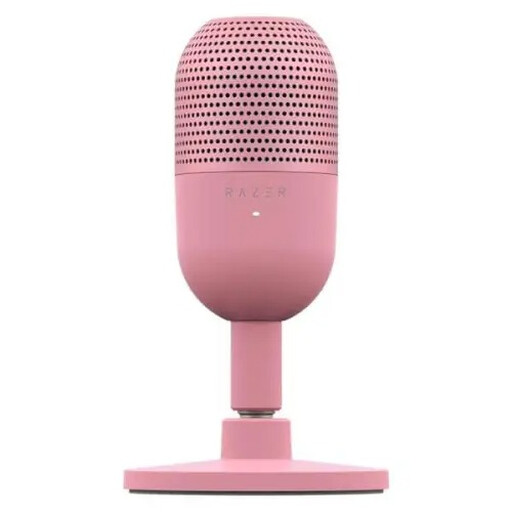 No image available
This USB microphone is worth considering for recording one speaker in front of the mic; check that this suits the voices you want to capture around the table.
The product title lists Tap-to-Mute and the Quartz variant.
No. A microphone sends audio to a connected computer or other compatible device. Choose and test the recording software, file storage and any transcription service separately; the microphone specifications listed here don’t mean that the device automatically creates a summary.
For a small group, start by placing it on the table between the speakers, then make a test recording from every seat. Consider the room, the number of participants and the microphone’s position together; Shure Netherlands highlights these factors when choosing microphones for a meeting room. Omnidirectional coverage doesn’t guarantee a particular range of clear speech.
If a recording contains personal data that can be linked to individuals, the organisation must identify an appropriate legal basis under the GDPR before processing it and inform the people involved about matters including the purpose and retention period. The Dutch Data Protection Authority describes consent as one possible legal basis, not an automatically mandatory choice; in an employment relationship, the power imbalance can make it difficult to give consent freely. Whether a particular recording is permitted depends on the circumstances.
According to the Dutch Data Protection Authority, the GDPR doesn’t specify a general, fixed retention period for personal data. Don’t keep a recording for longer than necessary for its stated purpose, and take account of any other applicable legal time limits.
No. According to ACM ConsuWijzer, the statutory warranty depends on what you could reasonably expect from the product under normal use. If a product is faulty, the seller is responsible for providing an appropriate solution; a commercial warranty period doesn’t replace this right.