What should you look for?
The percentages reflect consumers who dictate their own report at a community centre, and show each person’s top purchasing priority.
| What to consider |
What should you check? |
Who is this important for? |
| Keeping your voice clear |
Check which side you speak into and the microphone’s pickup pattern. Consider whether you can position it close to your mouth, then test your setup in the hall. |
If conversations around you are competing with your report, you’ll want to keep the microphone close. Around 36% of consumers give reducing room noise their top priority. |
| Keeping your hands free |
Check how adjustable and comfortable the headset microphone is, and make sure its USB connection works with your computer. |
If you take notes or use your laptop while speaking, a headset may be more practical than a handheld microphone. Around 29% of consumers prioritise hands-free use. |
| Dictation controls and software |
Check the full model number, your dictation software and whether the buttons work with that combination. |
If you have an established dictation workflow, you’ll want to know whether the controls and software work together. For around 21% of consumers, dictation controls are the main purchasing priority. |
| Getting started easily |
Check the USB port, the selected input microphone and the requirements of your dictation software. Microsoft says Windows voice typing requires internet access and a working microphone. |
If you want to get started without connection or software surprises, test the whole setup in advance, including how it handles Dutch text. Around 14% of consumers give ease of setup their top priority. |
Products for dictation
This selection includes a headset and standalone USB microphones for dictating from a fixed position. The right option for you will depend, among other things, on your preferred speaking distance, mounting setup and controls.
 No image available
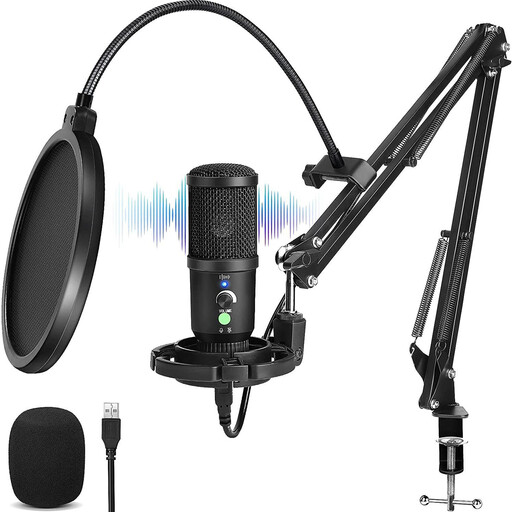
USB condenser microphone with cardioid pattern
Suitable for dictating from a fixed position if you want an arm-mounted setup with mute and monitoring controls.
USB; cardioid pickup pattern; the description lists a scissor arm, shock mount, pop filter, mute button and headphone connection.
Joybuy
 No image available
Logitech PC 960 wired USB headset
Suitable for hands-free dictation if you want to keep the microphone close to your mouth while taking notes or using your computer.
Wired USB headset with adjustable microphone boom and in-line mute controls.
Joybuy
 No image available
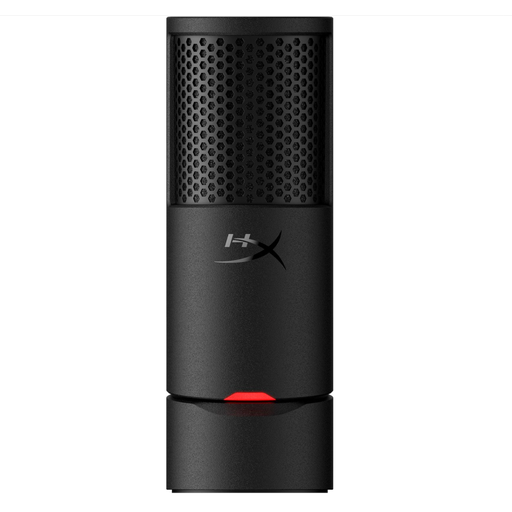
HyperX SoloCast 2
Suitable for dictating at a fixed desk if you’re looking for a cardioid USB microphone with mute controls.
Cardioid pickup pattern; stable desktop stand; mute button with indicator. The description lists a USB-C to USB-A cable.
Joybuy
 No image available
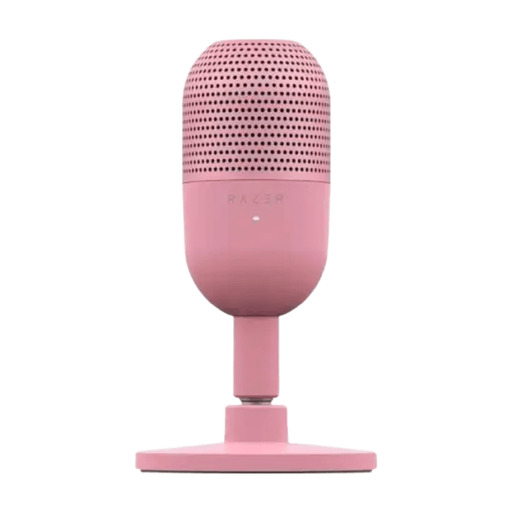
Razer SEIRÉN V3 MINI Quartz
Suitable for dictating at a computer if you want a compact USB microphone with mute controls.
Supercardioid pickup pattern; tap-to-mute controls. The description lists use with PC and Mac.
Joybuy
Frequently asked questions
Can I dictate a report in Dutch using just a USB microphone?
No, you’ll also need speech-to-text software. Microsoft lists Dutch (Netherlands) as a supported language for Windows voice typing. This feature requires internet access, a working microphone and a text box. Test your software and input source in advance.
How should I position a standalone microphone for my report?
Point the speaking side towards your mouth and keep it at a distance that suits the model. For the PodMic USB, RØDE recommends around 5–10 cm. A cardioid pattern focuses on sound from certain directions, but it doesn’t make a microphone insensitive to voices coming from the front.
Will I need extra equipment or software?
That depends on your chosen setup and software. If you’re using a standalone microphone, check the connection and mounting options. If you’re using a handheld dictation microphone, test that it works with your own software. A microphone doesn’t transcribe speech by itself; Windows voice typing also requires internet access.
What if my microphone breaks sooner than expected?
For a consumer purchase in the Netherlands, your statutory guarantee is separate from any manufacturer’s guarantee. ACM ConsuWijzer explains that there’s no fixed two-year period for the statutory guarantee; what you can expect depends, among other things, on the product. The retailer is your point of contact.
Can I also record recognisable voices of other people in the room?
Dictating your own report and recording other people in the room are different situations. If an organisation processes personal data that can identify people, the Dutch Data Protection Authority says it must establish an applicable GDPR legal basis in advance, inform the people concerned and not keep the data for longer than necessary. Whether a particular recording in a hall is allowed depends on the circumstances and the organiser’s role.


