What should you look for in a USB stick for language recordings?
First, check that your devices and recording app can access the files. Then work out how much storage you need, and consider whether encryption is right for the sensitivity of your recordings.
| What to consider |
What should you look for? |
Who is this important for? |
| Connection and file access |
Check for USB-A or USB-C on both devices, and make sure the app supports external storage. Test it with one file first. |
If I want to copy recordings between a phone and computer without using the cloud, both devices need to be able to access the USB stick and its files. Around 33% of consumers say this is their main concern when buying. |
| Storage space and copies |
Add up the file sizes, leave room for new recordings and check the copy before deleting anything. |
If you want to keep a growing offline archive, you’ll need enough space and should avoid making the USB stick your only copy. Around 27% of consumers prioritise space and keeping their recordings safe. |
| Confidentiality |
Work out whether your recordings contain sensitive information. For a secure USB stick, check how unlocking works and what happens if you forget the password. |
If losing the stick could expose conversations or identifiable voices, I want to restrict access to others without locking myself out. Around 20% of consumers prioritise confidentiality if their USB stick is lost. |
| Exporting and checking |
Check whether the recording app can export files to external storage and whether the device you’re transferring them to can play them. Eject the USB stick before unplugging it. |
If you want to export files and listen back to them easily, check in advance that the app and playback device can handle the transfer. Around 20% of consumers prioritise easy copying and checking. |
USB sticks for local storage and transfers on Joybuy
These products are designed for local storage and file transfers. Check which connection is right for your devices for each model.
 No image available
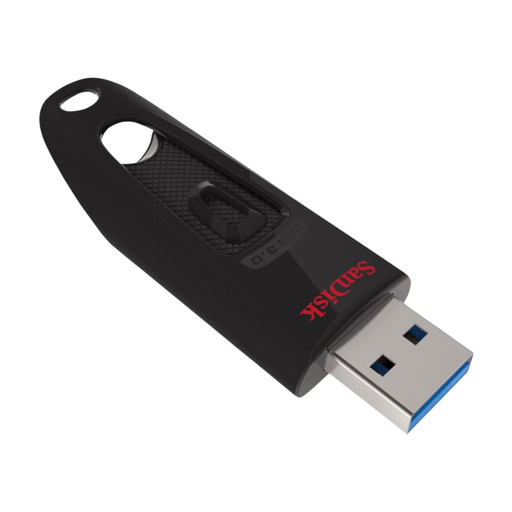
SanDisk Ultra USB Flash Drive 128GB USB 3.0
A USB-A option for local storage and transfers to devices with a suitable USB-A port.
The product name lists 128 GB and USB 3.0. The description mentions plug-and-play file transfers.
View on Joybuy
 No image available
SanDisk Ultra Dual Drive Go USB 3.1 USB-C 512GB
An option for transferring files locally between compatible mobile devices and computers with different connections.
The product name lists 512 GB and USB 3.1. The description mentions dual connections for transferring files between devices.
View on Joybuy
 No image available
Kingston DataTraveler 512GB 220MB/s Metal USB 3.2 Gen 1 SE9 G3
An option for storing language recordings locally and transferring files to a PC or laptop.
The product name lists 512 GB, USB 3.2 Gen 1 and 220 MB/s. Check which type of transfer this speed refers to.
The description mentions a compact design with a keyring loop.
View on Joybuy
 No image available
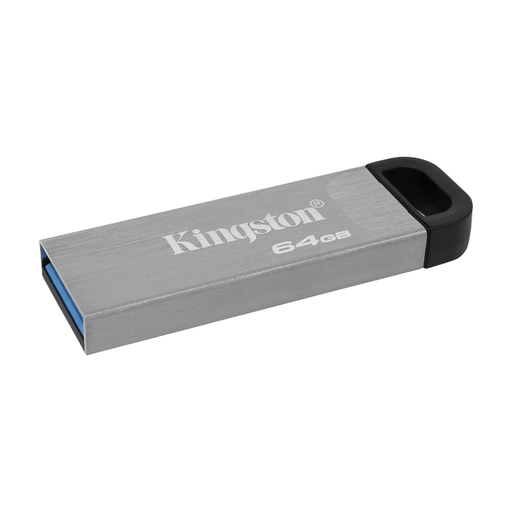
Kingston DataTraveler Kyson USB Flash Drive 64GB
A USB-A option for carrying recordings and transferring them to devices with a suitable port.
The product name lists 64 GB and USB 3.2 Gen 1. The description mentions a USB-A connection, a weight of 5 grams and a keyring loop.
View on Joybuy
 No image available
Kingston DataTraveler Exodia M 64GB USB 3.2 Gen 1 Black + Blue
A USB-A option for storing and carrying files to devices with a suitable USB Type-A port.
The product name lists 64 GB, USB 3.2 Gen 1 and the Black + Blue finish. The description mentions a USB Type-A connection and a keyring loop.
View on Joybuy
Frequently asked questions about USB sticks for language recordings
Can I copy recordings straight from my phone to a USB stick?
It depends on the connection, support for external storage and the recording app. Files by Google explains how to access USB storage on supported Android devices running Android 7.0 or later. Also check whether your recording is available as a file in the app. On an iPhone, the Files app may show a compatible external drive, but that doesn’t guarantee that every recording app can write directly to it.
Which file format works with an external drive on an iPhone?
Apple lists exFAT and FAT32 among the supported formats and says an external storage device may have one data partition. Also check that the connection or adaptor is suitable and that you can access the files through your recording app.
How can I check that my files have copied across properly?
Open the file from the USB stick and check that the recording plays before deleting the original. Microsoft recommends checking files on the external drive and ejecting the device before unplugging it.
Should I keep recordings with identifiable voices on an encrypted USB stick?
There isn’t one specific USB stick that every individual buyer is required to use. If an organisation processes personal data, the GDPR requires appropriate security based on the risks, according to the Dutch Data Protection Authority. This doesn’t mean that one particular type of USB stick is required in every situation. For personal use, also consider how sensitive the recordings are and whether you can unlock the secure USB stick on your devices.
Can I share copied lesson recordings with other people?
This depends, among other things, on what the recording contains and the rights attached to it. The Dutch Government states that making a private copy of copyright-protected material for personal use may be permitted, but distributing or making it publicly available is not. You must not circumvent copy protection either. Other circumstances and rules may also apply if voices are identifiable or the recording is used outside a private setting.


