USB flash drives at Joybuy
These product choices are intended for keeping multiple project versions and their associated files. For each model, check that the connection and any security features suit your devices and how you work.
 No image available
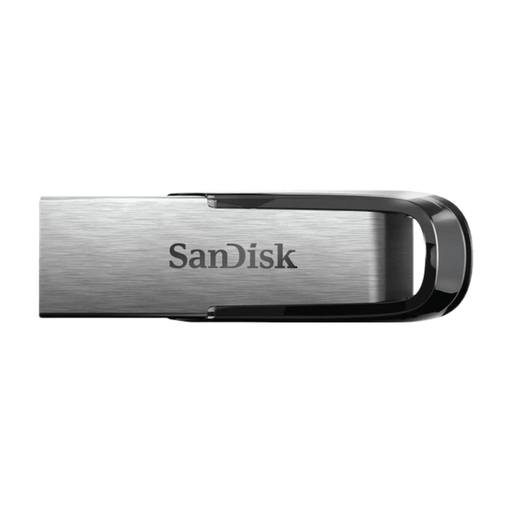
SanDisk Ultra Flair 512 GB USB 3.0
This model may suit you if you want to keep project copies on a USB-A device and protect files from unauthorised access.
The product name lists 512 GB and USB 3.0. The product description mentions USB-A, password protection and 128-bit AES file encryption.
Use the drive as an extra copy, not as your only archive.
View at Joybuy
 No image available
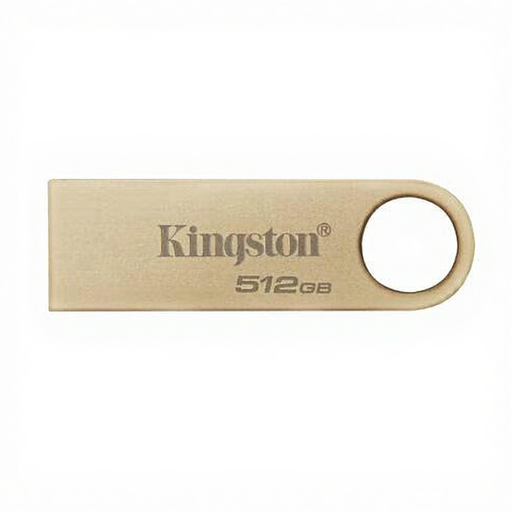
Kingston DataTraveler 512 GB SE9 G3 USB 3.2 Gen 1
This model may suit you if you want to keep several project copies and use a device with USB-A.
The product name lists 512 GB, USB 3.2 Gen 1 and a metal design. The description mentions use with Type-A host devices.
Keep a copy somewhere else too.
View at Joybuy
 No image available
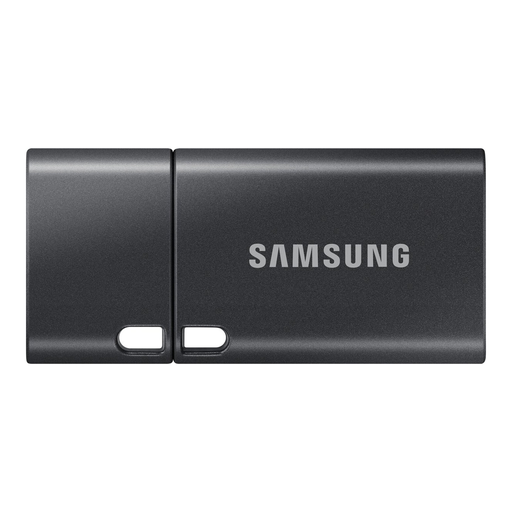
Samsung MUF-512DA 512 GB USB Type-C
This model may suit you if you want to keep project files on devices with USB-C.
The product name lists 512 GB and USB Type-C. The description states a maximum read speed of 400 MB/s; actual speeds can vary depending on the device and usage conditions.
Check that USB Type-C works with all the devices you want to use the copy on.
View at Joybuy
 No image available
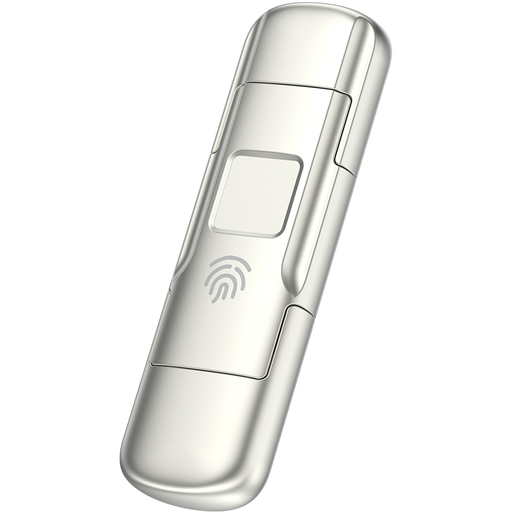
MOVESPEED YSUYC-256GSN 256 GB
This model may suit you if you want to protect project files and transfer them between USB-A and USB-C devices.
The product name lists 256 GB, USB 3.2 Gen 1, USB-A and USB-C. The product description mentions AES-256 encryption and fingerprint access.
Keep a separate, restorable copy as well.
View at Joybuy
 No image available
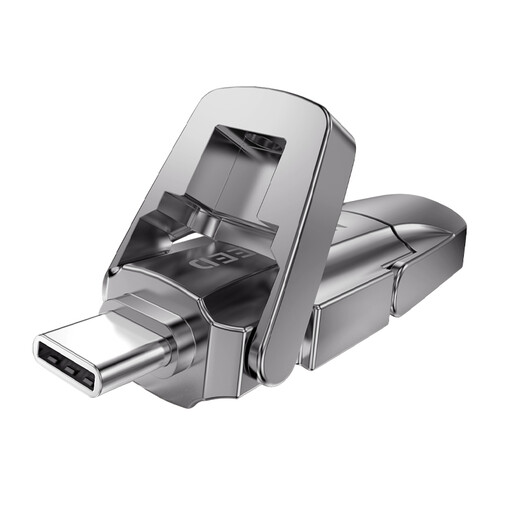
MOVESPEED YSUYVP10-512GSR 512 GB
This model may suit you if you want to keep multiple project versions and transfer files between USB-A and USB-C devices.
The product name lists 512 GB, USB 3.2 Gen 1, USB-A and USB-C, as well as a metal swivel cover.
Keep the drive as an extra copy alongside another storage location.
View at Joybuy
Frequently asked questions
How can you keep multiple project versions so you can restore an older one?
Keep clearly dated copies and try restoring an older version. If you use Windows File History, check that it includes the project folder; Microsoft explains how to restore earlier versions from an external drive. This is a way of working, not a feature built into every USB flash drive.
Is a GEDCOM file enough to archive all your scans?
Don’t assume it is. FamilySearch explains that GEDCOM 7 can include photos and other files when supported by the family tree software you use. Check what your software exports, store any missing media separately and test that you can open the export again.
What should you do after copying files and when maintaining your archive?
Open a selection of project files and scans from the copy, keep a second copy somewhere else and update it whenever the project changes. Veilig Internetten lists a USB flash drive as a possible backup location, but also warns that files can be lost if the drive is damaged.
Can you publish information about living family members online?
First check which privacy rules apply. The Dutch Data Protection Authority says that in most cases you need permission to publish other people’s personal data online, and describes an exception for strictly personal or household use under certain conditions. Information about deceased people can also reveal things about living relatives.
What guarantee do you have in the Netherlands if your USB flash drive stops working?
The Government of the Netherlands states that there is no fixed statutory guarantee period in the Netherlands. If a product is faulty, the seller must provide an appropriate solution; a product guarantee won’t bring back lost archive files.


