What should you look for?
Start with the connector and the size of your files. Then decide what level of security and backup is right for your handover.
| Consideration |
What to look for when buying |
Who should pay particular attention? |
| Storage space and copying time |
Add up the file sizes and check the capacity of the exact model. Look for the write speed, not just the read speed. |
If I need to transfer all the recordings before the client appointment, I want to know whether they’ll fit and how long copying will take. Around 33% of consumers say storage space and copying time are their main buying priorities. |
| Connector and file readability |
Check the ports on both devices, and make sure the receiving computer can read the file system and the files. |
If the client is using a different device, I want to transfer the files without running into connection problems. Around 25% of consumers prioritise device compatibility. |
| Protecting recordings |
Consider whether people can be identified, what security measures are appropriate and whether the client can use the unlocking method. |
If my recordings contain identifiable voices, I want to decide in advance how to protect them appropriately and manage access. Around 25% of consumers put content protection first. |
| Recoverable handover |
Check the copied files and keep a separate copy in line with the applicable arrangements. |
I want a backup in case a file is missing or the drive goes missing. Around 17% of consumers say keeping a recoverable copy is their main buying priority. |
USB drives on Joybuy
These options are designed for transferring files between devices with USB-A, USB-C or both types of connector. They offer a range of capacities and product-listed security features.
 No image available
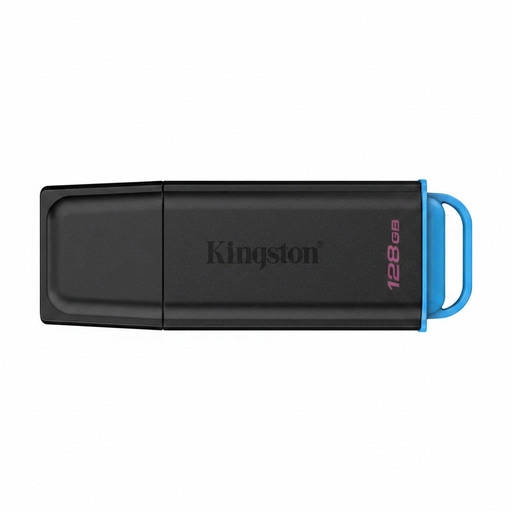
Kingston DataTraveler Exodia 128 GB USB 3.2 Gen 1 Type-A
A USB-A option for transferring files if the devices involved have a suitable USB-A port.
The product name specifies 128 GB and USB 3.2 Gen 1 Type-A. Check your file sizes and whether your client needs a different connector.
View on Joybuy
 No image available
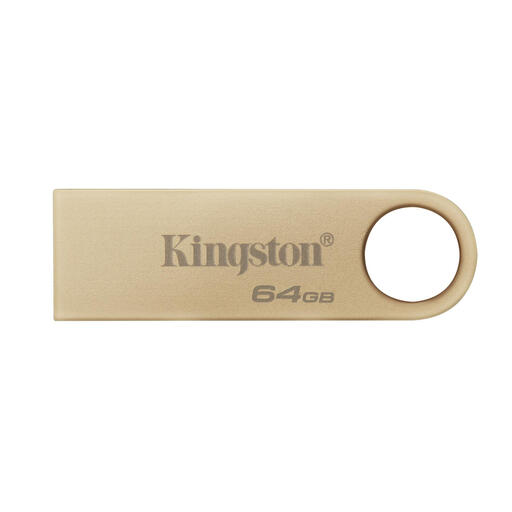
Kingston DataTraveler SE9 G3 64 GB USB 3.2 Gen 1
A USB-A option if the receiving devices have that connector and 64 GB is enough for your recordings.
The product description lists write speeds of up to 100 MB/s and read speeds of up to 220 MB/s. These figures measure different things, so don’t compare them as if they were the same type of speed.
View on Joybuy
 No image available
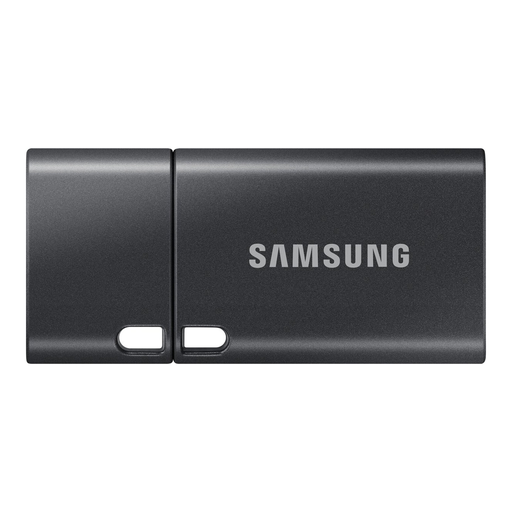
Samsung MUF-512DA 512 GB USB-C
A USB-C option if the devices involved use that connector and its capacity is suitable for your transfer.
The product information lists 512 GB and a read speed of up to 400 MB/s. Read speed isn’t write speed, so check the latter separately if copying time matters.
View on Joybuy
 No image available
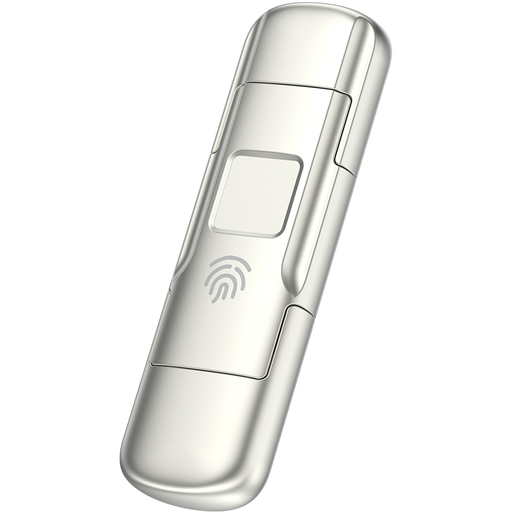
MOVESPEED YSUYC-256GSN 256 GB USB-A and USB-C
A dual-connector option for transferring files between devices with USB-A and USB-C. The description also mentions access protection.
The product description lists 256 GB, AES-256 encryption and fingerprint access. It also quotes write speeds of up to 500 MB/s and read speeds of up to 550 MB/s. Agree in advance how your client will access the files.
View on Joybuy
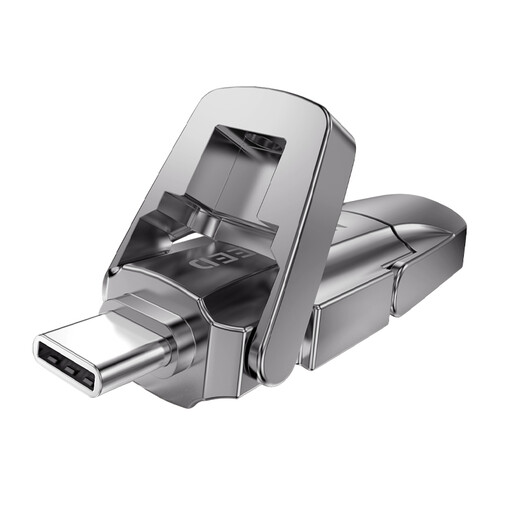 No image available
MOVESPEED YSUYVP10-512GSR 512 GB USB-A and USB-C
A dual-connector option if the devices at both ends use USB-A or USB-C and 512 GB is suitable for your files.
The product description lists write speeds of up to 1,030 MB/s. Check that the connectors and capacity suit both devices and your transfer.
View on Joybuy
Frequently asked questions
Which connector should I choose if my client uses a different computer?
First, check the ports on both devices. A drive with USB-A and USB-C can solve the difference in physical connectors, but also check that the receiving computer can read the file system and test a file in advance.
Should I format the drive before copying the recordings?
Not automatically. First, check whether the receiving computer can read the existing format. If formatting is necessary, save any existing files elsewhere first: formatting erases the contents.
Do speech recordings always need an encrypted USB drive?
Not automatically: the right level of security depends on the risks involved in processing the data. The Dutch Data Protection Authority notes that identifiable voice recordings can be personal data. It advises using an encrypted drive for certain sensitive work documents when they can’t be stored on the work server.
Can I hand identifiable recordings to the client without assessing them first?
First, assess whether sharing the recordings is in line with the purpose for which the personal data was collected, and which legal basis applies. The Dutch Data Protection Authority lists consent as one possible legal basis, not automatically the only or the right basis for every transfer.
What should I agree with the client before the handover?
Agree which connector and file format will work, how the client will access any protected files, and who will keep a separate copy. If possible, test in advance that a file opens on the receiving computer.


