
Listeners who want to avoid laptop speakers
You want to listen through wired headphones and check whether your existing output is good enough before buying anything else.


You don’t need a separate USB DAC if your existing headphone socket works well: select your headphones as the audio output to avoid listening through your laptop speakers. Only choose a compact USB DAC if you have a specific connection problem to solve, and check that the USB port, headphone plug and any microphone function are compatible with your devices. A desktop DAC with a separate power supply is less suitable if you don’t have a spare socket.
You want to listen through wired headphones and check whether your existing output is good enough before buying anything else.
You’re looking for a compact solution rather than a desktop device that needs its own power supply. Check the power specifications for the exact model.
You may also want to use the microphone. FiiO lists microphone input for the JA11; for other models, check whether this function is explicitly supported.
Choose this if: your wired headphones already fit and the sound is to your liking. Select them as the audio output.
Bear in mind: this won’t solve the problem if you don’t have a suitable output.
Choose this if: you want to connect wired headphones via USB without a separate desktop power supply.
Bear in mind: the USB port, plugs, any microphone function and power supply must all be compatible with the exact model.
Choose this if: you need its connections or controls and have the required power supply available.
Bear in mind: the FiiO K11 specifies DC 12 V/2 A, so you’ll need to allow for a socket and space for the power supply.
| What to consider | What to look for when buying | Who is this important for? |
|---|---|---|
| Listen without buying anything else | First, test your existing headphone output and select the correct audio output. | If you mainly want to avoid your laptop speakers and try your current headphones first, you’re among the consumers who prioritise private listening; this applies to around 36% of them. |
| No extra socket | Check the power specifications for the exact model; USB audio doesn’t automatically mean that no separate power supply is needed. | Don’t want to choose a device that needs an extra socket in your setup? Around 29% of consumers prioritise avoiding this. |
| Compatible connections | Check your laptop’s USB port, along with your headphones’ analogue output and plug. | If you mainly need a suitable connection between your laptop and wired headphones, you’re among the consumers who prioritise connectivity; this accounts for around 21%. |
| Using a headset microphone | Check for explicit microphone support, the headset plug and any platform requirements. | Want to listen and talk through the same wired headset? Around 14% of consumers prioritise support for headset calls. |
Listening privately through headphones doesn’t, by itself, require a separate DAC.
First, connect your headphones and check in your audio settings that they’re selected as the output.
An unnecessary device also takes up a USB port.
The FiiO K11 lists DC 12 V/2 A as its power supply. This model’s power requirements don’t automatically apply to other DACs.
Read the power specifications for the exact model before choosing a desktop DAC.
You may also need to make room for a power adapter and a socket.
An output for headphone audio doesn’t automatically mean that the adapter supports microphone input.
Check microphone support and your headset connection, and look out for any operating system requirements.
You may need a different adapter for calls if your devices aren’t compatible.
The JA11 and K11 are different types of solution; their features aren’t interchangeable.
Creative describes the Sound Blaster PLAY! 4 as suitable for listening and headset calls.
The GO link is a compact DAC for compatible wired headphones.
The DragonFly Black v1.5 is a stick-style USB DAC for devices including laptops and headphones.
This selection includes wired USB-C earphones and headsets for laptops with a compatible connection; these aren’t standalone desktop DACs. For each model, check that your laptop supports the connection and that the features described suit the way you plan to use it.
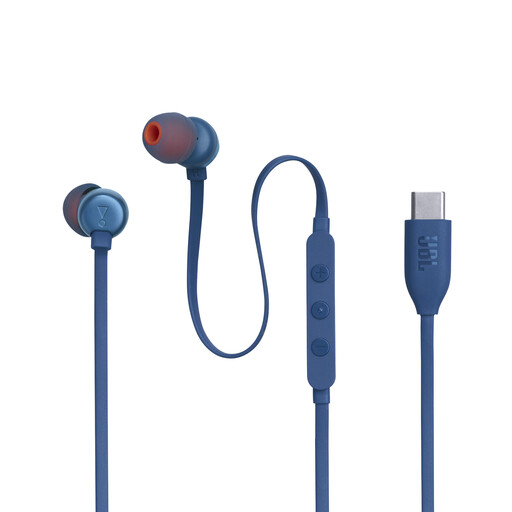 No image available
A wired option for listening and calls if your laptop has a compatible USB-C connection.
The cable has controls for music, volume and EQ, as well as a built-in microphone.
 No image available
A wired headset for listening and calls via USB-C, provided your laptop supports this connection.
The product description lists a built-in DAC and calls through the headset.
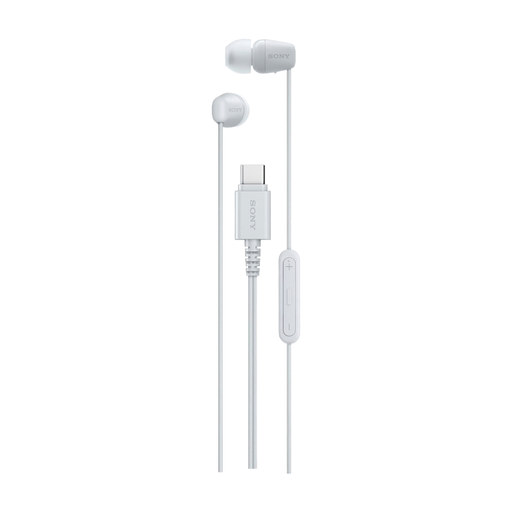 No image available
These wired USB-C earphones are designed for listening and calls on a device with a compatible port.
The description lists a built-in microphone and controls for music and calls.
 No image available
A wired headset for use with a PC via the USB audio box described.
The headset has a microphone and a 3,5mm cable that connects to the USB audio box. According to the description, the 360 Spatial Sound feature requires INZONE Hub software on Windows.
 No image available
A wired headset for listening and calls via USB, described as suitable for devices including laptops.
The product information lists a noise-cancelling microphone and in-line volume control.
No, not if your existing headphone socket and headphones work well. Select your headphones as the audio output; only consider a USB DAC if you have a specific connection or output problem to solve.
Don’t assume it will. FiiO specifically lists microphone input for the JA11, and Creative describes headset calls for the Sound Blaster PLAY! 4. Also check that the plug and system compatibility suit your setup.
According to ACM ConsuWijzer, the seller is responsible for the statutory guarantee. Depending on the circumstances, the seller must put things right free of charge, for example by repairing or replacing the device, or issuing a refund. A manufacturer’s guarantee doesn’t replace this statutory right.
The Dutch government states that electrical devices placed on the EU market must meet the applicable safety requirements and carry a CE marking. Check the marking and product information for the specific offer.
Take it to a collection point for electrical appliances or your local council recycling centre. Milieu Centraal lists both options.