
Vandaag of morgen in huis

Kwaliteit gegarandeerd

Welkomstaanbiedingen ontgrendelen: GRATIS bezorging | Tot 80% korting | Gratis 30 dagen JoyPlus-proefperiode
Download de app
Need a new USB-C to USB-C cable? It seems like a simple purchase until you get tangled in a web of technical jargon, vague promises, and prices that are all over the map. Many cables look the same, but the differences under the hood are enormous. The wrong choice not only leads to frustration but, in the worst-case scenario, can even damage your expensive devices.
As a Joybuy Product Recommendation Officer, I see where consumers go wrong every day. Let's expose the most common pitfalls so you can make an informed decision.
You don't need to be a tech expert to avoid these pitfalls. Simply check these three specifications before adding a cable to your cart.
This is the most important factor for charging speed. Power output is expressed in Watts (W). Modern devices use Power Delivery (PD), a protocol that enables higher power levels.
Always check: Your charger, your cable, and your device must all support the desired wattage. A 100W cable with a 20W charger will not charge your laptop any faster.
Only using the cable for charging? Then this is less important. But if you regularly transfer files, it's crucial.
A durable cable will save you money and frustration in the long run.
Based on these objective criteria, we have selected a number of cables that suit different user profiles.
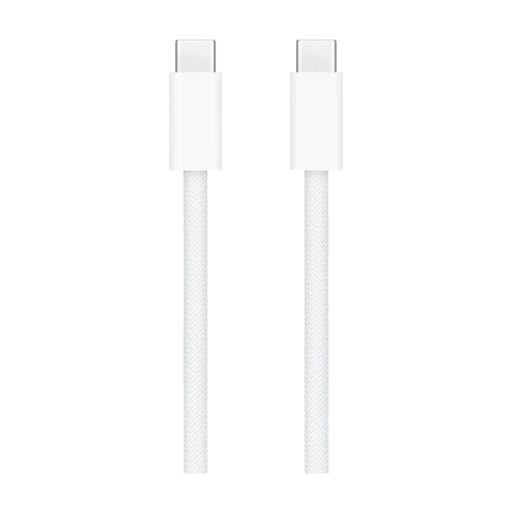
Why This Fits Their Persona: This official Apple USB C cable is designed for seamless compatibility with a MacBook, iPad, or the newer iPhones. The focus is on reliability and a design that fits within the Apple ecosystem.
Tackles the pitfall of rapid wear and tear. The woven nylon exterior is significantly stronger than Apple's older plastic cables, reducing the risk of breakage at the connector.
Guaranteed fast-charging compatibility with Apple devices and a more durable, braided design. Data transfer is at USB 2.0 speed, which is fine for syncing.
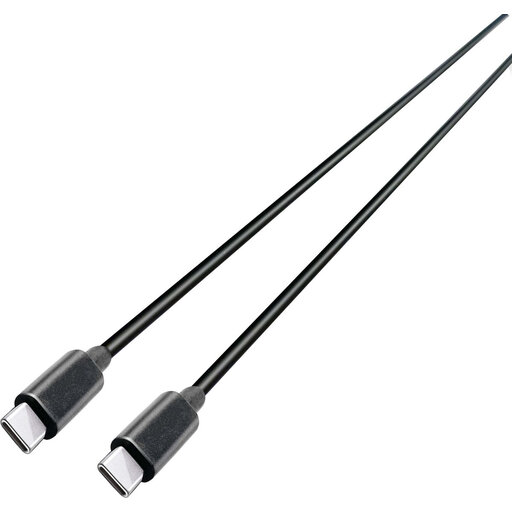
Why This Fits Their Persona: Ideal for professionals and tech enthusiasts who demand the most from their equipment. This cable is built for heavy-duty work: charging laptops and transferring data at lightning speed.
This cable bypasses both the "slow charging" and "slow data" pitfalls. The specs are clear: 100W Power Delivery for laptops and 10Gbps (USB 3.2 Gen 2) for data.
Combines high power output with very high data speeds. The 2-metre length offers extra flexibility at the workstation.
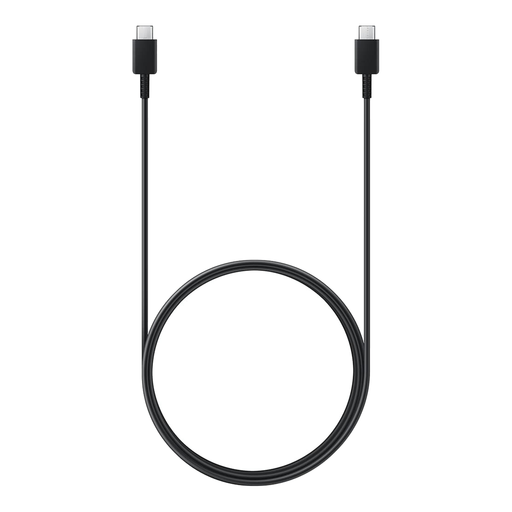
Why This Fits Their Persona: A reliable and no-nonsense Samsung USB C cable for charging your smartphone, tablet, or earbuds. The extra length is practical for use on the couch or in the office.
Offers clear specifications from a well-known brand. The cable supports up to 60W, more than enough for fast-charging most phones and tablets, thus avoiding the "slow charging" pitfall.
A generous 1.8-metre length and the reliability of an original Samsung product. A solid choice for everyday charging and syncing.
We have compiled a complete, up-to-date list of products that fully meet these strict selection criteria and UK safety regulations.
The easiest way is to look at the original charger that came with your device. The power output is listed on it (e.g., 20W, 65W, 96W). Choose a cable that supports this wattage (or more). For a laptop, a cable that can handle at least 60W is a safe bet.
A braided cable has an outer jacket made of woven fabric (usually nylon), whereas a standard cable has a plastic (TPE/PVC) exterior. Braided cables are generally more resistant to kinks, pulling, and daily wear, which can extend their lifespan. However, the quality of the connector and internal wiring remains just as important.
In principle, yes, because USB-C is a universal standard. However, for the best performance, especially for fast charging, it is advisable to choose a cable that explicitly supports your device's charging protocols (like Power Delivery). Cables from reputable brands or from the manufacturer itself (such as an Apple USB C cable or Samsung USB C cable) offer the most certainty in this regard.
