
Vandaag of morgen in huis

Kwaliteit gegarandeerd

Welkomstaanbiedingen ontgrendelen: GRATIS bezorging | Tot 80% korting | Gratis 30 dagen JoyPlus-proefperiode
Download de app
By: Joybuy Product Recommendation OfficerDate: 09-07-2026
Apple's transition to USB-C on newer iPhones and MacBooks is convenient, but it also creates a common problem: how do you connect your devices with different ports? You might want to charge your Lightning-equipped iPhone with your new MacBook charger, or use your old Lightning earbuds with an iPhone 15.
A USB-C to Lightning cable or adapter is the solution. But which one do you need? This guide will help you make the right choice based on your devices and use case, without the unnecessary jargon.
Before making a choice, there are a few practical factors to consider. This will help you find a product that fits your daily routine.
The first question is whether you need a complete cable or a small adapter.
The cable's length is more important than you might think. A standard 1-meter cable is fine for your desk. For use in the back seat of a car or next to the sofa, a longer 1.8 or 2-meter cable is often more practical. Also, pay attention to the material. A braided nylon cable or one made from reinforced materials, like an Anker Lightning cable, can better withstand kinks and breakage from heavy use.
MFi stands for "Made for iPhone/iPad." This is a certification from Apple indicating that an accessory has been approved and works safely with Apple devices. An Apple Lightning cable is certified by default, but products from other brands can also be MFi-certified. It's a strong indicator of quality and reliability, ensuring the cable will function correctly for both charging and data transfer.
Below is a selection of products that meet different needs, based on their specifications and functionality.
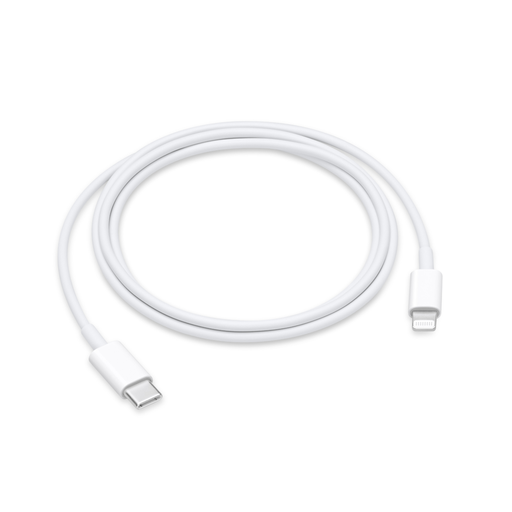
Why It Stands Out: The official cable from Apple, designed for seamless compatibility and support for fast charging on compatible devices.
Highlights:
Who It's For: For Apple users who prefer first-party accessories for the most reliable compatibility and performance.
View the Apple USB-C to Lightning Cable (1m)
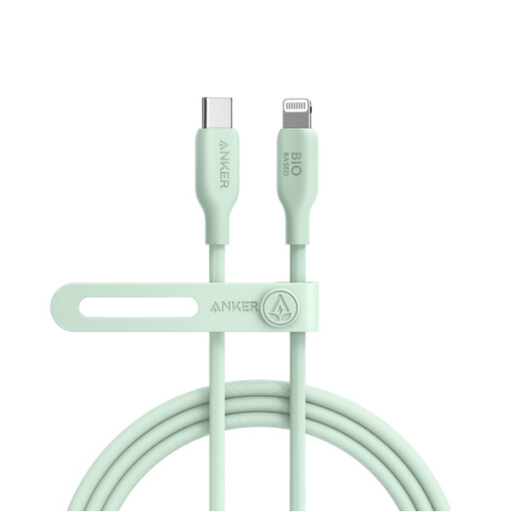
Why It Stands Out: A longer, durable option that, according to the manufacturer, uses bio-based materials.
Highlights:
Who It's For: For those looking for a longer and more robust iPhone USB-C cable for home, office, or car use, and who value the use of alternative materials.
View the Anker 541 USB-C to Lightning Cable
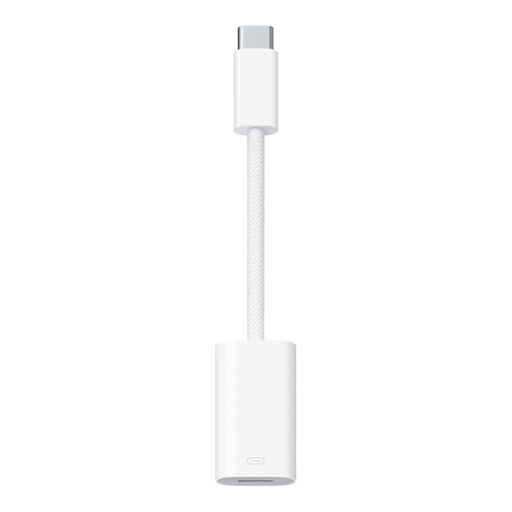
Why It Stands Out: A compact, official solution for continuing to use your existing Lightning accessories with new USB-C devices.
Highlights:
Who It's For: For owners of a new USB-C device (like an iPhone 15 or recent iPad) who want to preserve their investment in older Lightning accessories, such as earbuds, microphones, or cables.
View the Apple USB-C to Lightning Adapter
Didn't find the perfect solution for you? Perhaps you're looking for a different length, a specific brand, or another color. More options are available that might better suit your needs.
View all USB-C to Lightning cables and adapters
Yes, you can. For an iPhone with a Lightning port (iPhone 14 and older), you will need a USB-C to Lightning cable. This allows you to charge your iPhone with a USB-C charger, such as the one for a MacBook or another modern power adapter.
A cable is an all-in-one solution for connecting a Lightning device directly to a USB-C port. An adapter (or Lightning to USB-C adapter) is a small dongle. You use it to connect an existing Lightning cable or accessory to a device with a USB-C input, such as an iPhone 15 or a recent iPad Pro.
MFi stands for "Made for iPhone/iPad." It's a program from Apple that indicates a third-party accessory meets Apple's performance standards. Using MFi-certified products, like an Anker Lightning cable with this label, can prevent issues with compatibility, charging speed, and data transfer, and ensures a safe connection.
