
Vandaag of morgen in huis

Kwaliteit gegarandeerd

Welkomstaanbiedingen ontgrendelen: GRATIS bezorging | Tot 80% korting | Gratis 30 dagen JoyPlus-proefperiode
Download de app
A broken, lost, or slow charging cable is a common frustration. However, the search for a new USB-C charging cable can be surprisingly complex. With terms like wattage, data transfer, and various materials, it's hard to see past the marketing jargon.
As a Joybuy Product Recommendation Officer, my job is to help you make a clear choice. In this article, we'll cover the key factors to consider and provide specific recommendations, ensuring you find a cable that suits your devices and needs.
Before we dive into the products, here are a few practical tips for selecting the right cable.
Not all USB-C cables charge at the same speed. The power output, measured in Watts (W), is the most critical factor.
Always check the power your device and charger support to choose the right fast-charging cable.
A cable's lifespan depends heavily on its material and construction. A braided USB-C cable, often made of nylon, is typically more resistant to kinks and frays than a standard plastic cable. This makes it a more durable choice for daily use.
Also, consider the length. A standard 1-meter cable is fine for a desk, but a 2-meter charging cable offers significantly more flexibility, for instance, on the couch or in a hotel room.
While most people use a USB-C to USB-C cable primarily for charging, data transfer speed is also a point to consider. Most standard cables support USB 2.0 speeds (up to 480 Mbps), which is enough for transferring a few photos. However, if you need to transfer large files faster, there are more specialised cables with USB 3.1 or Thunderbolt support. For this article, we are focusing on cables primarily optimised for charging.
Based on specifications, materials, and intended use, we've selected some popular choices for different users.
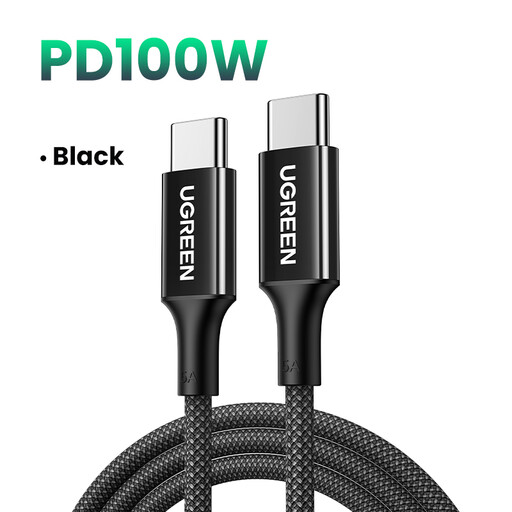
Why it stands out: This cable from UGREEN offers an excellent balance of power, durability, and price. With a power output of up to 100W, it's suitable for both fast-charging phones and powering most USB-C laptops, including MacBook Air and Pro models. The built-in E-Marker chip ensures a stable and safe power delivery.
Benefits:
Who is it for? For the user seeking a strong, reliable, all-round cable that can quickly charge both a smartphone and a laptop.
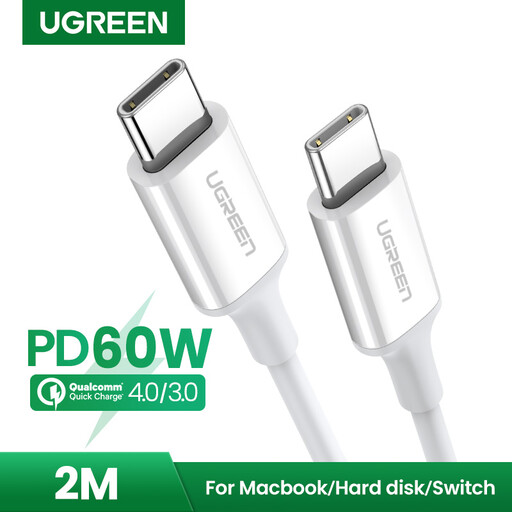
Why it stands out: Sometimes, simplicity and functionality are what matter most. This cable from UGREEN is a no-nonsense choice that does what it's supposed to do: charge your devices. The extra length of 2 meters offers a great deal of practical convenience.
Benefits:
Who is it for? For anyone looking for an affordable and longer charging cable for standard charging needs at home, in the office, or on the go.
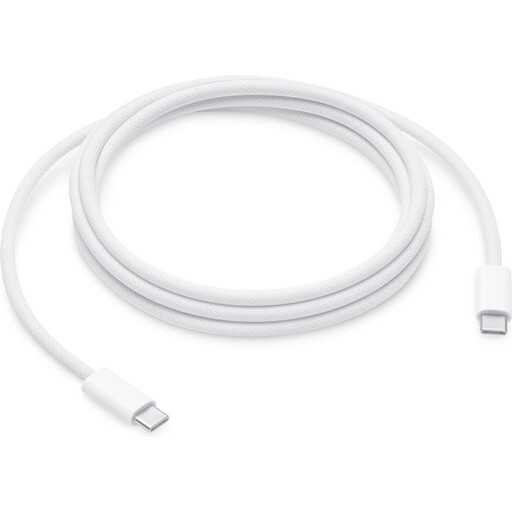
Why it stands out: For users of high-performance Apple equipment, the official Apple cable is often the logical choice. This model supports an impressive power output of up to 240W, allowing it to charge the most demanding MacBooks at maximum speed. Its new woven design is a clear improvement in durability compared to older Apple cables.
Benefits:
Who is it for? For the Apple user, particularly of a MacBook Pro or other high-end device, who expects the fastest possible charging speed and the reliability of an official accessory.
These recommendations cover the most common needs, but perhaps you're looking for something with different specifications, a different length, or from another brand. We have a wider range of charging cables that might better suit your requirements.
Discover more options in our Brake Cable category
1. Can I use any USB-C cable for any USB-C device? Yes, in principle, any USB-C cable will fit into any USB-C port. However, the power delivery can vary significantly. A low-power cable will charge a powerful laptop very slowly, or not at all. Conversely, a high-power 240W USB-C cable will not damage a smartphone; the device will only draw the power it can handle.
2. What is the difference between a cheap and a more expensive USB-C cable? The difference often lies in the build quality, materials, and internal components. More expensive cables often feature a sturdier, braided exterior, thicker copper wiring for better current flow, and safety features like an E-Marker chip. This chip communicates with the charger and the device to prevent overheating and overcharging, which is especially important for a high-power fast-charging cable.
3. How do I know if my cable supports fast charging? Support for fast charging is determined by three components: your device, your charger, and your cable. To fast-charge, all three parts must support it. A cable's specifications will often list its maximum power output (e.g., 60W, 100W) and supported protocols like Power Delivery (PD). Check the product description to ensure the cable meets your requirements.
