
Vandaag of morgen in huis

Kwaliteit gegarandeerd

Welkomstaanbiedingen ontgrendelen: GRATIS bezorging | Tot 80% korting | Gratis 30 dagen JoyPlus-proefperiode
Download de app
Mounting a new TV on the wall seems like a simple task, but choosing the right TV wall mount is crucial. The wrong purchase not only leads to frustration but can also be dangerous. Many people fall for marketing traps or overlook important details. This guide will help you avoid the pitfalls and make a safe, suitable choice for your situation.
Before you choose a mount, it's wise to know what often goes wrong. This will help you avoid buyer's remorse.
To avoid the mistakes above, check these three specifications before you make a purchase.
The VESA standard is the standardised distance between the four mounting holes on the back of your TV, expressed in millimetres (e.g., 200x200 mm or 400x400 mm). You can find this measurement in your TV's manual or by measuring the distance yourself (horizontal x vertical). A TV wall mount must support the exact same VESA pattern.
Additionally, always check the weight of your TV and compare it with the maximum weight capacity of the mount. Always choose a mount that can comfortably support your TV's weight. Safety first.
The functionality of the mount determines your viewing comfort. There are three main types:
Not every wall is suitable for every TV. Hanging a heavy 65-inch TV mount on a drywall wall without the proper precautions is asking for trouble.
Below are some popular choices, matched to different user profiles. These are not "winners," but practical solutions for specific situations.
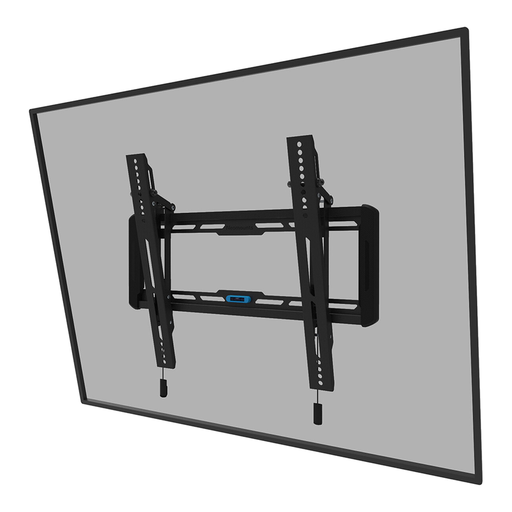
Why it's a match: This user wants a sleek, unobtrusive look in their living room or bedroom. The TV is in a fixed position, and flexibility isn't a priority. The slim profile of this mount ensures the TV hangs close to the wall.
Prevents you from paying for a complex full-motion mount you won't use. The tilt function is a practical bonus to combat glare, without the complexity of a swivel arm.
Slim Profile: With a depth of only 3.3 cm, the TV hangs flush against the wall. Easy Installation: An integrated spirit level and magnetic click system simplify the mounting process.
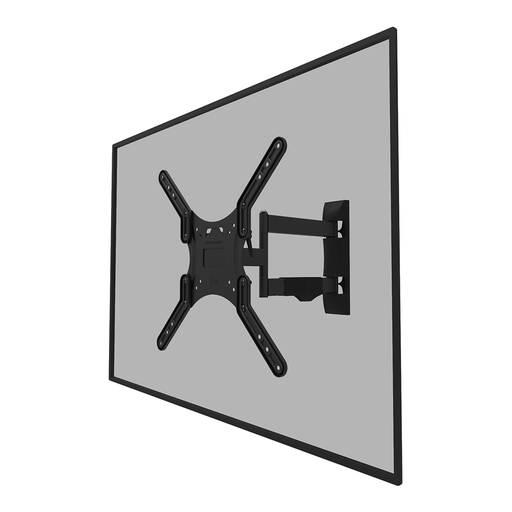
Why it's a match: Ideal for those living in an open-plan space or needing to place a TV in an awkward corner. This swivel TV mount ensures you always have the perfect viewing angle, whether from the sofa, dining table, or kitchen. Suitable for a popular size like a 55-inch TV mount.
Solves the problem of a fixed viewing angle. You won't buy a mount you'll later regret because you can't swivel the TV to avoid reflections or watch from another part of the room.
Full Range of Motion: The mount can tilt 14° and swivel 40°. Cable Management: Provides a clean finish by neatly concealing cables.
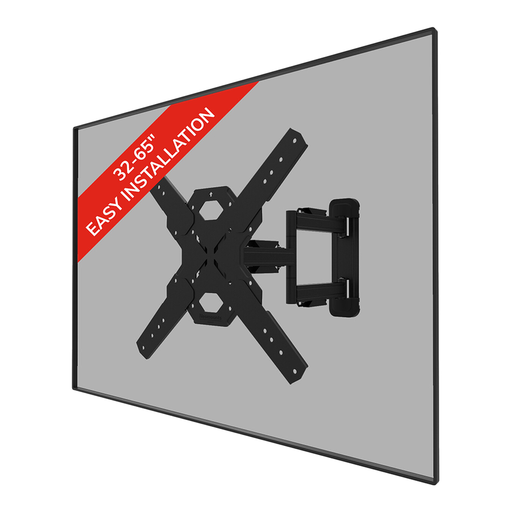
Why it's a match: For those who want to mount a large TV (e.g., 65 inches) safely and flexibly. This Neomounts TV mount is designed for a heavier weight (up to 40 kg) and provides the security you need for a valuable television.
Tackles the "one-size-fits-all" trap by specifically targeting heavier screens. You're not choosing based on screen size alone, but on a robust weight capacity for your 65-inch TV mount.
Higher Weight Capacity: Suitable for TVs up to 40 kg. Installation Aids: Comes with a spirit level and mounting template to simplify the process of mounting the TV.
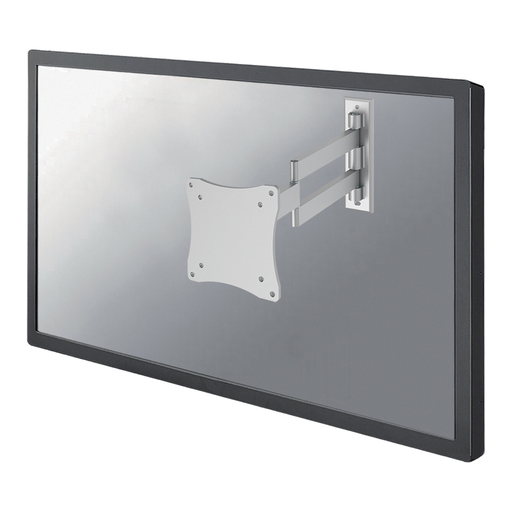
Why it's a match: This compact monitor wall mount is perfect for a home office or gaming setup. It offers maximum flexibility for a smaller screen, allowing you to position the monitor at the perfect ergonomic height and distance.
Prevents you from buying an oversized and expensive TV mount for a computer monitor. This is a fitting and cost-effective solution designed specifically for smaller screens and VESA sizes (75x75, 100x100).
Exceptional Flexibility: With three pivot points and 180° swivel capability, you can place the screen in almost any position. Adjustable Depth: The distance to the wall is adjustable from 4 to 36 cm.
We have compiled a complete, up-to-date list of products that fully meet these strict selection criteria and safety regulations.
Yes, it is possible, but it requires extra care. Always use special hollow-wall anchors (such as toggle bolts) that secure themselves behind the drywall. For heavier TVs, it is strongly recommended to mount the bracket to the wooden or metal studs behind the drywall. Use a stud finder to locate them. Never exceed the maximum weight that the anchors and the wall can support. When in doubt, consult a professional.
VESA is a global standard for the mounting holes on the back of televisions and monitors. The size indicates the distance in millimetres between the holes, first horizontally and then vertically (e.g., 200x200 mm). You can find your TV's VESA size in the manual, on the manufacturer's website, or by measuring the distance between the holes yourself. Ensure that your TV's VESA size matches the sizes supported by the TV wall mount.
A good rule of thumb is to hang the centre of the TV screen at eye level from where you watch the most (usually the sofa). Sit down, look straight ahead at the wall, and mark that point. That is the ideal height for the centre of your screen. If you need to hang the TV higher, for example above a fireplace, a tilting TV mount is a great solution to angle the TV downwards for a comfortable viewing angle.
