
Vandaag of morgen in huis

Kwaliteit gegarandeerd

Welkomstaanbiedingen ontgrendelen: GRATIS bezorging | Tot 80% korting | Gratis 30 dagen JoyPlus-proefperiode
Download de app
Hanging a new TV on the wall instantly gives your room a clean, modern look. It saves space on your TV stand and allows you to perfectly adjust the viewing angle to your seating area. But with so many different types of TV mounts available, making a choice can be difficult. A fixed TV wall mount, a tilting TV mount, or a fully swivel TV mount?
This guide will help you find the right TV mounting bracket. We'll explain the most important factors to consider and provide a few concrete recommendations based on product specifications, so you can make an informed decision.
Before you choose a mount, there are a few technical details you need to check. This ensures your TV will hang safely and securely.
The most important specification is the VESA wall mount standard. This is the standardised distance between the mounting holes on the back of your television, expressed in millimetres (e.g., 200x200 mm or 400x400 mm). You can find your TV's VESA size in its manual or by measuring the distance between the holes yourself.
In addition, always check:
The function of the mount determines how flexible you are after installation.
Based on functionality and specifications, we have listed a few popular choices for you.
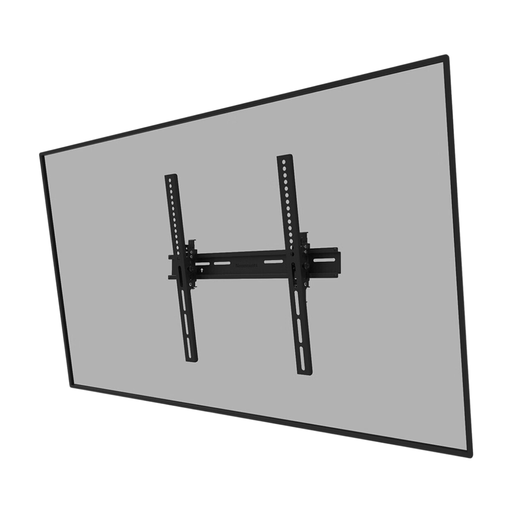
Why It Stands Out This Neomounts wall mount is a no-nonsense solution that does exactly what it's supposed to do. The tilt function is ideal for combating reflections, and installation is straightforward. A handy extra feature is the ability to lock the mount with a padlock (not included), which provides added security.
Key Features
Who Is This a Good Choice For? For anyone looking for a reliable and affordable tilting TV mount for their living room or bedroom. If your TV is mounted a bit higher or if you struggle with glare, this is an excellent entry-level solution.
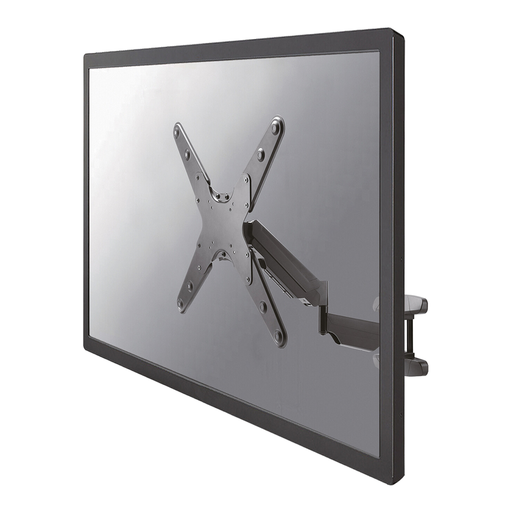
Why It Stands Out This full-motion TV mount offers maximum flexibility. Thanks to the gas spring, you can effortlessly adjust the TV's height and position. Swivel the TV towards the dining table during dinner or towards the sofa for a movie night. The built-in cable management system also ensures that cables are kept neatly out of sight.
Key Features
Who Is This a Good Choice For? Ideal for dynamic spaces, such as an open-plan living room with a kitchen or a conference room. If you want to be able to view the TV from multiple angles and value smooth adjustability, this swivel TV mount is a smart investment.
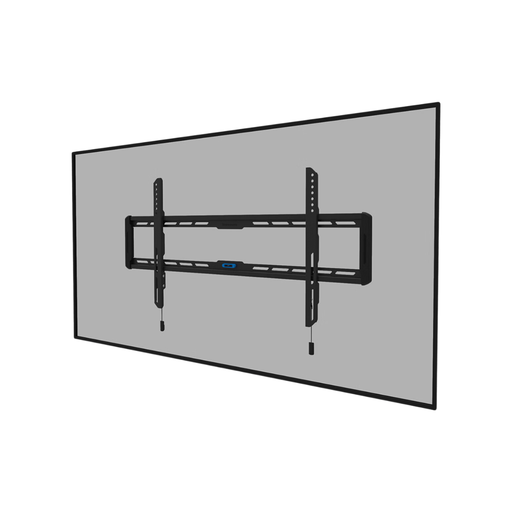
Why It Stands Out Want your TV to hang on the wall like a painting? Then this flat TV mount is the solution. With a distance of just 2.3 cm from the wall, you create an extremely sleek look. The mount is suitable for large and heavy televisions, and the integrated spirit level makes installation much easier.
Key Features
Who Is This a Good Choice For? Perfect for the design enthusiast with a large TV (e.g., a 65-inch TV mount or larger) who is aiming for the most minimalist look. However, the viewing position must be fixed.
The right TV wall mount depends entirely on your TV, your room, and your preferences. If the options above don't quite fit your needs, there are many more possibilities. Consider special mounts for corner installation or solutions for hollow walls.
Check out our full range of Standard VESA Mounts for more choices.
The VESA size is almost always listed in your television's manual or on the manufacturer's product page. You can also measure it yourself: measure the horizontal and vertical distance in millimetres between the centre of the four mounting holes on the back of the TV.
No, safety comes first. A TV mounting bracket must always be attached to a solid, load-bearing wall, such as brick, concrete, or a wall with sturdy wooden studs. Mounting on a hollow plasterboard wall is not recommended without specialised plugs and anchors, as the wall may not be able to support the weight of the TV and mount.
A good rule of thumb is to hang the centre of the television screen at eye level when you are sitting on the sofa. This ensures the most comfortable viewing experience and prevents neck strain. If you use a tilting TV mount, you can hang the TV slightly higher and tilt it downwards.
