
Vandaag of morgen in huis

Kwaliteit gegarandeerd
Download de app
Categorieën

Choosing a TV wall mount seems simple until you look at the specifications. VESA sizes, load capacity, wall types—the wrong choice can lead to a crooked TV or, worse, an unsafe situation. A good wall mount not only saves space and creates a sleek interior but also enhances your viewing comfort. This guide will help you make an informed decision based on factual product features.
Before choosing a model, it's crucial to check four key aspects. This prevents a bad purchase and ensures the mount is a perfect fit for your screen and your space.
The VESA size is the standardised distance between the mounting holes on the back of your television or monitor. This is the most important factor for compatibility. You can find this size in your screen's manual or by measuring the horizontal and vertical distance (in millimetres) between the holes. A common size for smaller screens, for example, is a 100x100 VESA wall mount. Ensure your screen's VESA size matches the wall mount's specifications.
Every wall mount has a maximum load capacity in kilograms. The weight of your TV or monitor must never exceed this limit. The weight is a strict limit, whereas the recommended screen size (e.g., for a 32-inch TV mount) is a guideline. A mount can support a 34-inch screen if its weight and VESA size fall within the specifications. Therefore, always check the weight of your screen.
Consider how you plan to use the TV. The degree of movement determines the type of mount you need.
Check if your wall is suitable for installation. A solid wall made of concrete or brick offers the most stability. For hollow walls (like drywall), you will need special anchors and mounting hardware. Always read the safety instructions from the wall mount manufacturer, which often specify the suitable wall types for the mount.
Based on the criteria above, we have selected three Neomounts wall mounts with different functionalities, suitable for screens up to 32 inches.
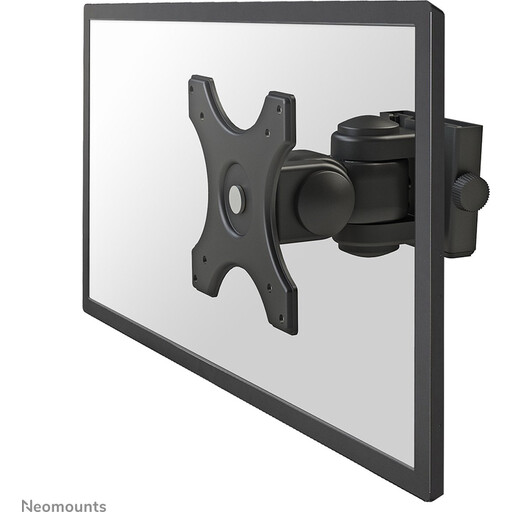
View the Neomounts FPMA-W250BLACK
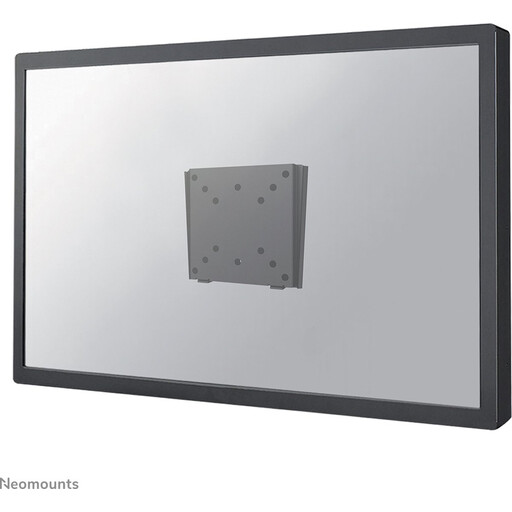
View the Neomounts FPMA-W25BLACK
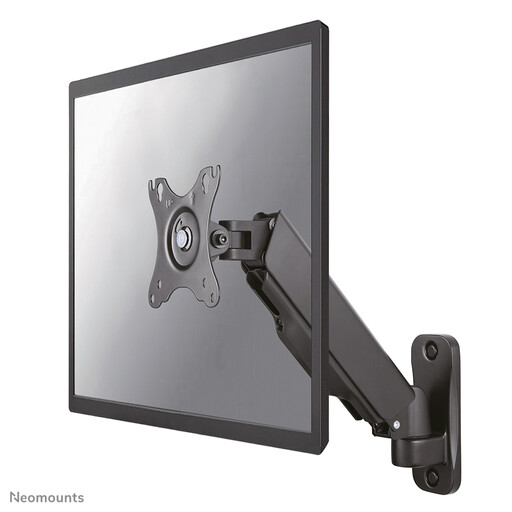
View the Neomounts WL70-440BL11
The products listed above are popular choices for screens up to 32 inches. Are you looking for a mount for a larger television, a different brand, or with specific features not covered here? A wide range of solutions is available.
For a complete overview of all available models, including mounts for larger sizes and with different specifications, you can browse our main category.
Discover all options in our Wall Display category
1. What is VESA and how do I find my VESA size? VESA is a global standard for the mounting hole patterns on the back of TVs and monitors. The size is indicated as 'horizontal distance x vertical distance' in millimetres (e.g., 100x100). You can find the size in your screen's manual, on the manufacturer's website, or by measuring it yourself with a tape measure.
2. Is weight or screen size more important for a wall mount? Weight is the most critical factor. The maximum load capacity of the mount must never be exceeded. The recommended screen size (in inches) is a guideline that often correlates with typical VESA patterns and weights, but the weight of your specific screen is the decisive safety limit.
3. Can a TV wall mount be installed on any wall? No, not without proper preparation. Solid walls made of concrete or brick are ideal. For hollow walls made of drywall, you need special hollow-wall anchors, and the mount should preferably be screwed into the underlying wooden or metal studs. Always read the wall mount's installation manual for specific instructions and warnings regarding the wall type.