
Vandaag of morgen in huis

Kwaliteit gegarandeerd

Welkomstaanbiedingen ontgrendelen: GRATIS bezorging | Tot 80% korting | Gratis 30 dagen JoyPlus-proefperiode
Download de app
A TV wall bracket saves space and gives your television a permanent home in the living room, bedroom, meeting room or shop. However, not every TV wall mount is suitable for every screen. The wrong VESA size, a weight capacity that’s too low, or an unsuitable wall can lead to an unstable installation and damage to your TV.
So don’t just rely on terms like “universal”, “ultra-slim” or “easy installation”. Instead, check the technical specifications carefully. Below, you’ll find out which details matter and which models suit different situations.
A 55-inch TV won’t automatically fit every TV wall bracket designed for 32 to 65 inches. The screen size is just one thing to check. The weight of the television and the VESA pattern must also fall within the bracket’s limits.
For example, a 55-inch television might have a VESA size of 200 × 200 mm, 300 × 300 mm or 400 × 400 mm. Check this on the back of the TV or in the manual.
An ultra-slim TV bracket mounts the screen close to the wall. That can look neat, but it leaves less room for cables, connections and ventilation. With a fixed TV wall bracket that’s only a few centimetres deep, you need to check beforehand that the HDMI, power and network cables won’t be bent too sharply.
A tilting TV bracket, on the other hand, needs more space. A model with an arm can, for example, extend several tens of centimetres from the wall. That’s practical for a corner setup, but it requires a sturdy wall and enough room to move.
A universal TV wall bracket is only usable when the stated VESA dimensions, screen size and weight capacity match your television. Also check whether the mounting hardware is suitable for concrete, brick, solid wood or another type of wall construction. For plasterboard, you often need special fixings or supporting studs behind the board.
VESA refers to the horizontal and vertical distance between the screw holes on the back of the screen. A designation of 400 × 400 mm means the holes are 400 mm apart horizontally and 400 mm apart vertically.
Pay attention to these points:
Also take a look at our category TV VESA mounting when you want to compare different VESA solutions.
The maximum weight capacity must be higher than the weight of the TV. For large screens, take into account the weight of the bracket itself and the forces that occur when you tilt or move the screen.
For commercial spaces, public areas and heavy use, a lockable TV bracket can be especially practical. A security screw or the option for a cable lock helps prevent the screen from being easily removed. This is not a substitute for correct wall mounting.
Choose the function based on your viewing position:
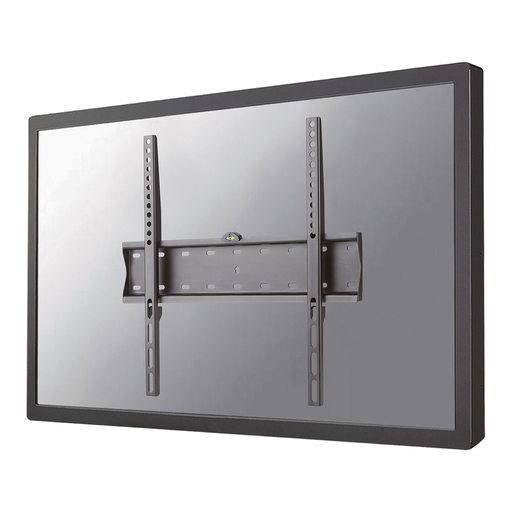
Why this suits the profile: This fixed bracket is designed for screens from 32 to 55 inches, supports up to 40 kg and has a wall distance of 2.7 cm.
The VESA range of 200 × 200 to 400 × 400 mm and the maximum weight are clearly stated. Do check these values against your TV.
Fixed mounting, 2.7 cm wall distance and an integrated spirit level according to the product description.
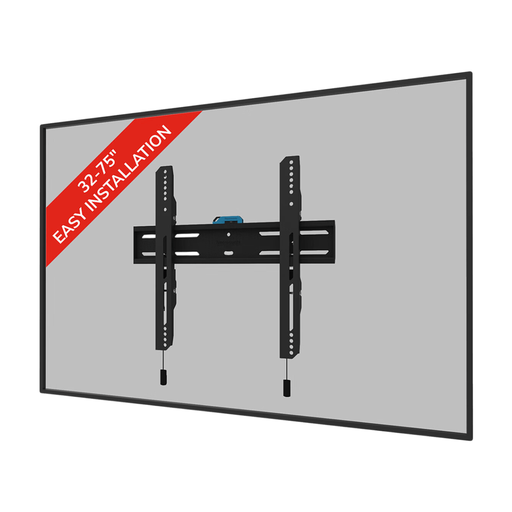
Why this suits the profile: A suitable choice for a living room, office or public space with a screen up to 75 inches.
The bracket states a VESA range of 100 × 100 to 400 × 400 mm, a weight capacity of 50 kg and a locking option.
3.3 cm wall distance, height and level adjustment, magnetic release system and included security screw.
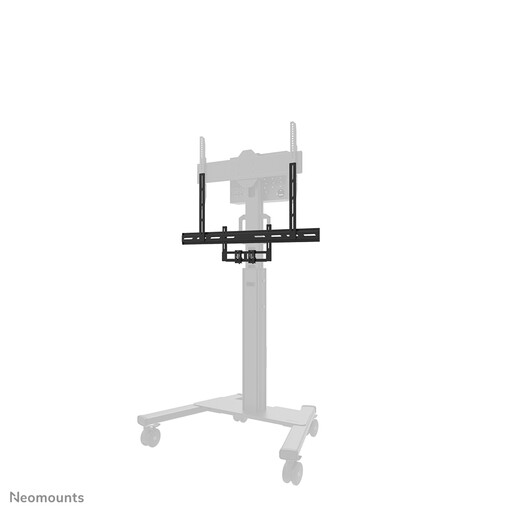
Why this suits the profile: Designed for video bars, PTZ cameras and soundbars with screens from 43 to 110 inches.
The VESA dimensions from 200 × 200 to 800 × 600 mm and the maximum load of 10 kg are clearly specified.
Placement above or below the screen and separate height adjustment of the bracket for the video or soundbar.
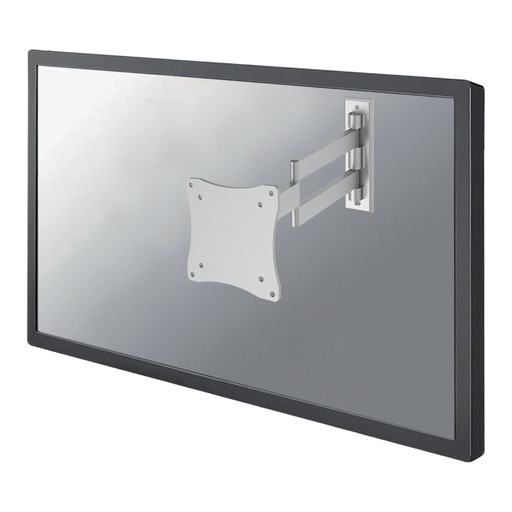
Why this suits the profile: Suitable for small screens and monitors where swivelling and tilting are more important than a flush mount.
The product is clearly specified for 10 to 27 inches, a maximum of 12 kg and VESA 75 × 75 to 100 × 100 mm.
Tilting up to 20 degrees, swivelling up to 180 degrees and adjustable depth from 4 to 36 cm.
Only mount a TV wall bracket on a wall that can support the combined weight of the TV and bracket. Use fixings that are suitable for the wall type. Don’t drill without first checking that there are no electrical cables, water pipes or gas pipes behind the wall.
For a large screen, it’s wise to work with two people. After installation, check that all hooks, locks and screws are properly tightened. For models with a tilting function, you should also check that the settings are securely fastened.
We’ve put together a full, up-to-date list of products that fully meet these strict selection criteria and comply with current European safety regulations.
No. Always check the screen size, weight and VESA pattern. The word universal doesn’t guarantee that every television will fit.
The lifespan depends on the material, load, wall type and installation. Check the screws and connections regularly, especially in an office, shop or other busy space. A correct installation prevents unnecessary strain.
Not without extra measures. Use suitable hollow wall fixings or attach to load-bearing studs behind the board. If in doubt, it’s wiser to call in an installer than to use a standard wall plug.
