
Housemates sharing a budget
You want to watch films together without spending unnecessarily on an oversized screen or extra features. Compare the viewing distance, available space, and the picture and sound quality of specific models.


Start by measuring the viewing distance and checking that everyone has a clear view from their seat; one screen size won’t automatically suit every student house. Then compare picture quality in your room’s usual lighting, check for the streaming apps and connections you need, and listen to the sound at a suitable volume. An LCD TV may be worth considering in a bright room, while OLED could be a good choice for dark film scenes and spread-out seating. Always assess the exact model.
You want to watch films together without spending unnecessarily on an oversized screen or extra features. Compare the viewing distance, available space, and the picture and sound quality of specific models.
If housemates sit around the room, it’s important to check how clearly the picture can be seen from the seats furthest to the side.
If detail and contrast in dark adventure scenes matter to you, compare LCD and OLED models in the lighting your group usually watches in.
First, measure the viewing distance and available space. The Dutch Consumers’ Association uses the viewing distance in centimetres divided by 2.4 as a starting point for the screen’s diagonal measurement, not as a fixed size.
| What to consider | What should you look for? | Who is this important for? |
|---|---|---|
| Screen size and budget | Measure the viewing distance and check the TV’s external dimensions, including the stand, against the space where it will go. | If we’re paying together, I want a screen that suits the viewing distance and furniture without unnecessary expense. Around 33% of consumers put a suitable size and shared costs first. |
| Viewing from the side | Assess the picture from the seats furthest to the side, and look out for reflections in your room’s usual lighting. | When we watch from different places, I want everyone to be able to see the screen clearly. Around 25% of consumers put visibility from side seats first. |
| Film contrast | Compare both dark and bright scenes in the lighting you usually watch films in; an HDR label alone doesn’t tell you what the picture will look like. | If dark scenes matter, I want to assess contrast and detail in the viewing space rather than relying on a technology name. Around 25% of consumers put film contrast ahead of other preferences. |
| Apps, connections and sound | Check for the apps you want, the HDMI and audio connections you need, and a sound review of the exact model. | If housemates use different services or devices, I want to know whether everything will connect and whether dialogue is easy to follow. Around 17% of consumers prioritise streaming, connections and sound. |
The diagonal measurement doesn’t tell you whether the TV will be comfortable to watch from your seats or fit on shared furniture with its stand.
Measure the distance from the seats and the available space. Use the viewing-distance guideline as a starting point and compare a few available sizes.
HDR support or a technology name alone doesn’t tell you how a specific model displays dark and bright scenes.
Compare specific models in similar room lighting, and look for picture reviews that cover both dark and bright scenes.
A paid-for warranty package doesn’t automatically replace your statutory rights if a product is faulty.
Check what additional cover the package demonstrably provides before housemates share the cost.
The 43UA73006LA is a 43-inch 4K smart TV worth comparing if you’re looking for a more compact LCD model with webOS.
According to Philips, the 43PUS8500/12 combines a 43-inch 4K QLED screen with Ambilight and Titan OS.
The UE43U7090HUXXN is a 43-inch Crystal UHD smart TV to assess alongside other LCD models.
The T7B range is a QLED LCD option with Google TV; check which screen size and model you’re looking at.
The 43A6S is a 43-inch 4K LCD TV with VIDAA, worth comparing if you’re considering a compact smart TV.
This selection includes 43-inch and 55-inch QLED TVs, plus a 55-inch OLED TV. Compare the screen size with your viewing distance and assess the picture in your room’s usual lighting.
 No image available
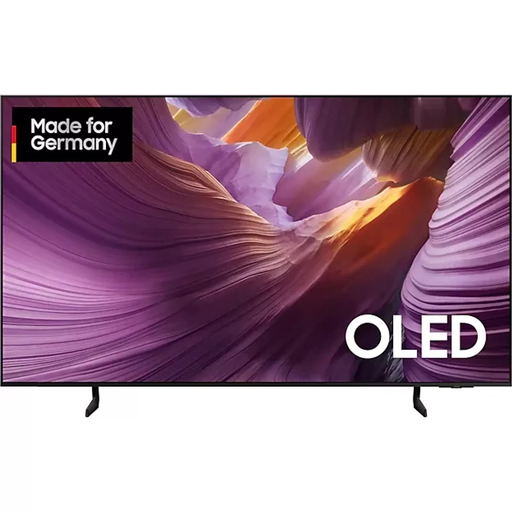
A 55-inch OLED option to compare if dark scenes are important for your film nights.
55 inches, OLED and 4K.
With OLED, prolonged display of static images carries a risk of image retention. The Dutch Consumers’ Association estimated the risk to be low with normal varied viewing, but couldn’t rule it out.
 No image available
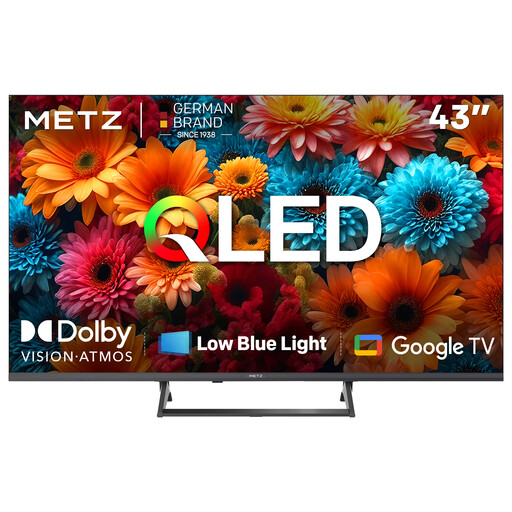
A 43-inch model to compare if that size suits your viewing distance and available space.
4K QLED, Google TV, HDR10+, Dolby Vision and Dolby Atmos.
 No image available
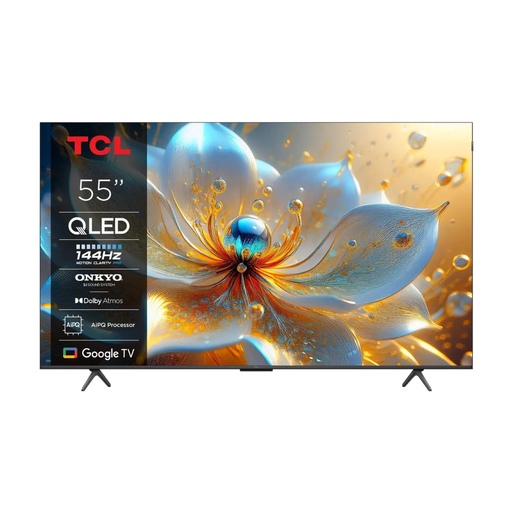
A 55-inch QLED option to compare if the screen size suits your shared viewing distance.
4K QLED, 144 Hz and Smart TV.
 No image available
A 43-inch option to compare if housemates watch from different seats; check the picture for yourself from the seats furthest to the side.
4K QLED, HDR10+, VIDAA and three HDMI 2.1 connections.
 No image available
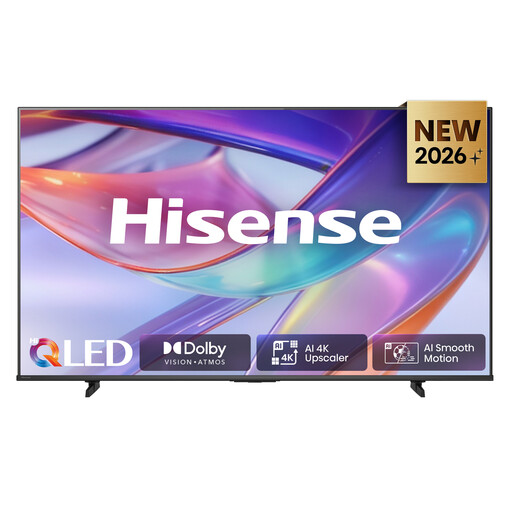
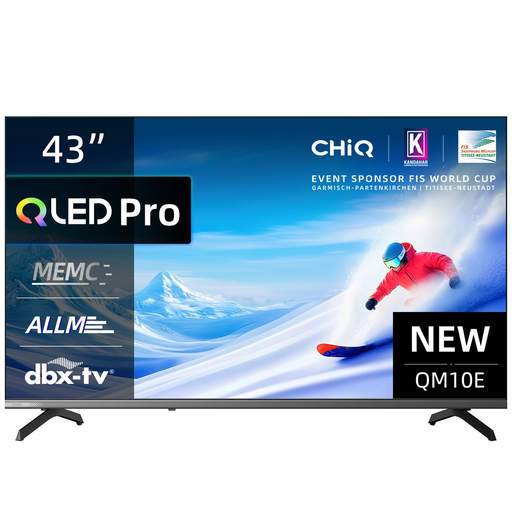
A 43-inch option to compare if Google TV and its streaming apps suit what your housemates use.
4K QLED, HDR10, Google TV, VRR, ALLM and dual-band Wi-Fi.
For wall mounting, the product description recommends professional installation.
Measure from the seats to where you plan to put the TV. The Dutch Consumers’ Association uses the viewing distance in centimetres divided by 2.4 as a starting point for the screen’s diagonal measurement in centimetres. Compare nearby available sizes and check there’s also enough space for the stand.
Start with the home setting rather than the bright shop mode. Watch a familiar scene with both dark and bright areas in the lighting you usually watch films in, then adjust the picture mode to suit your preferences.
According to the Dutch government, you don’t need your landlord’s permission for a minor alteration that can be put right without much expense, such as filling small holes in the wall. Don’t assume the same applies to larger changes or those that are difficult to repair; consider the installation and your tenancy agreement.
No. According to the Dutch government, statutory warranty in the Netherlands has no fixed time limit. What you can reasonably expect depends, among other things, on the product, its price and the information provided. If a product is faulty, contact the seller; you don’t automatically need to buy an extended warranty.
The Dutch government states that you’re entitled to security updates for smart devices, including smart TVs. Also check which features and apps are supported on the model you choose; the smart TV label doesn’t guarantee that every app you want will be available.