
Viewer with a narrow shelf
Wants both the TV and its stand to fit in the available space, while also taking viewing distance into account. Consumentenbond recommends considering the TV’s height and width when placing it in a cabinet.


Start by measuring the shelf’s width, height and depth, leaving room for the stand, then match the screen size to your viewing distance. A 24-inch TV may fit where a 32-inch model is too big; only consider 40–43 inches if the space and viewing distance allow. Then compare speech clarity, how your own films look, and the apps or connections you need, rather than focusing only on resolution or a display technology label.
Wants both the TV and its stand to fit in the available space, while also taking viewing distance into account. Consumentenbond recommends considering the TV’s height and width when placing it in a cabinet.
Wants voices to be easy to understand and is weighing up whether the TV’s sound is good enough or whether there’s room for extra audio equipment. Consumentenbond points out that sound quality can vary between TVs.
Watches their own films, discs or streams and wants to consider source quality, the original aspect ratio and suitable connections. The Criterion Collection explains that films are generally presented in their original aspect ratio, unless the filmmaker requests a different framing.
Start with the TV’s full dimensions and your viewing distance. Then decide whether dialogue, your own film sources or easy access to apps matters most to you. Consumentenbond describes 32 inches as a practical size for small living rooms or bedrooms, but the TV’s overall dimensions and stand will determine whether it fits on your shelf.
| What to consider | What should you check? | Who is this important for? |
|---|---|---|
| Dimensions and viewing distance | Measure the shelf’s width, height and depth, then compare these with the dimensions of the exact model, including its stand. Also measure the distance from your seat to the screen. | If space is limited, I want to know that both the TV and stand will fit, without leaving me with an uncomfortable viewing distance. Around 36% of consumers prioritise fit and screen size. |
| Clear dialogue | Compare available sound ratings and check the audio connection and available space if you’re considering a soundbar. Consumentenbond reports that TV sound can vary. | When I watch comedies, I want to follow conversations without having to add extra equipment straight away. Around 29% of consumers give clear dialogue top priority. |
| How films look | Check the quality and aspect ratio of your own source. Consumentenbond notes that higher resolution doesn’t automatically mean better picture quality; The Criterion Collection explains why the original aspect ratio matters. | When I watch older films, I want them displayed properly, without being automatically stretched or cropped. Around 21% of consumers prioritise how classic films are displayed. |
| Apps and connections | Check whether the app you want is available in the Netherlands on the exact model, and whether it has a suitable input for your own player. A streaming service may require a separate subscription. | If I watch through an app or my own player, I want to enjoy my comedies without unnecessary extra equipment. Around 14% of consumers prioritise access to apps or connections. |
The stated number of inches refers to the screen diagonal, not the TV’s full dimensions with its stand. So a screen with a suitable diagonal isn’t necessarily guaranteed to fit on your shelf.
Before buying, compare the exact model’s width, height and depth, including the stand, with the space available.
You may need a different spot or a suitable mounting solution.
Higher resolution requires suitable source material and, according to Consumentenbond, doesn’t guarantee better picture quality.
Check your own sources and prioritise a suitable screen size over the number of pixels alone.
TV sound varies by model. A soundbar also takes up space and isn’t automatically necessary.
First, check whether you can follow dialogue clearly through the TV. Only look at connections and available space if you decide you need extra audio.
A platform is only useful if the app you want is available on the exact model in the Netherlands. Streaming services may also require a separate subscription.
Check whether the app has the title you want, and see if you can connect your existing player to the TV.
Samsung Netherlands lists 24-inch and 32-inch models in the F6000F range. They’re worth considering if size is the deciding factor.
According to Philips, the Philips 32PFS6900/12 is a 32-inch Full HD model with Ambilight.
According to LG, the Dutch LG 32LQ63006LA is a 32-inch Full HD smart TV with webOS.
The TCL 32S4K is a 32-inch QLED model to compare with standard LCD LED models.
Consumentenbond includes the Hisense 32A4S in its overview of 32-inch TVs.
These models are designed for a compact TV set-up, with a 24- or 32-inch screen. Before deciding whether one will fit on your shelf, check the exact model’s overall dimensions and stand.
 No image available
The 32-inch size is one option to compare for a compact set-up.
The product title lists Full HD, QLED, Tizen OS and Dolby Audio.
 No image available
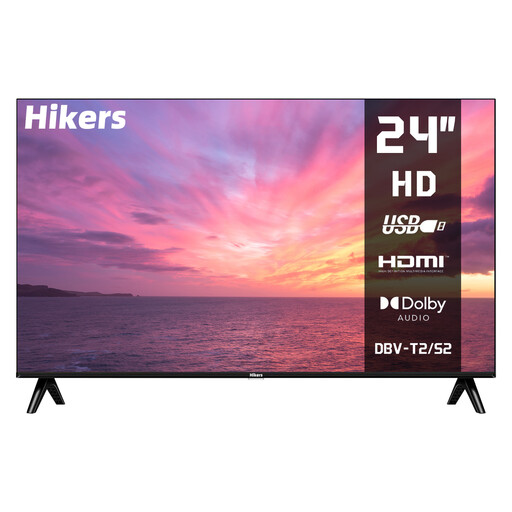
The 24-inch size is a smaller option if shelf space is limited; also check the full dimensions, including the stand.
The product title lists HD, HDMI, USB and DVB-S2/T2/C support. According to the title, this isn’t a smart TV, so check whether you’ll need a separate player.
 No image available
The 32-inch size is aimed at anyone considering a compact TV set-up.
The product title lists QLED, Google TV, HDR10 and Dolby Audio. Check that your preferred app is available and that you can connect your source devices to the TV.
 No image available
The 32-inch size is a compact option; compare the overall dimensions, including the stand, with the space available on your shelf.
The product title lists QLED+, HDR10, Google TV, Chromecast and Dolby Audio. Check which apps and connections you need.
 No image available
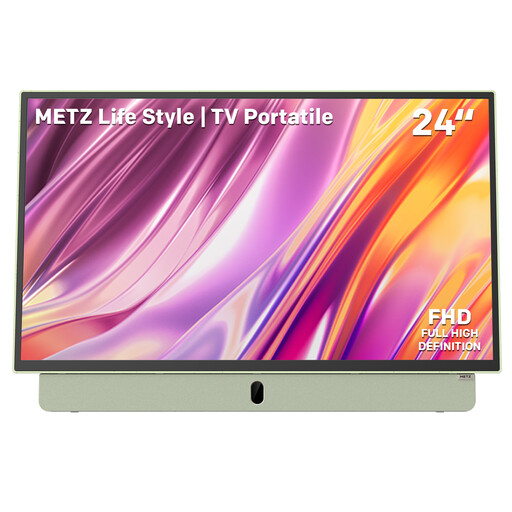
The 24-inch size is a smaller option if a larger screen won’t fit on your shelf; remember to consider your viewing distance too.
The product title lists Full HD, Google TV, HDMI, USB, Bluetooth and Wi-Fi 5. Check which connections your own player needs.
Measure the available width, height and depth, then compare these with the dimensions of the exact model, including its stand. Also measure the distance from your eyes to where the screen will go. Consumentenbond’s viewing distance guidance is a starting point, not a compulsory screen size.
Not automatically. Check the aspect ratio of the specific edition, as it may be intended to be shown in its original framing. Choose a setting that won’t stretch or crop the picture in a way you don’t want.
You won’t necessarily need an extra player if the app you want is available on the exact model in the Netherlands. Having an app built in doesn’t mean its content is free: LG notes that OTT services may require separate subscriptions and can vary by country.
Consumentenbond recommends using the home setting rather than the shop setting, and judging the picture in your usual room lighting. Check a familiar scene to see whether details remain visible in both bright and dark areas.
According to ACM ConsuWijzer, you generally have a statutory 14-day cooling-off period after delivery for a TV ordered online in the usual way. You also have statutory rights against the seller if, under normal use, the TV doesn’t meet what you could reasonably expect; these rights aren’t automatically limited to the manufacturer’s warranty.