What should you look for?
First, measure the viewing distance, then decide how you’ll play the video. This will help you compare screen sizes, connections and shared running costs.
| What to consider |
What should you check? |
Who is this important for? |
| A screen that suits the viewing distance |
Measure from your eyes to the planned TV position. Consumentenbond suggests dividing the distance in centimetres by 2.4 as a starting estimate for the screen’s diagonal in centimetres; also look at nearby screen sizes. |
If I want to follow the action in the workshop video from my usual seat, I’ll start by measuring the distance to the screen. Around 31% of consumers prioritise a clear picture at a suitable viewing distance. |
| Being able to play the video |
Check where the video is stored and whether the exact TV model supports the HDMI connection, app or wireless method you need. Consumentenbond notes that apps can vary between smart TVs. |
If I want to play the video from a laptop or app, I’ll first check that the source works with the TV. Around 25% of consumers give top priority to being able to play the video. |
| Shared running costs |
Compare the energy labels of specific models and check whether your setup requires an adapter or mounting. According to the European Commission, the label also includes energy information for HDR playback. |
If we’re sharing the purchase and running costs, I’ll want to know in advance what we’ll need to pay for beyond the TV itself. Around 25% of consumers prioritise sharing the total costs. |
| Visibility from different seats |
Assess the screen from the seats furthest to the side and in the lighting conditions you’ll watch in. Consumentenbond recommends considering viewing angles and reflections when choosing a model. |
If housemates will be sitting at an angle to the screen or light will fall on it, I’ll want to know whether the picture is still clear from those seats. Around 19% of consumers prioritise visibility from different seats and in the room’s usual lighting. |
Joybuy TVs to compare
The models below range from 43 to 85 inches and include QLED and OLED versions. Measure the viewing distance and check the video source before deciding which size or features suit your shared room.
 No image available
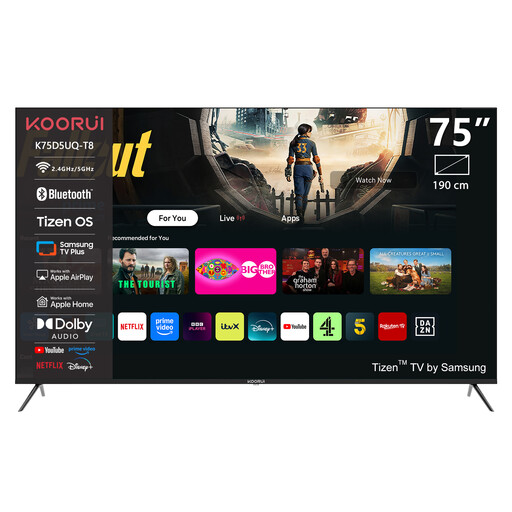
KOORUI K75D5UQ-T8 75-inch 4K UHD QLED TV
Consider this 75-inch model only if your measured viewing distance and available space are suitable for a large screen.
75 inches, 4K UHD, QLED and Tizen OS.
Joybuy
 No image available
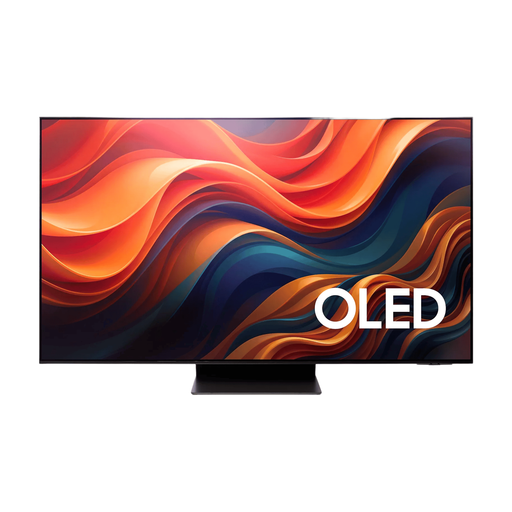
Samsung 65-inch S95H 4K OLED TV
With a 65-inch screen, check that your viewing distance and the space where housemates will watch together are suitable.
65 inches, 4K and OLED.
Joybuy
 No image available
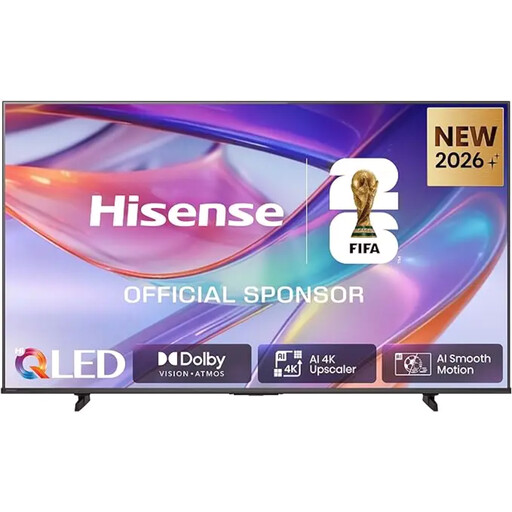
Hisense E7S 85-inch 4K UHD QLED TV
An 85-inch screen needs plenty of viewing distance and space. The product information says three or more people are needed to lift and position it.
85 inches, 4K UHD, QLED and HomeOS 9.5.
Joybuy
 No image available
METZ 43MQF7500Z 43-inch QLED 4K UHD TV
Compare the 43-inch version with your measured viewing distance, and check whether the video is available through the app or connection you plan to use.
43 inches (109 cm), QLED, 4K UHD, Google TV and HDMI 2.1.
Joybuy
 No image available
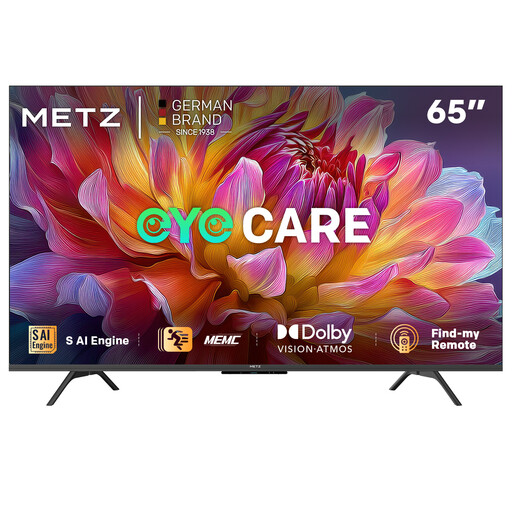
METZ 65MUF7000Z 65-inch 4K UHD TV
Compare the 65-inch screen with your viewing distance and check the energy label if residents want to factor in electricity use.
65 inches (165 cm), 4K UHD, Google TV and energy rating F.
Joybuy
Frequently asked questions
How can you choose a screen size without guessing based on the room?
Measure from eye level in your usual seats to the planned TV position. As a starting estimate, Consumentenbond suggests dividing the distance in centimetres by 2.4 to work out the screen diagonal in centimetres; then compare nearby screen sizes too.
Do you need a smart TV to watch a workshop video?
No, not if a suitable external playback device can send the picture through an available connection. If you want to watch the video using a TV app, check that the specific app is available on the exact model you’re considering; apps vary between smart TVs.
What should you check when setting up a TV in a shared room?
Check that the location works for the viewing distance and seating, and that you can connect the video source. Also find out whether you’ll need mounting or extra equipment. Then adjust the picture using a familiar scene with both light and dark areas.
Who can help if the TV breaks sooner than you’d reasonably expect during normal use?
In the Netherlands, the seller is responsible for the statutory guarantee. According to ACM ConsuWijzer, if a product breaks sooner than you’d reasonably expect during normal use, the seller must put it right free of charge, for example by repairing or replacing it. This does not mean there is one fixed guarantee period that applies in every case.
Can you show a copyrighted workshop video to your housemates?
Buying a TV doesn’t give you the right to screen a film. The Dutch government states that using a protected film generally requires permission from its creator. Auteursrecht.nl describes an exception for screenings within a strictly domestic circle and says permission is needed for screenings outside it. Whether a particular gathering falls within that exception depends, among other things, on who is present and the conditions of the screening. Don’t assume that a workshop or club screening in a student house is automatically permitted.


