First, measure the distance between your eyes and the planned position of the screen, then compare several screen sizes. A distant seat doesn’t automatically mean you need a 75-inch TV. Next, assess dark scenes, reflections and viewing angles in the room where you watch, and check that voices are clear through your playback source. A 4K logo or panel name alone won’t tell you which TV is right for you.
Who is this advice for?
Viewers sitting a long way from the screen
If you want to follow the actors and scenery clearly from a generous distance, measure that distance and compare different screen sizes. Consumentenbond uses viewing distance as a starting point for this comparison.
Fans of performances with dark scenes
If you often watch in dim lighting, look for detail in dark sets and on faces under stage spotlights. Consumentenbond highlights contrast and panel type as factors to consider when choosing a picture.
Viewers in a bright or shared room
In daylight or when several people are watching, reflections and viewing angles matter as well as contrast. Consumentenbond notes that viewing angles can vary between TVs.
What should you look for when choosing?
OLED
Best for: watching in a dim room, when dark sets and high-contrast lighting matter.
Bear in mind: compare reflections in your own room and consider image retention if you regularly leave a still image on screen for long periods.
Mini LED LCD
Best for: comparing options if your room is often bright or you’re looking for a large LCD screen with local dimming.
Bear in mind: viewing angles and the way bright areas appear against dark backgrounds vary by model.
Other LCD TVs
Best for: including in your comparison if finding the right large screen matters more than achieving deep blacks.
Bear in mind: assess contrast and picture uniformity on each TV. The QLED label alone doesn’t prove that a TV has mini LED backlighting or local dimming.
| What to consider |
What should you check? |
Who should pay particular attention? |
| Screen size and viewing distance |
Measure from your eyes to the planned position of the screen. Consumentenbond suggests dividing the distance in centimetres by 2.4 to get a guide to the diagonal in centimetres; compare nearby screen sizes too. |
If you want to follow actors and scenery comfortably from a distant sofa, start with the distance rather than a fixed screen size. Around 36% of consumers are primarily concerned with choosing a suitable size. |
| Dark sets and contrast |
Compare the exact model using a recording with dark backgrounds and bright spotlights. Consumentenbond describes the differences between OLED and LCD; HDR also requires suitable HDR source material. |
If you want to make out details in the shadows and faces under stage lighting, focus on how the TV displays dark scenes. Around 29% of consumers put this first. |
| Daylight and seating positions |
Assess reflections in the lighting conditions you usually have, and check the picture from the outermost seats too. Consumentenbond notes that viewing angles can vary between TVs. |
If you watch during the day or sit to one side of the screen, check that the picture remains easy to see from your seat. Around 21% of consumers prioritise visibility in bright conditions or from the side. |
| Speech and playback source |
Listen to speech and music through the source you actually use. If you have an external player or soundbar, check the connections on the exact TV model; Consumentenbond highlights speech clarity as something to consider. |
If dialogue or singing needs to be easy to follow, check both the sound quality and the connection to your own playback source. Around 14% of consumers prioritise speech clarity and playback. |
Things to consider before buying
-
Choosing a screen size without measuring first
What feels comfortable to watch depends partly on the distance and your personal preference. Choosing a size based only on the word ‘distant’ may not suit your seating position.
Measure from your usual seat and compare several screen diagonals around the suggested size.
-
Assuming a 4K, HDR or mini LED label guarantees a good picture
The source and picture processing also matter. An HDR specification, for example, doesn’t mean a recording is in HDR, and the backlighting can affect dark scenes.
Compare the exact models using a representative recording, including faces under spotlights and details in the shadows.
-
Looking only at the TV and any offered warranty period
Installation may be offered as a separate service. A commercial warranty period is also not the same as your statutory rights. ACM ConsuWijzer advises contacting the seller if a product is faulty.
Before ordering, check which installation services and terms apply to your order, and consider any extended warranty separately from your statutory rights.
Brands to compare
LG
The Dutch-market OLED77C55LA is a 77-inch OLED model to compare if you watch large screens in dim lighting.
- LG describes pixel-level black reproduction as a product feature.
- This isn’t an independent measurement for recorded theatre performances. Also assess reflections and bear in mind the potential for image retention if a still image stays on screen for long periods.
Sony
The Dutch-market K-75XR70 is a 75-inch mini LED LCD model with documented connections for an external source or sound system.
- Sony lists 3840 × 2160 pixels, local dimming, four HDMI inputs and eARC/ARC for this model.
- These features don’t determine whether the viewing angle or speech clarity will work for your seating positions.
Samsung
The Dutch-market QE75QN90FATXXN is a 75-inch QN90F mini LED model to compare for a bright room.
- Samsung lists ‘Glare Free’ as a feature of this model.
- That brand claim doesn’t prove that all reflections will disappear; assess the screen in the lighting conditions in your room.
TCL
The Dutch-market 75C7K is a 75-inch QD mini LED model to compare with other large LCD screens.
- TCL lists dimming and 144 Hz for the C7K series.
- Series-wide claims don’t prove the performance of every screen size. Don’t assume the 75C7K is the same as the 75Q7C without confirming its identity.
Philips
According to Philips, the Dutch-market 75PML9009/12 is a 75-inch mini LED TV with Ambilight and Titan OS.
- Ambilight may be relevant if you take ambient lighting into account when watching.
- Philips’ descriptions of immersion and picture quality are brand claims. Check that your preferred playback setup works with the platform you want to use.
Joybuy TVs for your viewing needs
This selection from Joybuy includes OLED, LCD and mini LED LCD models, so you can match the screen size and picture technology to your viewing distance and room.
 No image available
OLED77G68LW OLED TV
An OLED option to compare if dark sets and stage spotlights matter to you; bear in mind the potential for image retention if a still image stays on screen for long periods.
Joybuy
 No image available
LG 65NU800B6LA 65-inch NANO 4K UHD TV
The stated 65-inch diagonal gives you a starting point for comparing the TV with your measured viewing distance and nearby screen sizes.
The product name lists 4K UHD, HDR10 and HLG.
Joybuy
 No image available
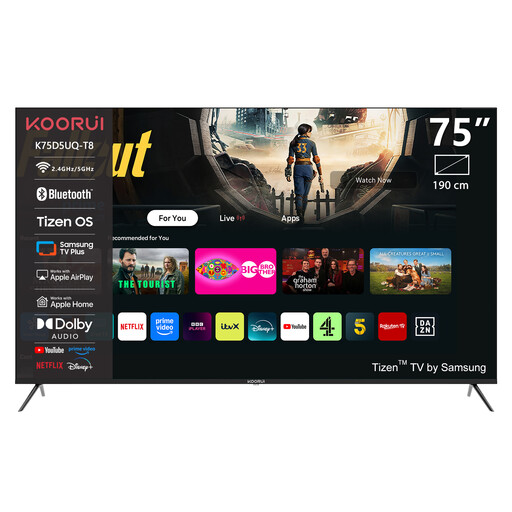
KOORUI K75D5UQ-T8 75-inch 4K UHD QLED TV
The 75-inch version gives you a large LCD screen to compare with other diagonals for your viewing distance.
The product name lists 4K UHD and QLED.
Joybuy
 No image available
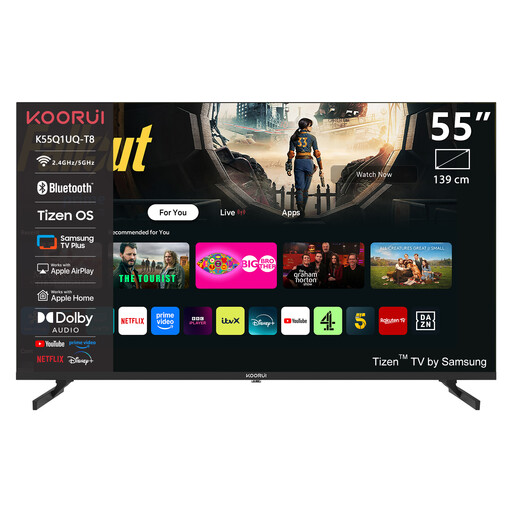
KOORUI K55Q1UQ-T8 55-inch 4K QLED TV
The 55-inch version is a smaller size to compare with the distance from your seat, even if you initially had a larger TV in mind.
The product name lists 4K and QLED.
Joybuy
 No image available
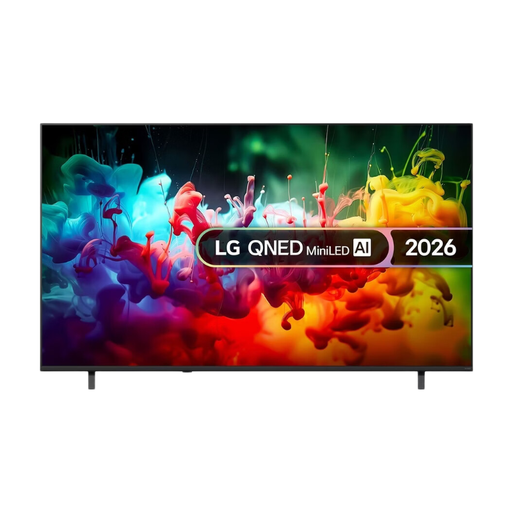
LG QNED70 75-inch Mini LED 4K Smart TV 2026
This 75-inch mini LED model is an LCD option to compare for screen size and dark scenes, taking your viewing distance and room into account.
The product name lists Mini LED, 4K and Smart TV.
Joybuy
Frequently asked questions
Does sitting a long way from the screen always mean you need a 75-inch TV?
No. The diagonal you need depends on your measured viewing distance and personal preference. Consumentenbond suggests dividing the distance in centimetres by 2.4 to get a guide to the diagonal in centimetres; also compare nearby screen sizes.
Does 4K automatically make a recorded theatre performance look sharper?
No. The recording quality and picture processing also matter. A 4K TV won’t automatically add details that aren’t in the source; suitable HDR source material is also needed for HDR playback.
How should you set up a TV for dark stage scenes?
Start with a familiar scene in the lighting conditions you usually watch in, rather than relying only on a shop display mode. Consumentenbond recommends taking the usual room lighting into account when adjusting the picture. Check that details remain visible in both bright and dark areas.
Does the statutory guarantee on a TV bought in the Netherlands always end after two years?
No. According to ACM ConsuWijzer, the statutory guarantee in the Netherlands doesn’t have a fixed two-year limit: what you can expect from a product depends, among other things, on normal use. If a product is faulty, contact the seller.
Where can you compare the energy consumption of TV models?
Compare the EU energy label and the product details for the exact model. According to the European Commission, the energy label for electronic displays shows information including the efficiency scale, screen size and resolution; you can view model details in EPREL using the QR code.


