TVs on Joybuy
These Joybuy models are large LCD TVs with stated screen sizes of 85 or 86 inches. Compare the diagonal with your viewing distance and check that your recording and audio set-up will work.
 No image available
TCL T8D 85-inch 4K QD-Mini LED Smart TV
Compare the stated 85-inch diagonal with your viewing distance. The title also mentions Onkyo 2.1 sound.
Specifications according to the product name: 4K QD-Mini LED, HDR, 144 Hz, Google TV and HDMI 2.1.
View on Joybuy
 No image available
TCL 85Q7D PRO 85-inch 4K SQD-Mini LED TV
The stated 85-inch diagonal gives you a size to compare with your viewing distance and the space available.
Specifications according to the product name: 4K SQD-Mini LED, anti-reflection screen, 144 Hz, Dolby Vision IQ and Dolby Atmos.
View on Joybuy
 No image available
METZ 86MQE8000Z 86-inch QLED Google TV
Compare the stated 86-inch diagonal with the distance from your seat and the space available for the TV.
Specifications according to the product name: 4K, HDR10+, Dolby Vision and a 2.1.2 sound system with an integrated subwoofer.
View on Joybuy
 No image available
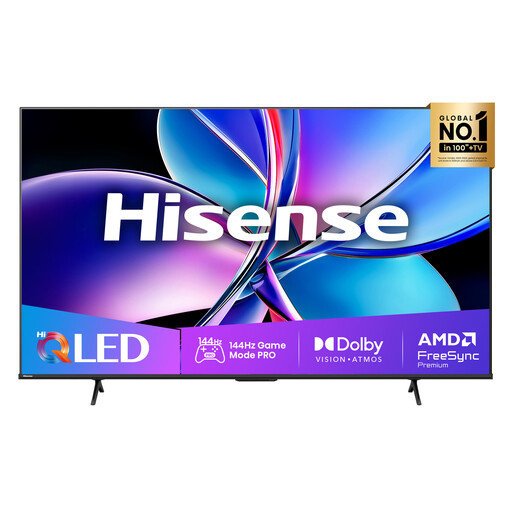
Hisense 85E7Q PRO 85-inch 4K QLED Smart TV
The stated 85-inch diagonal is a starting point for comparing the TV with your viewing distance and the space available.
Specifications according to the product name: 4K QLED and 144 Hz.
View on Joybuy
 No image available
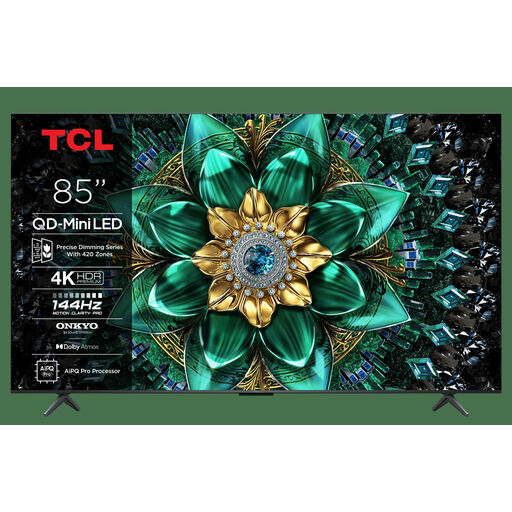
TCL 85Q6C 85-inch 4K QD-Mini LED TV
Compare the stated 85-inch diagonal with your viewing distance. The title also mentions Onkyo 2.1 audio.
Specifications according to the product name: 4K, QD-Mini LED, HDR, Dolby Vision IQ and 144 Hz.
View on Joybuy
Frequently asked questions
How can you estimate screen size without assuming a fixed viewing distance?
Measure the distance from your seat to where the TV will go. Consumentenbond suggests using around 2.4 times the screen diagonal as a guide. So, for an approximate diagonal in centimetres, divide your measured distance in centimetres by 2.4. Then check that the TV will fit and that you’re comfortable with the size.
Can you watch a recorded performance from USB or an external player?
You can usually connect an external player via HDMI. To play a recording directly from USB, compare its file format and codec with those supported by the exact TV model. Having a USB port doesn’t, by itself, guarantee playback.
What picture settings can you adjust after installation?
Watch a familiar scene with the lighting you normally use at home. Consumentenbond recommends taking room lighting into account; adjust the picture settings so that details remain visible in both light and dark areas.
What are your rights in the Netherlands if the TV develops a fault or you buy online?
If a product is faulty, you have statutory rights against the seller. According to the Dutch government, the Netherlands has no fixed statutory guarantee period; what matters is what you could reasonably expect from the product. For online purchases from a business, a 14-day cooling-off period applies in many cases. Check which terms apply to your purchase.
What can you compare on a TV’s energy label?
Televisions are covered by European energy-labelling rules. Compare the label information, including energy efficiency, screen diagonal and the stated consumption for SDR and HDR. An energy label rating doesn’t assess picture quality.


