Start by measuring the available width and depth, including the stand, and check the distance to the seating before choosing a screen size. If you’re playing the film from a laptop, check its video output, any adapter you may need and the TV’s connections. If you’re playing it via USB, test the actual film file beforehand. A smaller screen takes up less space, but that doesn’t necessarily mean it will be easy to see for everyone sitting further away.
Who is this choice relevant to?
Student with a narrow shelf
You have limited space for the TV and its stand. So, measure the available space first and remember to factor in the viewing distance too. The Consumers’ Association points out that the TV’s width and height matter when placing it on a piece of furniture.
Film-maker presenting from a laptop
You want to play your project film to fellow students without connection issues getting in the way. Check the laptop output, the TV connection and any adapter or cable you may need in advance. The Consumers’ Association describes HDMI as a common way to connect external equipment.
Viewing group with different seats
You’re looking for a screen that not only fits on the shelf, but is also easy to see from the furthest seat. The Consumers’ Association lists viewing distance as something to consider when choosing a screen size.
What should you look for when choosing?
First measure the space and viewing distance, then decide how you’ll play the film and finally compare what else you’ll need for your setup.
| What to consider |
What to look for |
Who is this important for? |
| Shelf space |
Measure the available width and depth and compare them with the TV’s dimensions, including the stand. |
If I have limited space, I want to be sure the TV will fit securely on the shelf. Around 36% of consumers prioritise the available shelf space. |
| Playing the film |
Check the laptop output, HDMI connection and any adapter you may need. If you’re playing the film via USB, test your own file. |
If the screening needs to start without connection problems, I want to be able to test my playback setup beforehand. Around 29% of consumers prioritise trouble-free playback. |
| Picture and sound for the group |
Measure the distance to the seats and assess the picture and spoken dialogue using a clip from the film. Check for a suitable audio output if you want to use external speakers. |
If people are watching from different distances, I want them to be able to follow the picture and dialogue. Around 21% of consumers prioritise being able to watch and listen together. |
| What else you need besides the TV |
Check which cables, adapters, stands or wall brackets you already have, and which parts will work with your setup. |
If I’m planning the complete setup, I want to know what else I’ll need. Around 14% of consumers focus first on the total cost. |
Common mistakes when buying
-
Comparing only the screen diagonal with the shelf
The diagonal doesn’t tell you whether the whole TV, including its stand, will fit on the shelf. The TV’s width, height and depth matter too.
Measure the shelf and compare it with the dimensions of the exact model, including the stand, before choosing a screen size. You may need a different stand or a suitable wall bracket.
-
Assuming USB or a smart TV means the film will play
A USB port or smart platform doesn’t confirm that a particular video file is supported.
Test your file or the complete laptop-to-TV connection well before the screening. Remember to allow for a laptop, adapter or cable if needed.
-
Confusing an extended warranty with your statutory rights
An additional warranty product is not the same as the statutory rights you may have alongside a retailer’s or manufacturer’s warranty. The Netherlands Authority for Consumers and Markets (ACM) explains this distinction in its warranty guidance.
First check which statutory rights apply, then compare what an additional product actually offers.
Brands to compare by model
Philips
Dutch product information describes the Philips 32PFS6900/12 as a compact Full HD TV with Ambilight, for anyone considering a 32-inch model.
- Full HD and Ambilight are model specifications.
- Compare the dimensions and connections of the exact version; the series name alone won’t tell you what they are.
Samsung
Samsung describes the 32-inch F6000F, model UE32F6000FUXXN, as a Full HD smart TV.
- This model is worth comparing if you’re looking for a compact Full HD screen.
- For your film connection, check the inputs and dimensions for this full model code.
LG
Dutch product information for the LG 32LQ63006LA lists a 32-inch Full HD screen and webOS.
- The model specifications give you a starting point for comparing screen size and smart platform.
- A smart platform doesn’t guarantee that a particular film file will play directly. Check your playback setup beforehand.
Sharp
Sharp lists a 32-inch Full HD QLED screen with Google TV and Google Cast for the 32GF3265E.
- These model specifications can help you compare screen type and platform.
- Check that the model code of the TV you’re looking at matches the version you want.
TCL
The Consumers’ Association lists several 32-inch TCL models in its Netherlands test overview, so you can compare them individually.
- The overview can help you find specific models to look into further.
- A listing alone doesn’t provide freely accessible test scores or a quality ranking for an individual model.
Joybuy TVs for this setup
This selection includes 24- and 32-inch TVs with listed connection options for a laptop or another source. Before buying, check the dimensions of the exact version and make sure your film file or complete connection setup will work.
 No image available
KOORUI K32Q1FFQ-T8 32-inch Full HD QLED TV
The stated 32-inch size may suit a compact setup; check the TV’s dimensions and the connections available for your source.
Full HD, QLED and Tizen TV. The product information lists HDMI ARC; check the connections on this version for a laptop connection.
View at Joybuy
 No image available
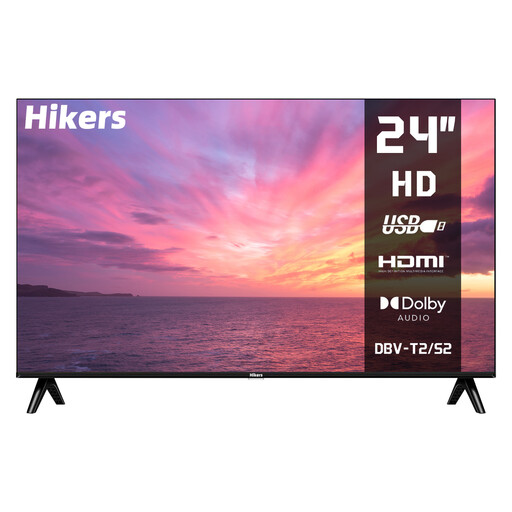
Hikers HD 24-inch (60 cm) television
The 24-inch size is worth comparing if space is limited; also consider the distance to the seats.
Resolution: 1366 × 768. The product information lists HDMI, USB video playback and VESA 100 × 100 wall mounting; test your own video file beforehand.
View at Joybuy
 No image available
CHiQ L32QM10E 32-inch QLED smart TV
The stated 32-inch size may suit a compact setup; compare the TV’s dimensions with the shelf and stand for your chosen placement.
QLED, 1920 × 1080, HDMI 1.4 and USB 2.0. Check which connection works with your playback device and test a USB file beforehand.
View at Joybuy
 No image available
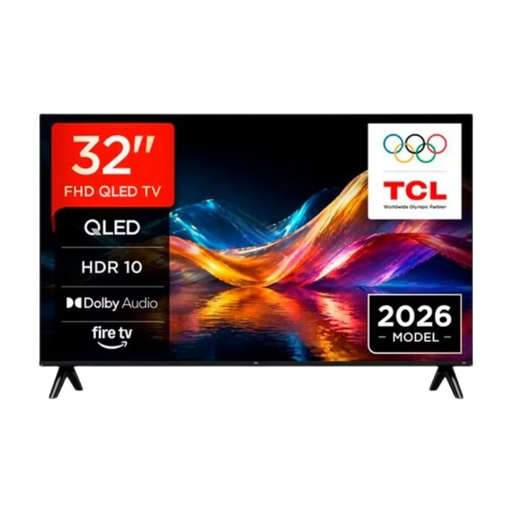
TCL 32V5D 32-inch QLED smart TV
The stated 32-inch size is a useful starting point for a compact viewing setup; check the dimensions and connections for your needs.
QLED. The product information lists Apple AirPlay for mirroring mobile devices; check separately how you’ll play the project film from your laptop.
View at Joybuy
 No image available
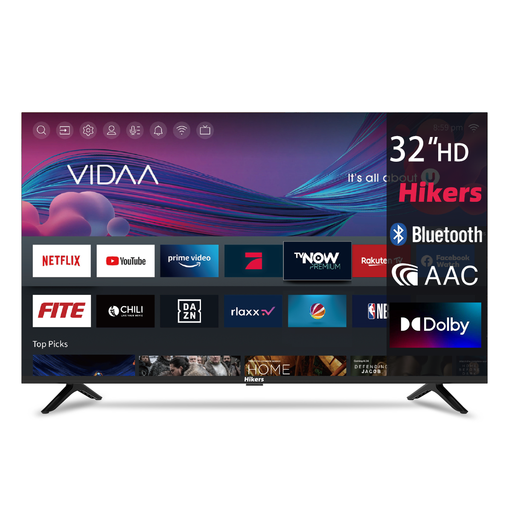
Hikers HD 32-inch (80 cm) smart TV
The stated 32-inch size may be a good choice if several people will be watching together; measure the shelf and factor in the distance to the seats.
Full HD (1920 × 1080), with 3 HDMI and 2 USB connections according to the product information. Check that the connections suit your playback setup and test the film file beforehand.
View at Joybuy
Frequently asked questions
Is 32 inches always the right size for a project film?
No. The right size depends on both the space available and the distance to the viewers. Measure both; the Consumers’ Association lists viewing distance as a useful guide when choosing a screen size.
Can I play an MP4 file directly via USB?
You can’t tell from the USB or MP4 label alone. Check the playback capabilities of the exact TV model and test the actual file beforehand. Connecting a laptop via HDMI is another option.
Will I need anything else for connecting or setting up the TV?
That depends on your equipment and setup. An HDMI cable isn’t always included, a laptop may need an adapter, and wall mounting may require a suitable bracket. Check what you already have and what works with the model you’ve chosen.
How should I set up the TV for a screening?
Check the picture at home using a scene from the film and the lighting conditions you’ll have during the screening. The Consumers’ Association notes that shop settings are designed for displaying TVs in-store, and that you often won’t need such a high brightness level at home.
What rights do I have when buying a TV online in the Netherlands?
For a standard online consumer purchase, you generally have a statutory cooling-off period. The ACM gives a television ordered online as an example and describes a period of up to 14 days after delivery. You also have statutory rights if the product doesn’t perform as you could reasonably expect under normal use. These rights are separate from any additional warranty.


