
Event organiser with seats at the back
You’re sharing historical photos in a room and want to find out first which screen will work from the furthest seat. The Dutch Consumers’ Association identifies viewing distance as an important starting point.


First, measure the distance from the back row, then check whether both the photos and the smallest text on your slides are clear from there. Viewing-distance guidelines can’t guarantee that captions will be readable. Also assess the viewing angle and reflections in the room, and test your presentation source — for example, a laptop connected via HDMI — before you buy.
You’re sharing historical photos in a room and want to find out first which screen will work from the furthest seat. The Dutch Consumers’ Association identifies viewing distance as an important starting point.
You’re considering people seated at an angle to the screen, as well as the room’s lighting. The Dutch Consumers’ Association points out that viewing angles can vary between TVs.
You want to show your existing slideshow from a laptop or another source, and check in advance that the connection and files work. The Dutch Consumers’ Association explains the connection options available on TVs.
Start with the furthest viewing distance and the readability of your own slides. Then compare the view from different seats, your presentation source and the energy consumption of specific models.
| What to consider | What to look for when buying | Who should prioritise this? |
|---|---|---|
| Readability from the back | Measure the distance from the back row. The Dutch Consumers’ Association gives around 2.4 times the screen diagonal as a starting point for a comfortable viewing distance; also test small captions using your own slides. | If I want to follow photos and small captions from the back, I test a representative slide from the furthest seat. Around 36% of consumers are most concerned about readability over long viewing distances. |
| Visibility from seats at an angle | View the specific TV from the seats at either side of the room, and check for reflections under the usual room lighting. | If my audience is spread across a wide area, I want to know whether the slides are clear from the sides and under the room lighting. Around 29% of consumers prioritise visibility from different seats and under the available lighting. |
| Playing your presentation | Choose between connecting a laptop via HDMI and playing directly from USB. For USB playback, check which file formats are supported and test your own files on the exact model. | If I want to show my existing presentation without any surprises, I check the source and connection in advance. Around 21% of consumers count reliable playback among their main purchasing concerns. |
| Energy use and static images | Compare energy consumption in kWh per 1,000 hours on the energy labels. If slides will remain unchanged for a long time, also check the guidance for your chosen screen type. | If I use the TV often or leave slides on screen for a long time, I consider its energy use and screen characteristics. Around 14% of consumers give these points top priority. |
A general viewing-distance guideline won’t tell you whether the smallest text on your slides will be readable from the back row.
View a real slide from the furthest seat before deciding on the screen size.
Viewing angles vary between models, and the room layout and reflections also affect what people can see.
Assess your shortlisted model from the seats at either side of the room, under the lighting you expect to use during your presentation.
A USB port alone doesn’t confirm that the TV supports your files or the presentation order you want.
Check the manual for the exact model and test your files. Alternatively, you can connect a suitable laptop via HDMI.
Energy consumption varies by model and how long you use it. With OLED, displaying the same image for a long time needs extra consideration because of the risk of image retention.
Compare energy consumption per 1,000 hours on the label, and vary static images during long presentations.
According to Samsung, the QE75QN1EHAUXXN is a 75-inch Neo QLED model with a mini LED backlight.
The 75PUS7800/12 is a 75-inch 4K QLED TV.
The OLED77B68LA.AEU is a 77-inch OLED model. Claims about colour and contrast come from LG.
The 75T8C is described as a 75-inch 4K QLED model.
These Joybuy product picks focus on large screens and showing presentations from a suitable external source. Check visibility from the back row and file compatibility for each model.
 No image available
The 75-inch diagonal is worth considering if you’re looking for a large screen for the back row; test the readability of your own slides in the room.
The product name lists 4K, QD-Mini LED and 144 Hz VRR. The product description mentions HDMI 2.1 for connecting external devices.
 No image available
The stated 86-inch screen size is an option to consider when viewers are seated a long way away; check that it suits the room and mounting position.
The product name lists 4K, HDR10+ and Google TV. The product description mentions HDMI 2.1.
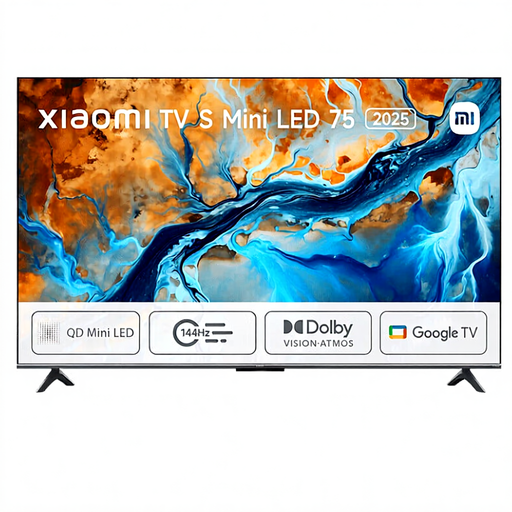 No image available
The 75-inch version is designed for those considering a large screen for presentations; test small captions from the back row.
The product name lists Mini LED and 4K. The product description mentions HDMI connectivity.
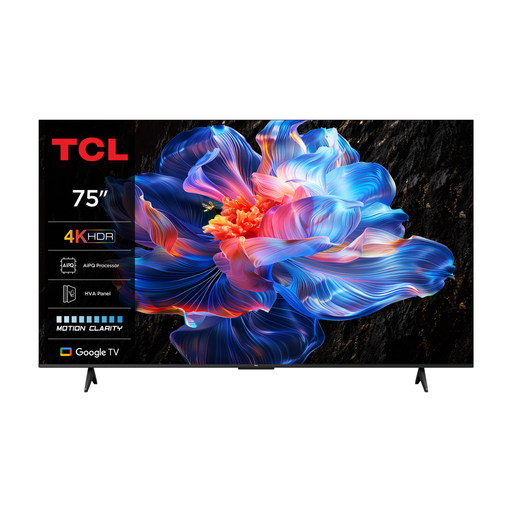 No image available
The 75-inch screen size may suit a long viewing distance; check the picture from the seats at either side of the room before making your choice.
The product name lists 4K and 60 Hz. The product description mentions an HVA panel, wide viewing angles and HDMI 2.1.
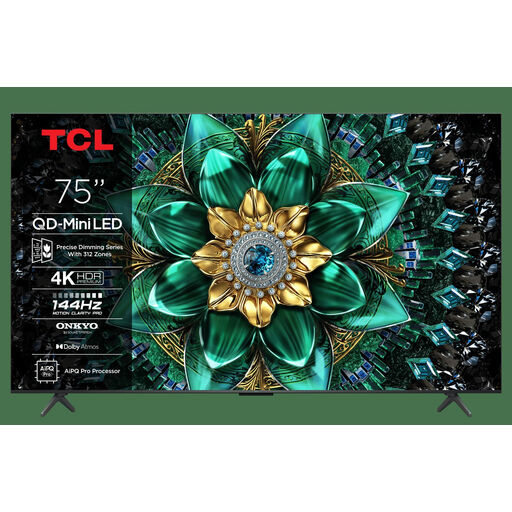 No image available
The 75-inch diagonal is worth considering for a presentation viewed from a distance; use your own slides to check that text and details remain readable from the back row.
The product name lists QD-Mini LED and 4K. The product description mentions HDMI connections for external devices.
No. Screen size alone doesn’t guarantee that small captions will be readable. Measure the distance from the back row and test a representative slide with the smallest text.
That depends on your files and the support offered by the exact TV model. Check the manual and test your files. If you’re presenting from a laptop, you can also use a suitable HDMI connection.
Show a familiar photo with light and dark areas under the room’s usual lighting. View it from the back row and the seats at either side of the room, then adjust the picture settings to suit your presentation.
Compare the consumption in kWh per 1,000 hours on the energy labels for the exact models, and take your own usage time into account. Without that information, you can’t make a meaningful comparison of running costs.