Who is this choice for?

Housemates who view photos together

You want details to be visible from the furthest seats and those at an angle, too. The Consumers’ Association recommends considering the viewing angle when watching together. Measure the viewing distance before choosing a screen size as well.

Digital archive file managers

You want to switch smoothly between photos, videos and explanations during a presentation. So check how the source device connects and whether the TV can open the files you use. Samsung Netherlands explains that screen sharing can vary depending on the TV and mobile device.

Housemates sharing the costs

You want to weigh up the purchase, energy use and any installation costs together. The Dutch government describes the statutory guarantee as your right to a product that works properly; a paid service plan is a separate choice.

What should you consider?

LCD LED TV

A good fit if: you mainly show photos, documents and videos, and want a TV for shared use.

Bear in mind: viewing angles and black levels vary by model. The technology name alone doesn’t guarantee a clear view from every seat.

QLED or mini LED LCD TV

A good fit if: you also watch films regularly, or the room gets a lot of daylight.

Bear in mind: these names don’t tell you how well the screen can be viewed from an angle or how it handles reflections. Assess the specific TV.

OLED TV

A good fit if: film picture quality and contrast matter alongside the archive, and the content changes regularly during presentations.

Bear in mind: the Consumers’ Association observed temporary image retention on older OLED models after long periods of static display, but considers the risk low with normally changing content.

What to consider What to look for Who it matters to
Screen size and legibility Measure the distance from the furthest seat and view the content from there. The Consumers’ Association suggests 40–50 inches at 250 cm and 43–55 inches at 300 cm as a starting point, not a fixed rule. If I want to follow maps, photos or captions from the back row, screen size as seen from my seat is key. Around 33% of consumers making this choice prioritise legibility for the group.
Playing files Check the connections on your source device and, if direct playback matters, test representative photo and video files on the exact TV. Screen sharing varies by device; the method described by Samsung requires Wi-Fi. If I want to use a laptop, phone or USB storage device, I want to know in advance whether my own files and connection will work. Around 27% of consumers give trouble-free playback top priority.
Side viewing and reflections View light and dark images from the side seats in similar room lighting. Assess reflections and viewing angles for each model rather than relying on the display technology alone. If housemates sit in different places or light from the windows falls on the screen, I want everyone to be able to see the presentation. Around 20% of consumers focus mainly on visibility in their own room.
Total costs Compare the EU energy labels of models in a suitable size, and agree in advance who will pay for any installation or accessories. A paid service plan does not replace the statutory guarantee. If we buy and use the TV together, I also want to factor in energy use and additional services. Around 20% of consumers prioritise the total shared cost.

Common pitfalls

  • Choosing based on screen size alone

    The distance from the screen and the seats at the sides both affect how easily housemates can follow the details. A screen may also take up too much space in the room.

    First, measure the usual seating positions, then compare suitable screen sizes. Check the picture from the side seats, too.

  • Assuming a smart TV will play every archive file

    A TV may display photos without supporting every video or file format from USB. Screen sharing also depends on the combination of TV and source device.

    Check the file formats and connections supported by the exact TV. If necessary, have a suitable HDMI connection to a laptop or another source device ready.

    You may need a suitable cable, adapter or other source device for this connection.

  • Leaving the same archive screen on an OLED TV for a long time

    The Consumers’ Association observed temporary image retention on older OLED models after long periods of static display, but considers the risk low with normally changing content. This finding doesn’t predict how every current model will perform.

    Rotate the images and avoid leaving still photos, titles or menus on screen for unnecessarily long periods. Compare LCD models if you expect the display to remain unchanged for a long time.

  • Confusing a paid service plan with the statutory guarantee

    The Dutch government describes the statutory guarantee as your right to a product that works properly. An optional service plan or installation is a separate service.

    Compare what the seller must put right if something goes wrong with any additional services you may want to buy.

    Installation or additional services may mean extra costs and arrangements for the student house.

Brands worth comparing

Samsung

The Dutch U7000F range includes a 43-inch 4K LCD model, which may be a compact option if it suits your measured viewing distance.

  • Samsung lists 4K processing and energy label G for the UE43U7000FUXXN.
  • These specifications don’t show how archive details or side viewing will look in your room. Check the connections and viewing angle separately.

LG

The Dutch UA73 range includes a 43-inch 4K model with webOS, offering an option to compare for a smaller shared room.

  • LG lists an alpha 7 processor and 4K upscaling for the 43UA73006LA.
  • According to LG, picture quality after upscaling depends on the source resolution. Also check whether the TV can display the specific archive files you use.

TCL

According to TCL, the P7K range includes 43- and 50-inch QLED LCD screen sizes. Measure your viewing distance before choosing between them.

  • TCL lists Dolby Vision, HDR10+ and an HVA panel for the range.
  • Claims about colour and brightness on the manufacturer’s website are not an independent assessment of how the TV will perform in a student house. Check reflections and viewing angles in person.

Philips

The Dutch PUS7800 range includes a 50-inch QLED 4K model for anyone looking for more screen space after measuring the room.

  • Philips lists smart TV features and Dolby Atmos for the 50PUS7800/12.
  • This information from the manufacturer doesn’t tell you how the TV handles reflections or viewing angles, or whether it’s compatible with your archive files.

TVs at Joybuy

These TVs offer QLED or mini LED options for displaying archive material. Measure your viewing distance and check the connections you need before choosing a screen size.
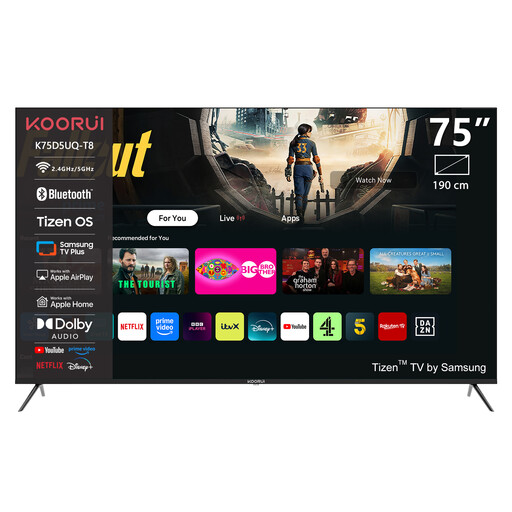
KOORUI K75D5UQ-T8 75-inch 4K UHD QLED TV

KOORUI K75D5UQ-T8 75-inch 4K UHD QLED TV

Consider this 75-inch model only if your measured viewing distance and available space are suitable for a screen of this size.

The product title lists 75 inches, 4K UHD and QLED.

Joybuy
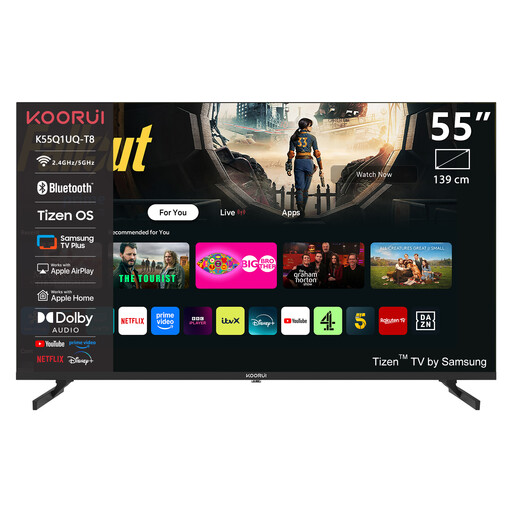
KOORUI K55Q1UQ-T8 55-inch 4K QLED TV

KOORUI K55Q1UQ-T8 55-inch 4K QLED TV

Compare this 55-inch model with your measured viewing distance, and check whether you can connect your source devices to the TV.

The product title lists 55 inches, 4K, QLED and Tizen TV.

Joybuy

TCL 50Q6C 50-inch 4K Mini LED TV

TCL 50Q6C 50-inch 4K Mini LED TV

The 50-inch screen is an option to compare after measuring the distance to your seats.

The product title lists 50 inches, 4K, Mini LED and 144Hz. The product description mentions Google Cast, Miracast and AirPlay 2 for wireless sharing.

Joybuy
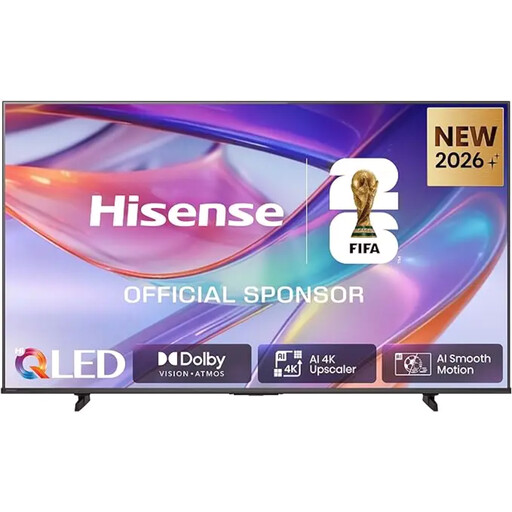
Hisense E7S 85-inch 4K UHD QLED TV

Hisense E7S 85-inch 4K UHD QLED TV

Consider this 85-inch model only if the room and viewing distance can accommodate it. The product description says that three or more people are needed to position it.

The product title lists 85 inches, 4K UHD and QLED.

Joybuy

METZ 43MQF7500Z 43-inch 4K UHD QLED TV

METZ 43MQF7500Z 43-inch 4K UHD QLED TV

Compare this 43-inch model with the distance to your seats, and check in advance how you’ll connect your presentation device.

The product title lists 43 inches, 109 cm, 4K UHD, Google TV, HDMI 2.1 and Googlecast.

Joybuy

Frequently asked questions

Can I show archive photos directly from a USB stick?

Some TVs can display photos via USB, but that doesn’t mean every archive file will open on every model. Check the formats supported by the exact TV and try some representative files. If not, a suitable source device connected via HDMI may be the answer.

What can I do if wireless presentations aren’t working?

First, check whether the TV and mobile device support your chosen method. The screen mirroring method described by Samsung requires Wi-Fi, and the steps vary by TV and phone. A suitable wired connection may be an alternative.

What are my rights if a TV I bought online turns out to be faulty?

According to the Dutch government, when you buy a product you are entitled to one that works properly and to the statutory guarantee, as well as any manufacturer’s or seller’s guarantee. For distance sales, you often have 14 days to change your mind. The exact terms depend on the rules that apply; contact the seller if the TV is faulty.

Can I show archive videos or share them online without restriction if local residents are recognisable?

No. Having the files doesn’t automatically give you permission to show or share them. According to Auteursrecht.nl, showing protected film or video material depends, among other things, on the definition of a private circle being interpreted strictly; the guidance says a student society event falls outside it. The Dutch Data Protection Authority distinguishes between limited private sharing and sharing with a wider group when identifiable people are involved. Who is present, who holds the rights to the material and what you do with it can all make a difference; this doesn’t determine the circumstances of a specific evening at your house.
