
Family with a narrow TV shelf
Wants to look at photos together without choosing a TV or stand that won’t fit in the space they already have. Both shelf measurements and viewing distance matter.


First, measure the shelf and compare its available width and depth with the TV’s dimensions, including the stand. Based on its own research, the Dutch Consumers’ Association suggests that a viewing distance of around 2.4 times the screen diagonal is comfortable. Then check whether your chosen way of displaying photos can run a slideshow automatically.
Wants to look at photos together without choosing a TV or stand that won’t fit in the space they already have. Both shelf measurements and viewing distance matter.
Has holiday photos on a phone or computer and wants to know in advance which sharing method works with their chosen equipment.
Wants photos to be easy for several people to see, as long as the TV and stand fit in the available space.
First, measure the shelf with the TV stand in mind. Then assess your photo source and viewing distance in the intended set-up.
| What to consider | What to look for when buying | Who is this most important for? |
|---|---|---|
| TV and stand on the shelf | Measure the shelf’s width and depth, then compare them with the dimensions of the exact model, including its stand. | If I want to keep using my existing shelf, I’ll first check that the TV and stand will fit. Fit is the top priority for around 36% of consumers. |
| Sharing photos | Check the casting method you want to use, supported USB file formats or HDMI connection. Separately confirm whether photos will play in an automatic slideshow. | I want to show my holiday photos from my phone or computer without a complicated workaround. Transferring photos is the top priority for around 29% of consumers. |
| Visibility for the group | Measure the viewing distance and assess the screen size and viewing angle in the room where your family will be watching. | When we watch from different seats, I want everyone to be able to see the photos, as long as the TV can be positioned properly. This is the top priority for around 21% of consumers. |
| Use and support | Compare the energy label for the exact model and read the terms and conditions for any extended warranty. | I like to compare expected usage and service terms before choosing. Around 14% of consumers put these points first. |
The diagonal measurement doesn’t tell you whether the TV and stand will physically fit on the shelf.
Measure the available space and compare it with the overall dimensions and stand dimensions of the exact model before you choose.
If the stand doesn’t fit, you may need a different set-up or a suitable support.
Google’s Google Photos instructions explain how to cast photos and switch between them manually. General USB information doesn’t confirm that every TV will automatically play a slideshow.
Check that the exact TV and photo source support your files, and that the way photos change matches what you want.
Preparing files in advance or using a different source may involve extra steps.
The Dutch Consumers’ Association points out that apps can disappear from smart TVs, so you may need another way to display photos.
Check which sharing method you need and whether your chosen model has a suitable alternative connection.
Philips Netherlands describes the 32PFS6900/12 as a compact Full HD TV with Ambilight.
LG Netherlands lists a Full HD screen and webOS for the 32LQ63006LA.
Samsung Netherlands lists a 32-inch FHD F6000F and a 43-inch 4K U8090F. These are different size options to compare with your shelf and viewing distance.
The Dutch Consumers’ Association includes the 32S59K in its overview of tested 32-inch TVs.
These compact TV options list ways to share from a mobile device or connect a photo source. Check for each model whether it supports your preferred photo files and automatic slideshow.
 Image unavailable
A 32-inch model to consider if you’re looking for a compact TV and want to share photos from a mobile device. Check that the listed screen mirroring works with your devices.
The product name lists QLED and Google TV. The product information lists wireless screen mirroring from iOS and Android devices, HDMI 1.4, USB 2.0 and Bluetooth 5.0.
 Image unavailable
The listed Chromecast feature may be useful if you want to share photos from a phone. Check that it works with your devices and preferred way of playing photos.
The product name lists HDR10, dbx-TV, Dolby Audio, Chromecast and Power-C compatibility with a power bank.
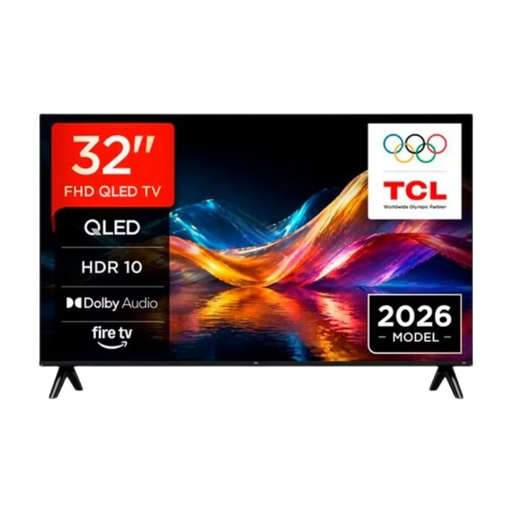 Image unavailable
A 32-inch option to consider for a compact set-up. Check that the listed mobile sharing method works with your photo source.
The product name lists QLED. The product information lists Apple AirPlay for mobile screen mirroring.
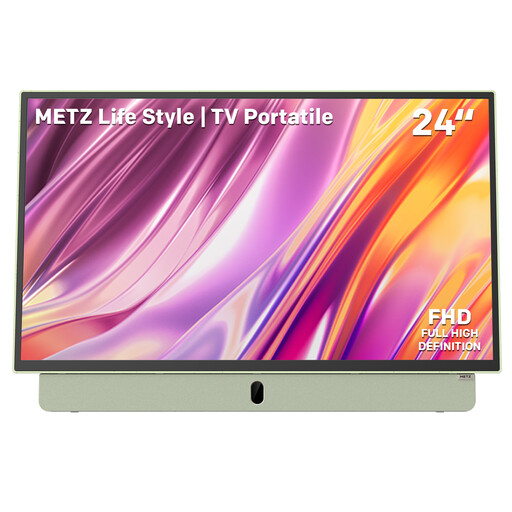 Image unavailable
The 24-inch size and listed HDMI and USB connections may suit a smaller space or an external photo source. Check that your files are supported before you buy.
The product name lists a built-in battery, anti-glare screen, Google TV and Wi-Fi 5. The battery is specified to last for up to 3 hours.
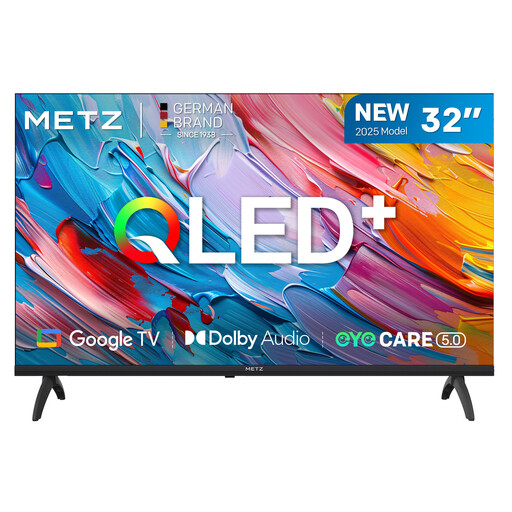 Image unavailable
This 32-inch model may suit a compact set-up. Check the dimensions including the stand and whether your preferred photo source works with the listed connections.
The product name lists HDR10/HLG, Dolby Audio and 93% DCI-P3 colour coverage. The product information lists HDMI and USB connections and compatibility with Android and iOS devices.
Yes. Google explains how to cast a photo or album from Google Photos on Android to a Chromecast, provided both devices are connected to the same Wi-Fi network. The instructions describe switching between photos manually; check separately whether your set-up can run a slideshow automatically.
Measure the shelf and compare its width and depth with the dimensions of the exact TV, including the stand. Also measure the viewing distance: the Dutch Consumers’ Association suggests that a viewing distance of around 2.4 times the screen diagonal is comfortable, but that doesn’t prove the TV will fit on the shelf.
Before buying, check which sharing method you need and which connections the model you’ve chosen has. The Dutch Consumers’ Association points out that apps can disappear from smart TVs, so another source or connection may be useful.
An extended warranty isn’t compulsory. According to the Dutch Government, there is no fixed legal warranty period in the Netherlands; if a product is faulty, the seller must provide a solution. The European Commission states that electronic displays, including TVs, use an energy label scale from A to G. Compare the label for the exact model.