What should you look for when choosing?
First check your files and how you plan to play them. Then choose a screen and sound setup to suit the room and seating.
| What to consider |
What should you check? |
Who is this important for? |
| Local files and subtitles |
For the exact model, check the file format, video and audio codecs, and any subtitles. If possible, test a representative file in advance. |
I want to play my documentary from a USB drive without having to find another solution on the night. Around 31% of consumers put working files and subtitles first. |
| Screen size and side-on viewing |
Measure the viewing distance and check the picture from the seats at either end. |
I want guests spread along the sofa to be able to follow what’s on screen, not just those sitting directly in front of it. Around 25% of consumers prioritise seating and side-on viewing. |
| Light, contrast and reflections |
Take daylight and lamps near the viewing area into account, and compare specific models in similar conditions. The Consumers’ Association explains that OLED generally offers deeper blacks and a wider viewing angle, while QLED TVs can often achieve higher brightness. |
I want to see dark scenes clearly, or avoid the ambient light overpowering the picture. Around 19% of consumers put light and contrast first when choosing. |
| Dialogue and sound |
Listen to spoken dialogue at the volume you expect to use. Check for HDMI-ARC or eARC if you want to connect a compatible sound system. |
I want to follow the conversations in the documentary and know in advance whether the TV speakers will be enough for my room. Around 25% of consumers prioritise clear dialogue and their sound setup. |
TVs on Joybuy for this viewing setup
This selection includes OLED, LED, QLED and mini-LED models, with features to compare for different playback options and viewing spaces. Check that the exact model supports your files, audio and subtitles.
 No image available
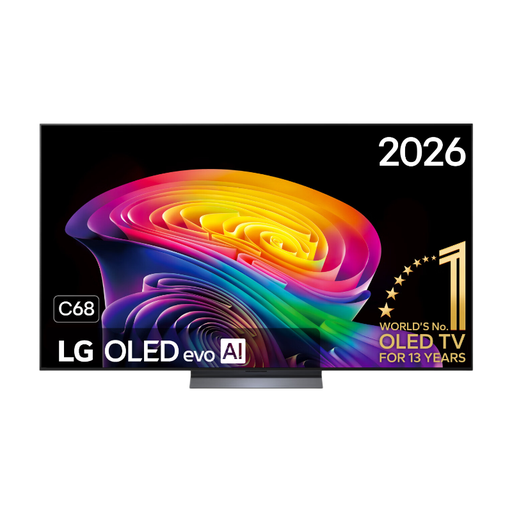
LG OLED55C68LA 55-inch OLED evo AI C6 4K Smart TV
This OLED model is worth comparing if black levels and multiple viewing positions matter; check support for local files separately.
55-inch OLED evo, 4K and four HDMI ports. The product information also lists eARC and 40 W audio.
View at Joybuy
 No image available
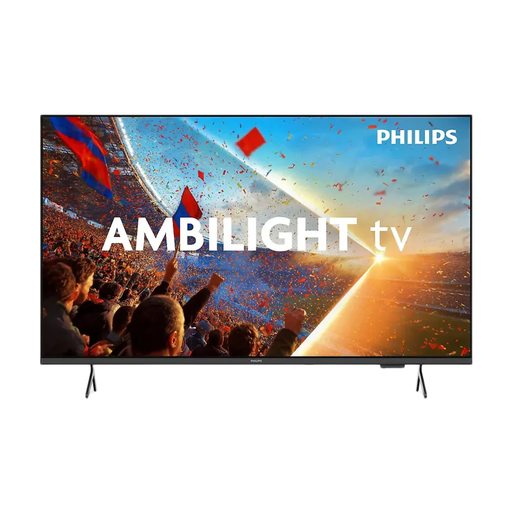
Philips 55PUS8001 55-inch 4K TV
This 55-inch option is worth comparing if you want to play files directly through the TV; check that your file formats are supported.
The product information lists 4K LED, USB media playback and HDMI eARC. Formats listed include HEVC/H.265, MKV and SRT; this doesn’t confirm that every file with those extensions will work.
View at Joybuy
 No image available
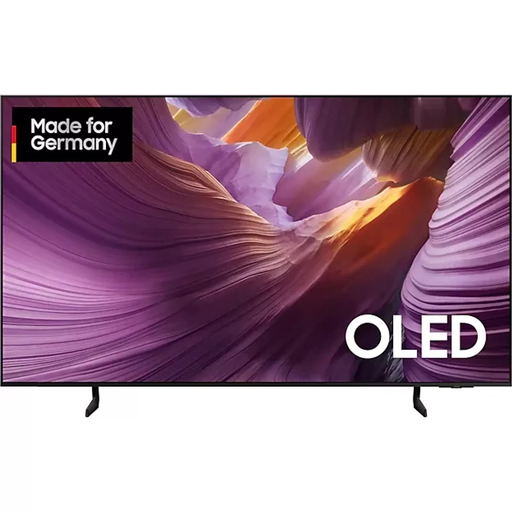
Samsung S85F Series GQ55S85FAU 55-inch OLED 4K TV
This OLED TV is worth comparing if you want to connect an external player via HDMI; the connection doesn’t guarantee that every source file will play.
55-inch OLED and 4K. The product information lists four HDMI ports and a 2-channel speaker system.
View at Joybuy
 No image available
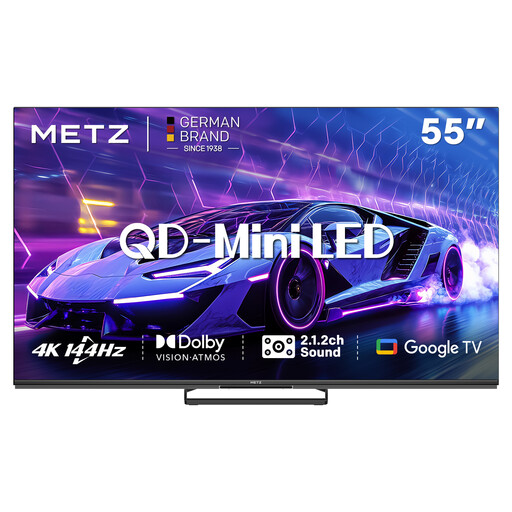
METZ 55MNE8000Z 55-inch QD-Mini LED TV
This mini-LED model is worth comparing with other screen technologies for your viewing space. Check file support for the exact model before relying on USB playback.
55-inch QD-Mini LED, 4K and HDMI 2.1.
View at Joybuy
 No image available
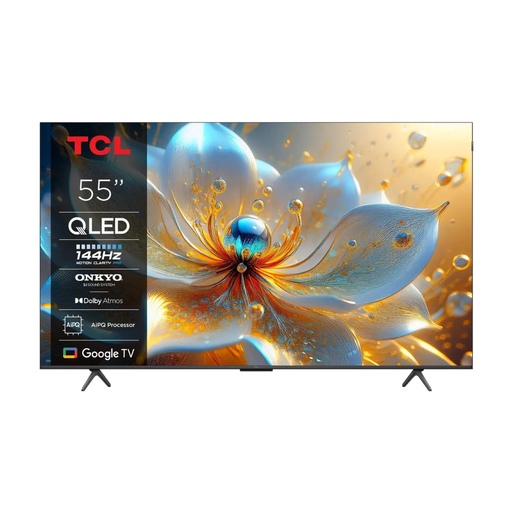
TCL 55T8C 55-inch 4K QLED TV
This 55-inch option is worth comparing if you want to connect a separate media player via HDMI; also check that your source files are compatible.
4K QLED and 144 Hz. The product information lists four HDMI inputs and a USB port.
View at Joybuy
Frequently asked questions
Can I play any video file on my TV from a USB stick?
No, not necessarily. Check the file extension and video and audio codecs for the exact model; a USB port alone doesn’t guarantee that the file will play.
What can I do if the documentary plays but the subtitles are missing?
Check whether the TV supports the subtitle format and whether the video and subtitle files have the required file names. Test the files together, as requirements vary by model.
How do I connect a laptop or soundbar?
You’ll usually connect a laptop or separate player via HDMI. For a compatible soundbar, use the HDMI port labelled ARC or eARC, and check the soundbar connection too.
Will I have to pay myself if my TV breaks too soon during normal use, after two years?
Not necessarily. According to ACM ConsuWijzer, your statutory guarantee is separate from a shorter manufacturer’s or seller’s guarantee. If the TV doesn’t meet what you could reasonably expect and you’ve used it normally, the seller is responsible for providing an appropriate solution at no cost.
Can I show guests a documentary from my own files in the Netherlands?
This depends, among other things, on who’s attending and the nature of the event. According to Auteursrecht.nl, the private-circle exception applies to family and close friends, or a similar group. A private school or association event isn’t automatically covered and may require permission from the rights holders. Having a file stored locally doesn’t in itself give you the right to screen it.


